AI image generation has moved far beyond simple novelty. In 2026, you can create product mockups, social media art, storyboards, and print-ready visuals from plain text. The tools now follow prompts with surprising accuracy, but they are not equal. A tool that shines for logos may fail on photorealistic portraits. That is why this guide ranks the best options by use case. If you are comparing two major contenders, start with our detailed Midjourney vs DALL-E 3 breakdown.
Marketers need fast, on-brand images for campaigns and ads. Developers want API access, fine-grained control, or local models. Hobbyists want low cost and fast results. This guide covers tools for each group. You can also check our picks for the best AI tools for marketers if your main goal is campaign content. The right image generator often depends on whether you value speed, control, price, or commercial safety.
Pricing is rarely simple. Some tools offer free daily credits, others charge per image, and some require a subscription. A few open source models cost nothing to run if you have the right hardware. We include specific pricing and free-tier limits throughout so you can compare without opening ten tabs. If you plan to use these images inside a larger workflow, read how to use AI for business before you commit to a subscription.
This article covers seven strong options in 2026: Midjourney, DALL-E 3, Google Imagen 3, Stable Diffusion, Canva, Adobe Firefly, and Ideogram. Each section explains what the tool does best, where it struggles, and who should skip it. We also flag common red flags below. If you need motion later, our guide to AI video editing tools is a good next step.
What You’ll Need
- A computer or smartphone
- Internet connection
- Discord account for Midjourney
- OpenAI account for DALL-E 3
- Google account for Imagen 3
- Optional GPU with 8 GB VRAM for Stable Diffusion
- Canva or Adobe account for those tools
How Do You Best AI Tools for Image Generation in 2026?
- Start with Midjourney if you want the best artistic image quality.
Midjourney still leads on stylized, painterly images and creative rendering in 2026. It is not the cheapest and it still runs primarily through Discord, but the output often looks like a human artist finished it. The Basic plan costs $10 per month and includes about 3.3 hours of fast GPU time, which roughly equals 200 images. If you need more, the Standard plan at $30 per month gives more fast hours and unlimited relaxed generations.
To use Midjourney, join the official Discord, go to a newbie room, and type /imagine followed by your prompt. You can add style references, aspect ratios, and character references. The tool is strong for concept art, fantasy scenes, and editorial illustrations. It struggles a bit with exact text inside images, though the 2026 version is better than past models. For a direct comparison, see Midjourney vs DALL-E 3.
The catch is that Midjourney has no permanent free tier. You may get occasional free trial events, but you should not count on them. Also, the Discord interface feels odd if you are used to a web app. That said, the community and shared prompts are a real plus. You can learn fast by watching other people’s prompts and settings.
Who should use Midjourney? Illustrators, concept artists, and anyone who values visual beauty over pixel-perfect text. Who should skip it? Teams that need a strict API or simple browser interface. If you need an open source alternative, the Stable Diffusion step later is better.
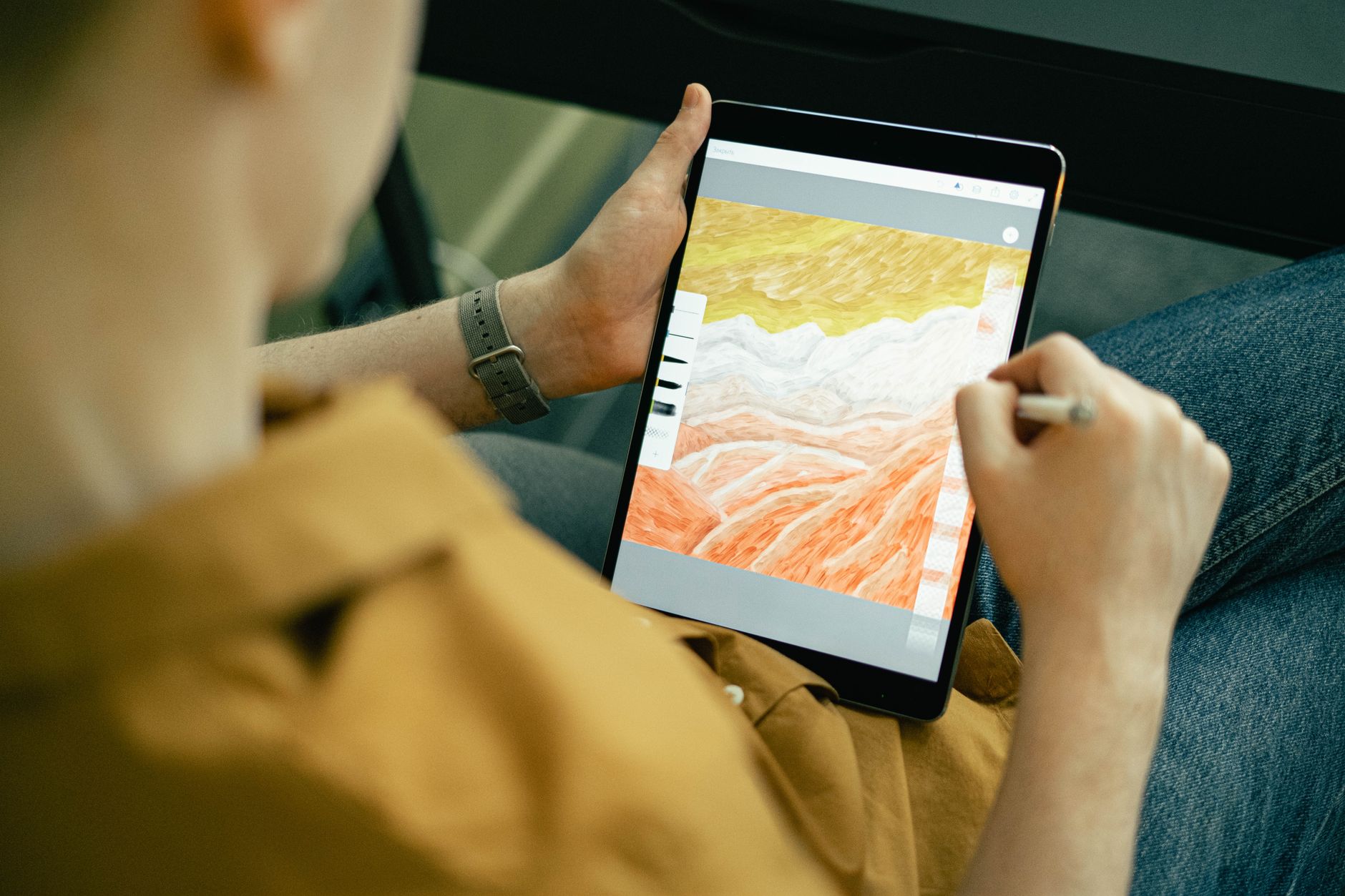
- Use DALL-E 3 inside ChatGPT when you want fast, accurate prompts and easy text rendering.
DALL-E 3 has the easiest entry point because it lives inside ChatGPT. You type what you want in plain conversation and the model builds the image, then offers to tweak it. ChatGPT Plus costs $20 per month. You also get access to GPT-5 level text features along with image generation. The tool is far stronger at readable text than Midjourney, which makes it great for posters, mockups, and social graphics.
If you need programmatic access, DALL-E 3 is available through the API. According to OpenAI’s documentation, a standard 1024 by 1024 image costs $0.040, while HD images cost $0.080. You can check current model limits on OpenAI’s site. That per-image pricing is attractive for small apps that only need a few images per user.
The main limitation is strict content policy. DALL-E 3 refuses many prompts involving real people, brand logos, and violent or suggestive content. That is fine for safe work, but frustrating if you need celebrity likenesses or news-style images. If you need more flexible photorealism, try Google Imagen 3 in the next step or compare ChatGPT vs Claude to see why ChatGPT remains the integrated pick.
Who should use DALL-E 3? Beginners who already use ChatGPT, marketers who need fast variations, and developers who want a simple API. Who should skip it? Artists who want full style control and people who refuse to pay a subscription. For more text-focused AI help, see our guide to the best AI tools for writers.
- Choose Google Imagen 3 in Gemini for photorealism and strong prompt adherence.
Google Imagen 3, accessible through Gemini and Google AI Studio, has become the standard for photorealism in 2026. It handles detailed prompts with impressive accuracy, especially for skin texture, lighting, and background details. The free Gemini tier includes some image generation, though production volume requires Google Cloud billing. Google publishes model details and access options on Google AI.
The main advantage is integration. If your team already lives in Google Workspace, Imagen 3 can feed images into Docs, Slides, and Gmail workflows. Product photographers and ecommerce teams like it for clean, realistic product shots. The prompt adherence is better than many rivals. For a broader Gemini comparison, see ChatGPT vs Gemini.
The catch is that Imagen 3 on the free tier is rate limited, and paid access can get confusing because Google bundles it with Vertex AI credits. Also, Google’s guardrails are very tight around brand logos, public figures, and medical imagery. That reduces risk but may block legitimate uses. If your priority is unlimited experimentation, Stable Diffusion may fit better.
Who should use Google Imagen 3? Photorealistic product work, quick Google Workspace users, and developers already on Google Cloud. Who should skip it? Those who want a one-time purchase or offline model. This tool also pairs well with our list of the best AI tools for developers.
- Run Stable Diffusion locally for free, open source control and unlimited experimentation.
Stable Diffusion remains the only major option that you can run entirely on your own hardware. Models like SDXL and SD3 are free to download for non-commercial use. With a consumer GPU that has 8 GB of VRAM or more, you can generate hundreds of images at no per-image cost. This is the best route for artists who want to fine-tune models, train LoRAs, or avoid content filters.
The typical workflow uses a local interface called Automatic1111 or a node-based tool called ComfyUI. You download a model checkpoint, load it, and type prompts. The learning curve is steeper, but the control is unmatched. You can adjust seeds, steps, samplers, and even inpaint specific areas. If you are comfortable with code, check our guide to the best AI tools for developers.
The catch is hardware and setup time. A weak laptop without a dedicated GPU will struggle or fail. You may need to spend 30 to 60 minutes installing dependencies and models. Also, some newer Stability models are not fully open source, so check the license before commercial use. However, once set up, Stable Diffusion is the closest thing to a free unlimited image lab.
Who should use Stable Diffusion? Tinkerers, developers, game studios, and artists who want a local, private pipeline. Who should skip it? Beginners who want instant results without setup. For business teams that prefer a managed tool, use Canva or Adobe Firefly next.
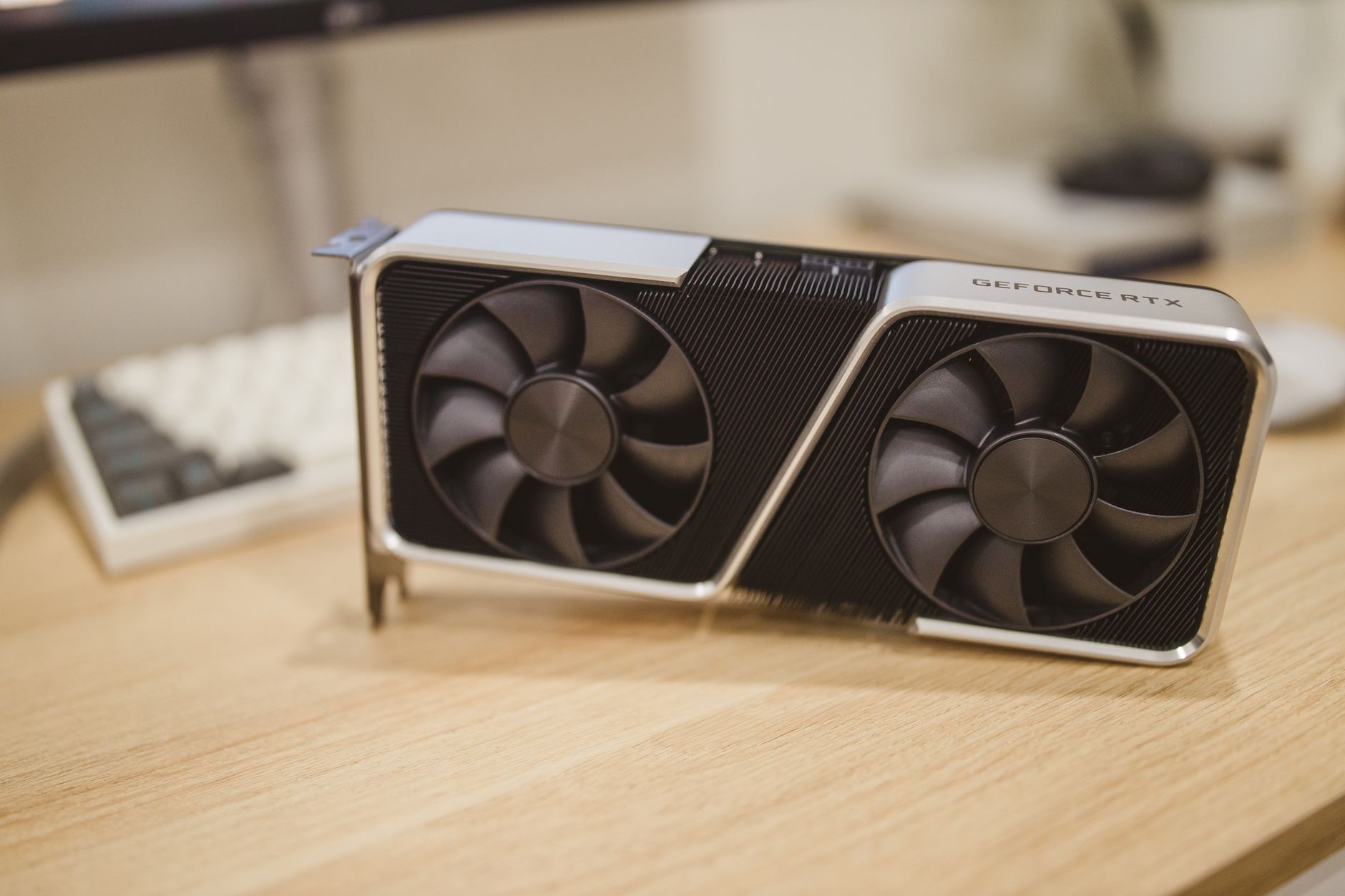
- Pick Canva AI for fast, on-brand marketing visuals without design experience.
Canva has woven AI image generation into its familiar design editor through Magic Media. You write a prompt, choose a style, and drop the result into a social post, flyer, or presentation. The Free plan includes 50 lifetime AI credits. For ongoing use, Canva Pro costs about $15 per month and includes more credits plus brand kits and background removal.
This is not the most artistically powerful tool. The images can look a bit stock-like, and fine details sometimes blur. But the workflow is unmatched for small teams. You can resize, add text, and export without leaving Canva. That is why it appears in our list of the best AI tools for marketers.
The main red flag is the credit system. Activities like generating, editing, and upscaling all consume credits. If you create daily, you may burn through Canva Pro credits faster than expected. Also, Canva’s AI filters are stricter for brand logos and trademarks. For commercial campaign work, check the licensing terms carefully.
Who should use Canva? Social media managers, small business owners, and educators who need quick visuals. Who should skip it? Advanced artists who want pixel-level control. If you need other small business tools, see the best AI tools for small business.
- Use Adobe Firefly for commercially safer AI art inside Photoshop and Creative Cloud.
Adobe Firefly is designed for professional workflows and commercial safety. Adobe trained it on licensed Adobe Stock images and public domain content, which reduces copyright risk compared with scraped web data. The free tier gives about 25 generative credits per month. Adobe Creative Cloud Photography plan costs around $19.99 per month and includes more credits plus Photoshop.
The killer feature is Generative Fill in Photoshop. You can select an area, type what you want, and Firefly blends it with the surrounding pixels. That is useful for product photo cleanup, background extension, and concept comps. Firefly also works as a browser tool for quick text-to-image tasks.
The drawback is that Adobe’s credit system can feel limiting after the free tier. High-resolution generations and some features use more credits. Also, Firefly is not a standalone budget tool. If you already pay for Adobe, it is an obvious add-on. If you do not, the subscription is hard to justify for only AI images.
Who should use Adobe Firefly? Photographers, designers, and agencies that need a defensible content pipeline. Who should skip it? Hobbyists on a zero budget and developers who want an API. For a broader look at productivity tools, see the best AI tools for productivity.
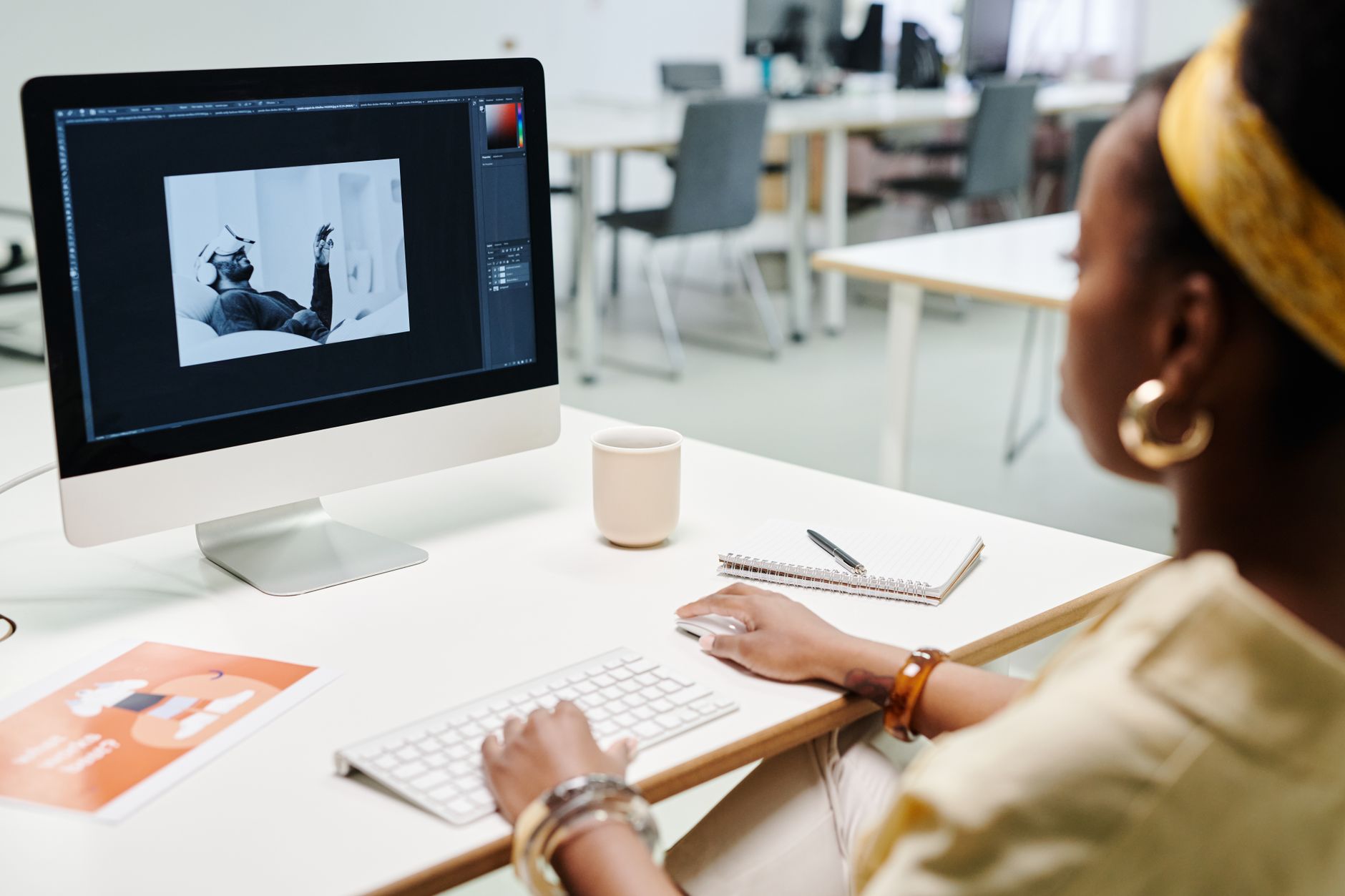
- Try Ideogram when your image needs long, accurate text, labels, or logo-style graphics.
Ideogram has carved out a niche in 2026 by rendering text inside images better than nearly every rival. It can produce posters, book covers, T-shirt designs, and product labels with legible words and numbers. The free tier gives a limited number of slow generations per day, while paid plans remove the queue and add priority credits. Paid plans start around $8 per month for more priority credits.
If you have burned hours trying to get DALL-E or Midjourney to spell a three-word slogan, Ideogram will feel like a relief. You type the exact text in the prompt, and it usually appears cleanly. That makes it useful for small business branding, event flyers, and meme-style content. It is less strong on painterly or highly detailed artistic scenes.
The main issue is that Ideogram’s image quality outside text-heavy use cases can trail Midjourney and Imagen. Also, its free tier adds a wait for slow generations. The paid plan removes most friction and gives higher resolution. For small business use, compare it with the best AI tools for small business.
Who should use Ideogram? Print-on-demand sellers, social media managers, and anyone who needs accurate text. Who should skip it? People who want cinematic fine art without text. This tool pairs naturally with our guide to the best AI tools for SEO when creating featured images and thumbnails.
Red Flags & Warnings
- 🚨 Do not upload private brand assets or unreleased product photos to a consumer image tool. Check the vendor’s data retention and training policy first. Your uploaded images may be used to improve models unless you opt out.
- 🚨 Watch credit rollover rules. Many tools reset unused credits at the end of the month. Paying for a plan does not always mean your balance carries over, so use high-value generations before the cycle ends.
- 🚨 Copyright for AI images is not settled. In some countries, fully AI-generated work may not be protected by copyright. If you need exclusive ownership, use a tool with a clear commercial license and keep your prompt and edit history.
- 🚨 Never generate a realistic face of a real person without consent. This includes celebrities, coworkers, and private individuals. Even if the tool allows it, you may face publicity rights or defamation claims.
- 🚨 Be skeptical of any tool that claims unlimited free generations forever. Free tiers usually cap resolution, add watermarks, or slow queues. Read the fine print on image ownership and watermarking.
Frequently Asked Questions
What is the best AI image generator for beginners in 2026?
DALL-E 3 inside ChatGPT is the easiest because you type in plain conversation and can ask for edits. It handles text well and the ChatGPT Plus plan includes image generation. Canva is also easy for non-technical marketing tasks but less powerful for art.
Can I use AI-generated images for commercial projects?
Yes, with caution. Many tools allow commercial use, but license terms vary by plan and jurisdiction. Adobe Firefly and Canva Pro offer clearer commercial paths. Always check the tool’s current terms for your specific use.
Which AI image generator is cheapest?
Stable Diffusion is cheapest if you already have a GPU with at least 8 GB VRAM because local generations cost nothing per image. For cloud tools, Google Gemini’s free tier and Canva’s free credits keep costs low. Midjourney starts at $10 per month.
How do Midjourney and DALL-E 3 compare?
Midjourney usually wins on artistic, stylized quality. DALL-E 3 is better at following conversational prompts and rendering legible text. Midjourney runs in Discord, while DALL-E 3 is built into ChatGPT. The right choice depends on whether you want art or functional graphics.
Do I need a powerful computer to generate AI images?
No, most cloud tools like Midjourney, DALL-E 3, and Canva run on vendor servers. A strong local GPU is only needed for Stable Diffusion and similar open source models. A mid-range laptop or phone is enough for the cloud options.
Are AI image generators safe for brand work?
They can be, but you need clear licensing and a review process. Adobe Firefly is a safer default because it is trained on licensed content. Avoid tools that claim no restrictions and always review output for trademarks, biased stereotypes, or unwanted text.
What Should You Remember?
- Midjourney remains the top pick for artistic, painterly images in 2026, starting at $10 per month.
- DALL-E 3 inside ChatGPT is the easiest tool for beginners and handles text in images well.
- Google Imagen 3 leads for photorealism and strong prompt adherence, especially inside Google Workspace.
- Stable Diffusion gives free, offline control if you have an 8 GB or better GPU and can handle setup.
- Canva AI is the practical choice for small teams that need fast marketing visuals without leaving a design tool.
- Adobe Firefly offers the most commercially defensible output for professional designers and agencies.
- Credit limits vary widely, so check free-tier allowances and rollover rules before choosing a paid plan.
This article is for general information only and does not constitute professional advice. Product capabilities, pricing, and market figures change frequently. Always verify current details through vendor documentation and primary sources.
Some links on this page may be affiliate links, which means we may earn a commission if you click through and make a purchase — at no additional cost to you. Read our full disclosure.