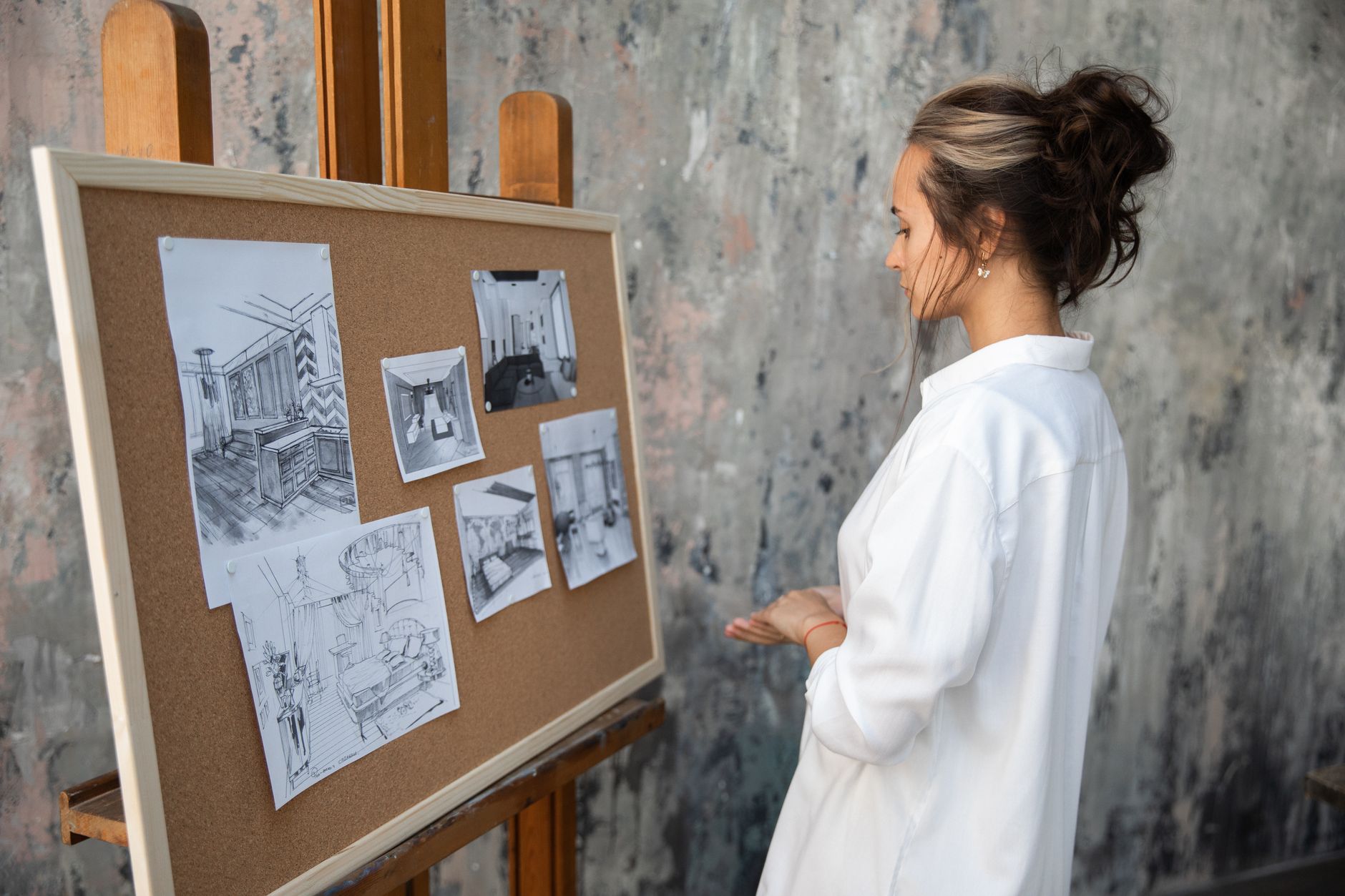
Interior designers have spent years swapping between Pinterest boards, CAD software, and client email threads. In 2026, AI tools collapse much of that back and forth into one fast workflow. You can generate a mood board before lunch, revise a floor plan in minutes, and show a client three paint options by end of day. The shift is real. More designers now lean on AI image generation tools to explore concepts quickly.
But the market is crowded. A quick search for interior design AI returns dozens of names, each promising magic. Some tools focus on photoreal renders. Others handle floor plans, lighting, or client approvals. The wrong choice wastes time and budget. You need a short list built for interior design work, not generic image generators. This guide cuts through the noise and ranks the tools that actually fit a designer’s day.
We compared free tiers, paid plans, context limits, and render quality. We also looked at how these tools fit real client projects. Our picks include Midjourney for concept art, ChatGPT and Claude for planning, and specialized room tools for renders and 3D layouts. For broader workflow advice, see our guide on how to use AI for business.
One note before you start. Industry reports have tracked rising adoption of generative tools in creative fields, including design. Teams using AI for image and text tasks report faster idea generation. Still, speed means little without the right tool. Below are the seven tools we would choose for interior design work in 2026, with pricing and workflow notes.
What You’ll Need
- computer or tablet
- reference room dimensions
- client inspiration photos
How Do You Best AI Tools for Interior Designers in 2026?
- Midjourney for Concept Imagery and Mood Boards
Midjourney remains the strongest starting point for interior designers who need quick visual ideas. It turns written prompts into rich, stylized room scenes. The tool works well for mood boards, material studies, and early client presentations. Unlike a stock photo search, Midjourney can generate a specific style, like warm Japandi or moody industrial. The Basic plan costs about $10 per month and includes roughly 200 image generations. That price is enough for a designer testing concepts on a single project.
The workflow is simple. You write a prompt with room type, style, materials, and light. Add parameters like –ar 16:9 for wide shots or –style raw for more photographic detail. Midjourney then returns four variations. You can upscale the best one or create variations. For designers who also use other visual tools, our Midjourney vs DALL-E comparison breaks down the differences.
One caution. Midjourney is not a floor plan tool. It will not respect real measurements or load-bearing walls. Treat every output as a concept, not a construction drawing. Still, for mood and look, it is hard to beat. Designers who pair Midjourney with a CAD tool later get the best of both worlds.
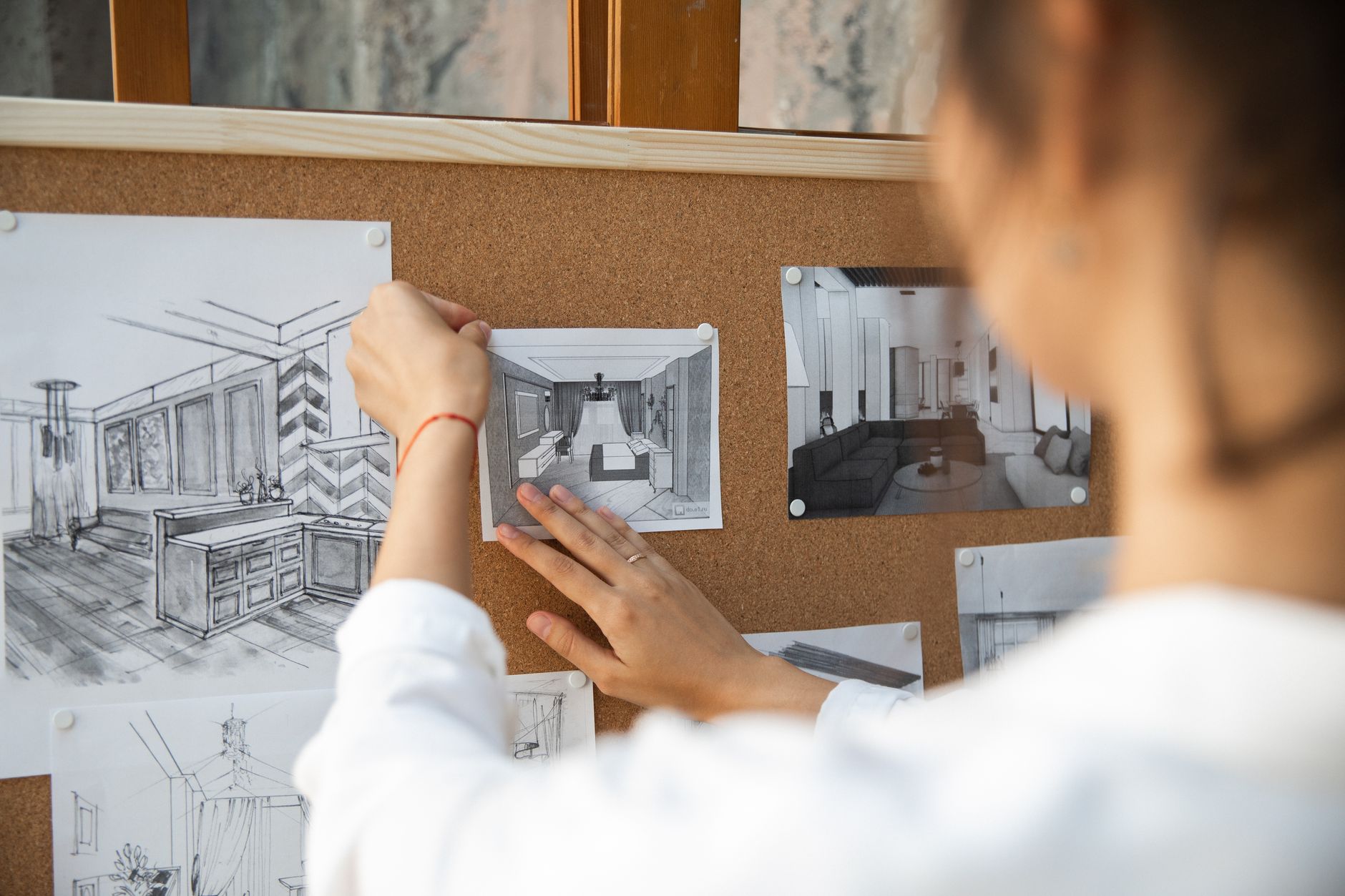
- ChatGPT for Client Briefs, Budgets, and Space Planning Prompts
ChatGPT is the most flexible AI assistant for the business side of interior design. It can draft client questionnaires, estimate furniture budgets, and turn messy email threads into clear project briefs. The free tier gives you access to GPT-4o with limited messages. ChatGPT Plus costs $20 per month and lifts many of those caps. OpenAI lists a context window of 128,000 tokens for GPT-4o, which is enough to read a long design spec in one go.
Use ChatGPT to build an intake form before a first client call. Ask it to produce 10 questions about room use, light, budget, and style preferences. Then paste the client’s answers to get a design brief. You can also ask it to suggest a furniture layout based on room dimensions. It will not render a visual, but it can produce a text-based furniture arrangement. For a deeper look at how it compares to Claude, see our ChatGPT vs Claude guide.
The biggest mistake is relying on ChatGPT for exact measurements or product prices. It can hallucinate item costs and lead times. Always verify those numbers with vendor sites. Still, for the front and back office work, ChatGPT saves hours.
- Claude for Long Documents, Building Codes, and Design Research
Claude’s strength is context. Anthropic’s Claude models handle up to 200,000 tokens of context, which means you can attach a full building code section, a vendor catalog, and a client brief in one prompt. Claude Pro costs about $20 per month. The official Anthropic documentation lists this context window for Claude 3.5 Sonnet and later models. For interior designers, that long context matters when you need to reference multiple documents at once.
Imagine you are redesigning a restaurant. You can upload the local fire code, the landlord’s renovation rules, and your design notes. Ask Claude to flag conflicts. It will return a checklist. That task would take an afternoon with manual search. Claude does it in seconds. It also writes more natural project summaries than older AI models, which helps when you need a client-friendly explanation.
Pair Claude with ChatGPT depending on the job. Use ChatGPT for quick prompts and budgets. Use Claude for long research documents. Our ChatGPT vs Claude comparison covers the trade-offs in more detail. The short version is this: both are good, but Claude often wins on long-context tasks.
- PromeAI for Photoreal Room Renders from Sketches and Photos
PromeAI targets architects and interior designers with a simple promise. Upload a sketch or photo, select a style, and get a photoreal render in under a minute. The free plan includes a limited number of credits, often around 100 one-time credits, while paid plans unlock faster generations and higher resolution. That specific free tier limit is worth checking before you commit.
This tool fills a gap that Midjourney misses. If you have a rough pencil sketch or a plain photo of an empty room, PromeAI can turn it into a finished visual. Designers use it for client approvals and before-after comparisons. The output quality depends on your input. A clear photo with good light produces the best result.
PromeAI also has a sketch-to-render mode and a photo-to-photo mode. You can change flooring, wall color, or furniture while keeping the same room structure. For more general image tools, visit our best AI tools for image generation list. But for interior-specific rendering, PromeAI is the one to try first.
- Homestyler for 2D and 3D Floor Plans
Homestyler is a browser-based floor plan and 3D room designer. It works well for designers who need accurate placements, furniture dimensions, and lighting previews. The free plan includes basic 2D drawing and a limited number of 3D renders. Paid plans unlock 4K exports and more furniture models. Some paid tiers start around $5 per month, but prices vary by region.
The tool is useful at the start of a project. You draw walls, drop in windows and doors, and place furniture from a large library. Homestyler then produces a 3D walkthrough. Clients can view the room from different angles. This reduces miscommunication about scale and layout.
Homestyler does not generate images from a text prompt like Midjourney. It is a planning tool. Use it after the mood board stage, once you know the general direction. For small business owners who want a broader AI workflow, our best AI tools for small business guide covers other useful options.
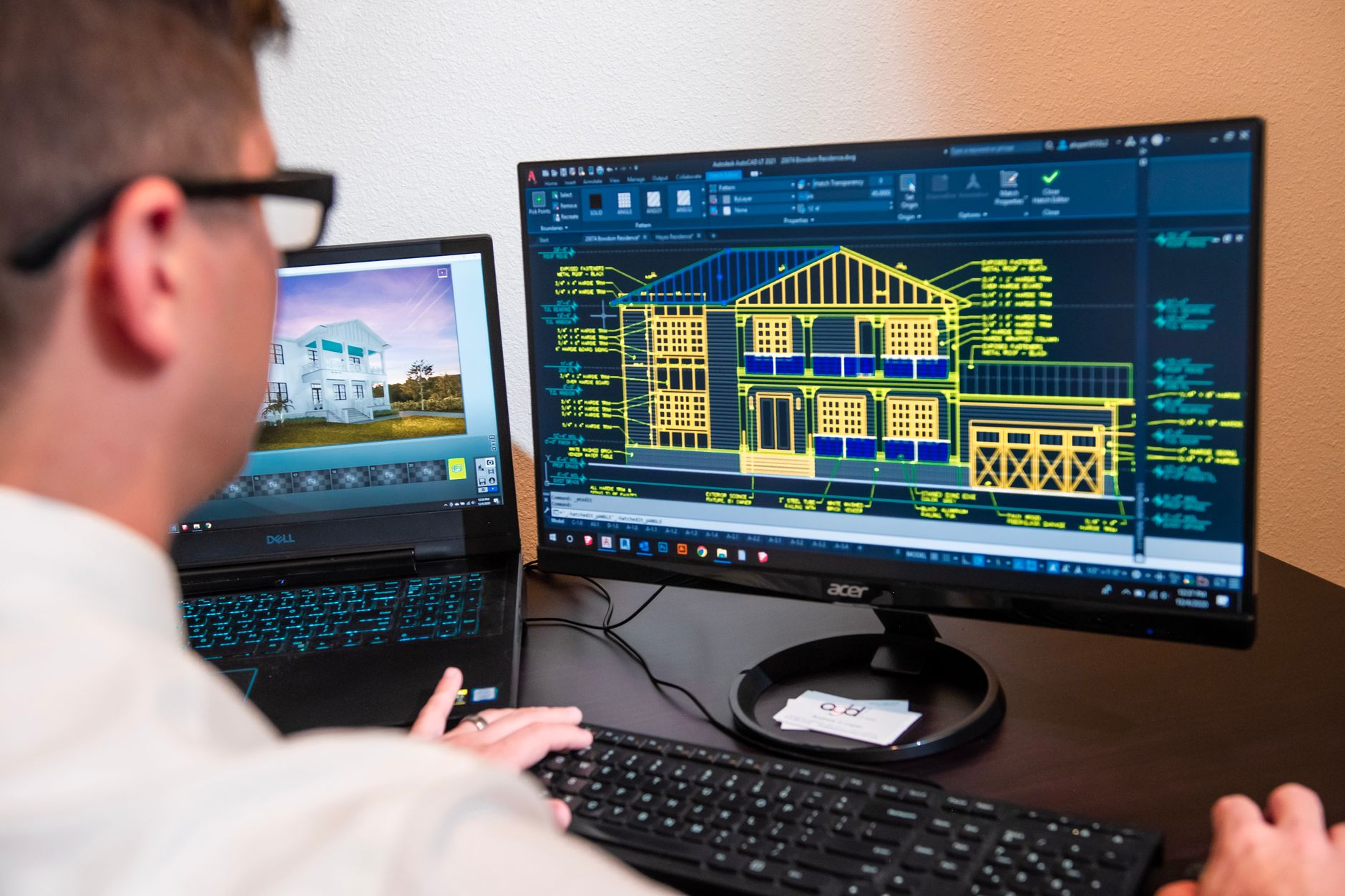
- Foyr Neo for Fast 3D Room Modeling and Lighting
Foyr Neo is a cloud-based room modeling tool aimed at interior designers. It shortens the time from empty space to 3D model. The platform offers a 14-day free trial, then paid plans start around $49 per month. That is pricier than some options, but the speed and lighting tools can justify the cost for full-time designers.
Foyr Neo includes a large library of real furniture products. You can rotate, resize, and swap pieces to test layouts. The lighting tool simulates natural and artificial light at different times of day. That helps clients understand how a room will feel at noon versus evening. It also exports 4K renders for presentations.
The main downside is the learning curve. It is not as text-driven as ChatGPT or as image-driven as Midjourney. You need to spend a few hours learning the controls. Still, for designers who deliver regular client proposals, Foyr Neo replaces several slower tools.
- Notion AI for Project Tracking and Client Approvals
The final tool is not a renderer. Notion AI helps interior designers keep projects organized. You can store client notes, mood board links, budgets, and approval timelines in one place. Notion AI costs $10 per member per month when added to a paid Notion plan. The free Notion plan includes a limited amount of AI features.
Use Notion AI to summarize meeting notes, generate action items, and draft status updates. You can also create a client portal where they approve each stage. This reduces email clutter and lost approvals. For a broader look at tools like this, see our best AI tools for productivity guide.
This step matters more as your project count grows. One client is easy to manage with email. Five clients need a shared source of truth. Notion AI gives you that without adding a separate project management tool.
Red Flags & Warnings
- 🚨 Never upload a client’s full address or personal photos to a free AI tool without checking its data retention policy.
- 🚨 AI render outputs can hallucinate dimensions and furniture sizes. Always verify against real product specs before ordering.
- 🚨 Free tiers often compress image outputs or watermark renders. Read the export terms before presenting to clients.
- 🚨 Do not share proprietary floor plans with AI tools that train on user inputs unless the client has signed off.
- 🚨 Watch for subscription stacking. You can quickly spend $100 per month across render tools without a clear workflow.
- 🚨 Use AI-generated images as concepts only. Some clients mistake them for exact final results.
Frequently Asked Questions
What is the best free AI tool for interior designers in 2026?
ChatGPT’s free tier is the strongest free option for client briefs, budget planning, and text-based space ideas. For visual work, PromeAI and Homestyler offer limited free renders so you can test before paying. Free tiers usually cap image resolution or daily generations.
Can AI replace an interior designer?
No. AI tools speed up mood boards, floor plans, and renders, but they cannot handle client relationships, site constraints, building codes, or final material sourcing. AI outputs are concepts, not construction-ready plans. Use them as assistants, not replacements.
Which AI tool is best for photorealistic interior renders?
PromeAI is the best interior-specific tool for turning sketches or photos into photoreal renders. Midjourney also produces beautiful room scenes from text prompts. The right choice depends on whether you start with a sketch, a photo, or just a written idea.
How do interior designers use ChatGPT?
Interior designers use ChatGPT to write client questionnaires, summarize meeting notes, estimate budgets, and generate furniture layout suggestions. It is not a visual renderer, but it handles the business and planning side of projects well.
Is Midjourney good for interior design?
Yes, Midjourney is excellent for mood boards, material studies, and early style exploration. It does not respect real measurements or produce floor plans, so treat its images as concepts only. The Basic plan costs about $10 per month for roughly 200 image generations.
Do I need to know 3D modeling to use AI interior design tools?
No. Tools like Homestyler and Foyr Neo use drag-and-drop interfaces that do not require traditional 3D modeling skills. You can draw walls, place furniture, and generate 3D walkthroughs with a short learning curve.
What Should You Remember?
- Start with Midjourney for fast concept images and mood boards before touching a floor plan.
- Use ChatGPT or Claude to turn messy client notes into clear briefs, budgets, and layout ideas.
- Pick a room-specific renderer like PromeAI or Homestyler for photoreal client approvals.
- Check free tier limits before subscribing. Many tools cap renders or watermark outputs on free plans.
- Verify every AI measurement against real product specs and building codes. AI can hallucinate dimensions.
- Keep one source of truth for approvals and project files using Notion AI or a similar tool.
This article is for general information only and does not constitute professional advice. Product capabilities, pricing, and market figures change frequently. Always verify current details through vendor documentation and primary sources.
Some links on this page may be affiliate links, which means we may earn a commission if you click through and make a purchase — at no additional cost to you. Read our full disclosure.