Graphic design used to mean starting every project from a blank canvas. In 2026, AI tools handle repetitive tasks, generate concept art, and clean up files before you export. You still need a human eye for composition, typography, and brand voice. The right AI stack gives you more time for that creative work. This guide compares the best AI tools for graphic designers in 2026. We tested each tool on real client-style briefs and brand asset production.
We reviewed tools based on output quality, commercial licensing, ease of use, and value. Some tools are best for pixel-perfect edits. Others are better for fast social media graphics. You do not need to replace your current design software. These tools plug into workflows you already use. For a broader look at image generation, see our best AI tools for image generation guide. That roundup covers Midjourney, DALL-E, and Firefly in more depth.
One important shift is the rise of safe commercial AI. Adobe Firefly and Canva Magic Studio train on licensed or proprietary content. That matters when you design for paying clients. You want assets that will not create rights problems later. We also weighed free tier limits, because you should test before committing. Data points like monthly credit caps and storage limits shape real budgets. The tools below include specific pricing so you can choose without guesswork.
By the end, you will have a practical stack: one concept generator, one editor, one template tool, and one automation layer. The steps below show exactly what to pick and how to use each tool. We included pricing and free tier data points so you can budget. You will also see red flags to avoid, from copyright traps to credit burn. Let us start with the safest default for commercial work.
How Do You Best AI Tools for Graphic Designers in 2026?
- Use Adobe Firefly for safe commercial AI generation
Adobe Firefly is the first tool most graphic designers should open. It generates images, text effects, and vector recolors from text prompts. Firefly was trained on Adobe Stock and public domain content. That means the results are cleared for commercial use in most client work. Adobe also attaches Content Credentials to every generated file. This gives clients a clear paper trail for AI content.
The free tier includes 25 generative credits per month. Most paid Creative Cloud plans include 1,000 monthly credits. One credit equals one generation or one edit action. For a designer producing dozens of mockups, that paid plan is usually enough. You can also buy extra credit packs if you hit the cap. The pricing is predictable, which helps for project budgeting.
Use Firefly for initial concepts, social media backgrounds, and texture fills. The prompt box supports natural language. For example, ‘gold 3D typography on dark blue background, soft studio light’ returns usable text art. Firefly also has generative fill inside Photoshop, so you can remove objects or extend canvases without switching tools. That integration saves a lot of time.
OpenAI documentation for DALL-E 3 shows a similar prompt-to-image idea, but DALL-E 3 has fewer commercial content controls than Firefly. Firefly is the safer default for client work. Still, you might use DALL-E 3 for fast ideation when you will heavily edit the result. For a direct comparison, see our Midjourney vs DALL-E guide.
- Generate high quality concepts with Midjourney v7
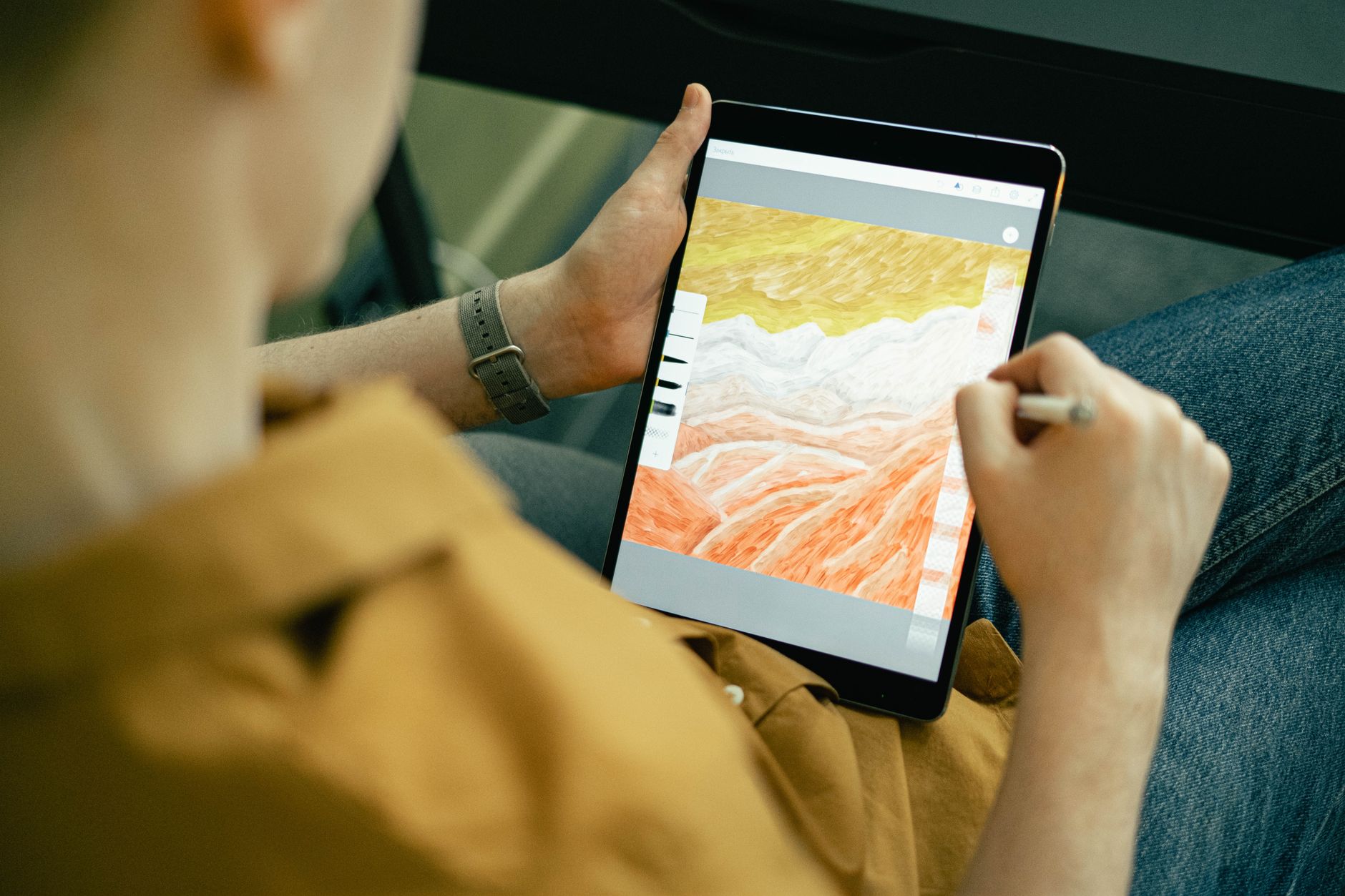
Midjourney remains the strongest AI image generator for visual quality and artistic control. Version 7 released in late 2025 added better text rendering and finer control over style. The output often looks like finished key art, not a rough draft. Graphic designers use Midjourney for mood boards, pitch decks, and campaign concepts. It handles complex lighting and texture well.
Midjourney has no always-on free tier. The Basic plan costs $10 per month and gives you about 200 image generations. The Standard plan costs $30 per month and includes fast generation and unlimited relaxed mode. You need a Discord account or the new web app to use it. Most designers start with Basic and upgrade when client work increases.
To get useful results, write detailed prompts that include subject, material, lighting, color palette, and aspect ratio. Example: ‘minimalist poster design for a music festival, flat vector style, teal and coral palette, clean composition, 4:5 ratio’. You can iterate with variations and upscale the best four images. Then bring those into Photoshop or Illustrator for cleanup. For a broader view of AI image tools, see our best AI tools for image generation guide.
Midjourney is not the best tool for final vector logos or precise text. Its prompt syntax takes a few hours to learn. Still, for concept exploration it is hard to beat. Many design teams pair Midjourney with Firefly or Adobe Illustrator. That combination gives you creative range plus safe licensing for finals.
- Edit and extend images with Adobe Photoshop AI
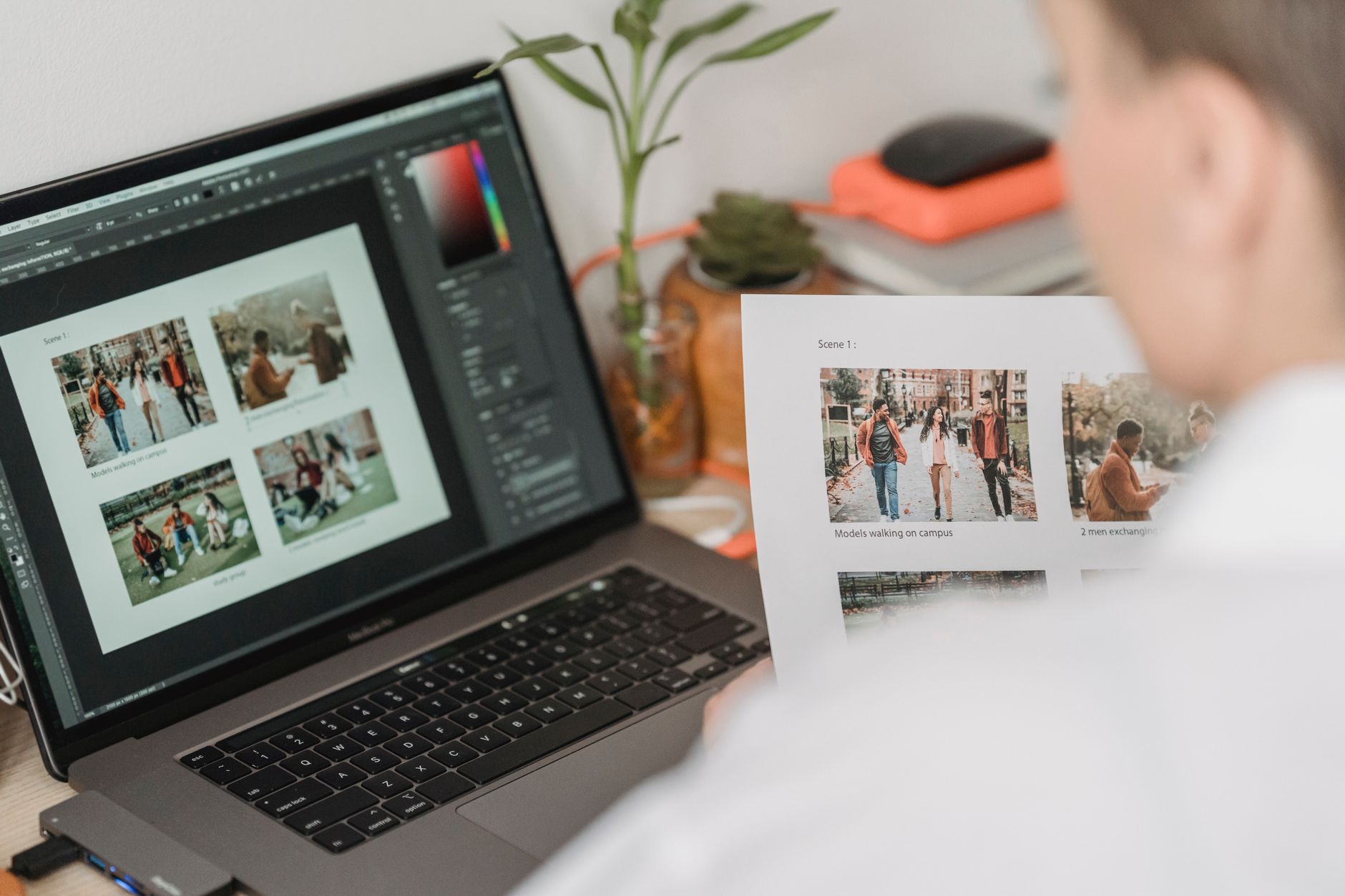
Adobe Photoshop has absorbed the most useful AI editing tools without making you leave the app. Generative Fill, Generative Expand, and the Remove Tool are now part of the standard workflow. You select an area, type what you want, and Photoshop fills it with matched lighting and perspective. This turns a one-hour masking job into a minute of work.
The AI features run on the same Firefly engine discussed in step one. That means anything you generate inside Photoshop also carries Content Credentials. For clients in regulated industries, this is a key advantage. You can show which parts of the final image were AI-generated. This documentation matters for brand safety and legal review.
Photos of people still cause issues. The current Photoshop AI handles backgrounds and object removal well, but generating a realistic human from scratch can still look off. Use it for retouching skin, fixing blemishes, and extending backgrounds. For full scene generation, start in Firefly or Midjourney, then finish in Photoshop.
Photoshop is available through Creative Cloud Photography or All Apps plans. The Photography plan starts at $9.99 per month and includes Photoshop and Lightroom. That is a solid value if you mostly edit raster images. The full All Apps plan costs $59.99 per month and includes Illustrator, InDesign, and Firefly credits. If you work across print and web, that plan is the better deal. For designers who also create campaigns, see our best AI tools for marketers guide.
- Build brand assets fast with Canva Magic Studio
Canva Magic Studio is the easiest AI design suite for non-designers and busy graphic designers. It includes Magic Write, Magic Design, Magic Eraser, and a background remover. You type a text prompt or paste a brand description, and Canva generates a full set of on-brand templates. You can then customize typography, colors, and logos.
Canva’s free plan covers basic templates and a limited number of AI generations. The Pro plan costs $12.99 per month or $119.99 per year. Pro unlocks full Magic Studio tools, brand kits, and 1 TB of cloud storage. For a designer managing multiple client brands, Pro is the entry point. Teams plans start at $29.99 per user per month and add approval workflows.
Magic Studio works best for social media posts, presentations, and printable marketing materials. It is not a replacement for Photoshop when you need high-end photo manipulation. Still, for quick client proofing, it saves hours. You can generate a first draft, share it for feedback, and then export final files with one click. For small business design needs, see our best AI tools for small business guide.
One risk is template sameness. Many Canva designs look similar because millions of users start from the same library. To stand out, customize the generated template heavily. Use brand fonts, unique color palettes, and custom imagery. Treat Canva Magic Studio as a starting point, not the final creative.

- Create vector artwork and icons with Recraft
Recraft is the AI tool vector designers have been waiting for. It generates true SVG and vector art, not just raster images that look like vectors. You can describe a logo, icon set, or illustration style. Recraft returns clean, editable vector files that you can open in Illustrator or Figma. This is a massive time saver for building icon libraries and brand systems.
The free plan gives you 50 daily credits, which is enough to test small projects. The Basic plan costs $10 per month and includes 4,000 credits. Pro plans run $30 per month and add higher resolution exports and team features. If you only need a few icons a week, the free plan is enough. Agencies should budget for Pro.
Recraft shines for flat illustration, isometric icons, and simple mascot designs. Its style controls let you lock a specific visual direction. You can then generate many assets that match. This consistency matters for product UI and brand guidelines. The output is often 80 percent usable, with minor tweaks in Illustrator.
It is less strong at photorealistic images and complex human faces. Use it for graphic shapes and system design, not for photo composites. Combine Recraft with Midjourney for campaign imagery and Firefly for safe photo editing. That trio covers most professional design tasks. If you also need to automate delivery, go to the next step.
- Automate repetitive design tasks with n8n and ChatGPT
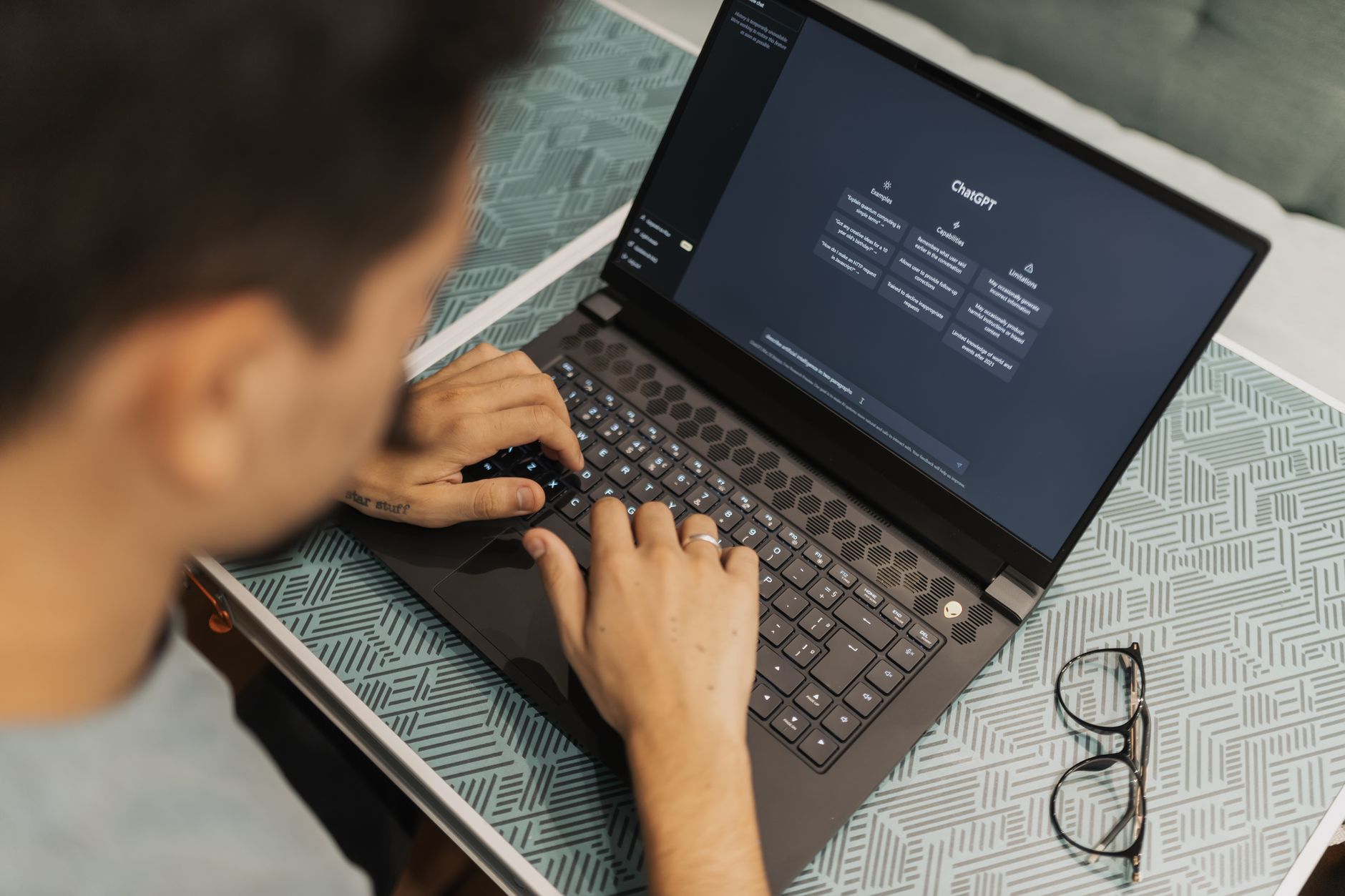
Not every design task needs a human. File resizing, renaming exports, generating alt text, and writing social captions are repetitive. You can automate these with n8n, a visual workflow tool, and ChatGPT. n8n connects your design tools to Google Drive, Slack, and email. ChatGPT generates the text or metadata. This frees hours each week.
n8n’s self-hosted community plan is free and includes unlimited workflows with a single active execution. Cloud plans start at $20 per month for more active workflows and priority support. ChatGPT Plus costs $20 per month and includes GPT-4o and DALL-E access. Together, that is $40 per month for a basic automation stack. Many designers recover that cost after one saved afternoon.
A simple workflow starts with a watch folder in Google Drive. When you save a new exported design, n8n detects the file. It sends the filename or image to ChatGPT via API. ChatGPT returns alt text, a caption, and a suggested tag list. n8n then renames the file and posts the caption to Slack. You never open a text editor.
n8n docs explain how to connect OpenAI and Google Drive nodes in a few clicks. You can use Anthropic’s documentation to swap in Claude if you prefer its writing style. The same pattern works for batch resizing with FFmpeg or Cloudinary. For more business workflows, see our how to use AI for business guide.
Red Flags & Warnings
- 🚨 Do not assume every AI generated image is safe for commercial use. Firefly and Canva train on licensed content, but many other tools do not. Always check the training data policy before using an asset in paid client work.
- 🚨 Watch your credit burn. Adobe Firefly and Recraft use credit systems. A single project with dozens of iterations can drain a free or basic plan. Track usage weekly, especially on paid client deadlines.
- 🚨 AI still struggles with hands, teeth, and small text. Always zoom in to 100 percent before sending a final file. Fix small errors in Photoshop instead of regenerating endlessly.
- 🚨 Avoid using an AI generated logo as a final brand mark without human refinement. Many clients need vector mastery and trademark clearance. Use Recraft or Firefly for exploration, then clean the paths in Illustrator.
- 🚨 Do not upload unreleased client work to public AI tools without permission. Many AI platforms store prompts and outputs. Review privacy settings before you generate or upload confidential briefs.
- 🚨 Midjourney has no always-on free tier. If a free Midjourney site appears, it is probably a scam. Stick to the official site or Discord for billing and access.
Frequently Asked Questions
Which AI tool is best for graphic designers who need commercial images?
Adobe Firefly is the safest default. It trains on Adobe Stock and public domain content, so output is cleared for most commercial use. Canva Magic Studio is a close second for branded social templates.
Is Midjourney worth paying for if I already use Photoshop?
Yes, if you need high quality concept art or distinctive visual styles. Photoshop AI is better for editing, but Midjourney produces stronger original images. Many designers pay $10 per month for Midjourney Basic to speed up the concept phase.
Can AI fully replace graphic designers in 2026?
No. AI handles repetitive and generative parts of design, but it cannot build brand strategy, manage client feedback, or match custom typography with intent. Designers who use AI produce more work and win bigger projects.
What is the cheapest AI design stack?
Use Canva Free, Recraft Free, and the free n8n community plan. That costs $0 per month. As client work grows, add Canva Pro at $12.99 per month and Midjourney Basic at $10 per month.
How do I maintain consistent brand colors across AI tools?
Set your brand kit in Canva Pro or upload a style reference to Midjourney. For Recraft, create a custom style and save it. Always export final files and compare hex codes before delivery.
Are AI images copyrighted?
It depends on the tool and jurisdiction. Firefly outputs include Content Credentials and are licensed for commercial use. Midjourney and DALL-E grant you usage rights, but you may not get copyright protection for fully AI generated images. Check your client contracts and local law.
What Should You Remember?
- Start with Adobe Firefly for safe, commercially licensed image generation and editing.
- Add Midjourney v7 when you need high quality visual concepts and mood boards fast.
- Use Photoshop AI to clean, extend, and refine AI and stock images without leaving your workflow.
- Leverage Canva Magic Studio for rapid social media graphics and client-ready templates.
- Test Recraft for editable vector icons and brand illustration systems.
- Automate repetitive tasks with n8n and ChatGPT to save hours on resizing and metadata.
This article is for general information only and does not constitute professional advice. Product capabilities, pricing, and market figures change frequently. Always verify current details through vendor documentation and primary sources.
Some links on this page may be affiliate links, which means we may earn a commission if you click through and make a purchase — at no additional cost to you. Read our full disclosure.