In 2026, text-to-image tools are no longer a novelty. They are part of ad workflows, product mockups, storyboards, and even final art. The two names that keep coming up are Midjourney and OpenAI’s DALL-E. Yet they are built for very different users. We tested both across dozens of prompts, from photorealistic product shots to quirky editorial illustrations. This side-by-side guide breaks down what actually changed this year, including where each tool still falls short. If you are choosing a primary image generator, the answer depends more on your workflow than on any single sample image. Most users overpay because they ignore that distinction.
The AI image generation market has splintered. Some teams want raw aesthetic quality. Others want an API that slots into an existing product. A third group just wants to type a prompt into ChatGPT and get four usable images. That is why we included not only Midjourney and DALL-E 3 in ChatGPT but also OpenAI’s API and Microsoft’s Bing Image Creator, which uses the DALL-E model. For a broader comparison of visual tools, see our best AI tools for image generation guide. In 2026, the split between consumer and developer tools is sharper than ever.
Pricing is the first filter. Midjourney starts at $10 per month for roughly 200 fast generations, while DALL-E 3 in ChatGPT comes with a $20 per month Plus subscription. The API is a separate meter. OpenAI charges $0.040 per standard 1024x1024 image and $0.080 for HD, according to OpenAI’s pricing documentation. That $0.040 sounds cheap until you generate 500 images per month. Then you owe $20 on top of any subscription. Free users can also try Bing Image Creator, but its 100 weekly boosts are not a production plan.
Our testing focused on four criteria: style, prompt adherence, speed, and workflow fit. We did not just look at sample galleries. We ran the same 20 prompts through each tool, including logo concepts, product mockups, fashion editorials, and painterly scenes. We also checked how the outputs hold up when you need revisions. Marketers should read our best AI tools for marketers list before committing a full team to one tool. Speed matters when you need 50 variations before lunch. A side-by-side test with your own brand prompts will always beat a generic shootout, but this guide gives you the starting point.
How Do the Top Options Compare?
| Tool | Best For | Starting Price | Max Resolution | Free Tier |
|---|---|---|---|---|
| Midjourney | Artistic quality, stylistic control | $10/mo (Basic) | 2048x2048 upscale | No permanent free tier |
| DALL-E 3 in ChatGPT | Everyday chat-based generation | $20/mo Plus | 1024x1024, 1792x1024 | Limited free ChatGPT access |
| DALL-E 3 API | Automated image workflows | $0.040 per image | 1024x1024, 1792x1024 | No free tier |
| Bing Image Creator | Free quick generations | Free with Microsoft account | 1024x1024 | 100 boosts per week |
Pricing reflects 2026 USD list prices. Midjourney fast hours vary by plan. Bing Image Creator uses boosts for speed; slower generations remain free after boosts run out.
1. Midjourney , Best for artistic quality and style control
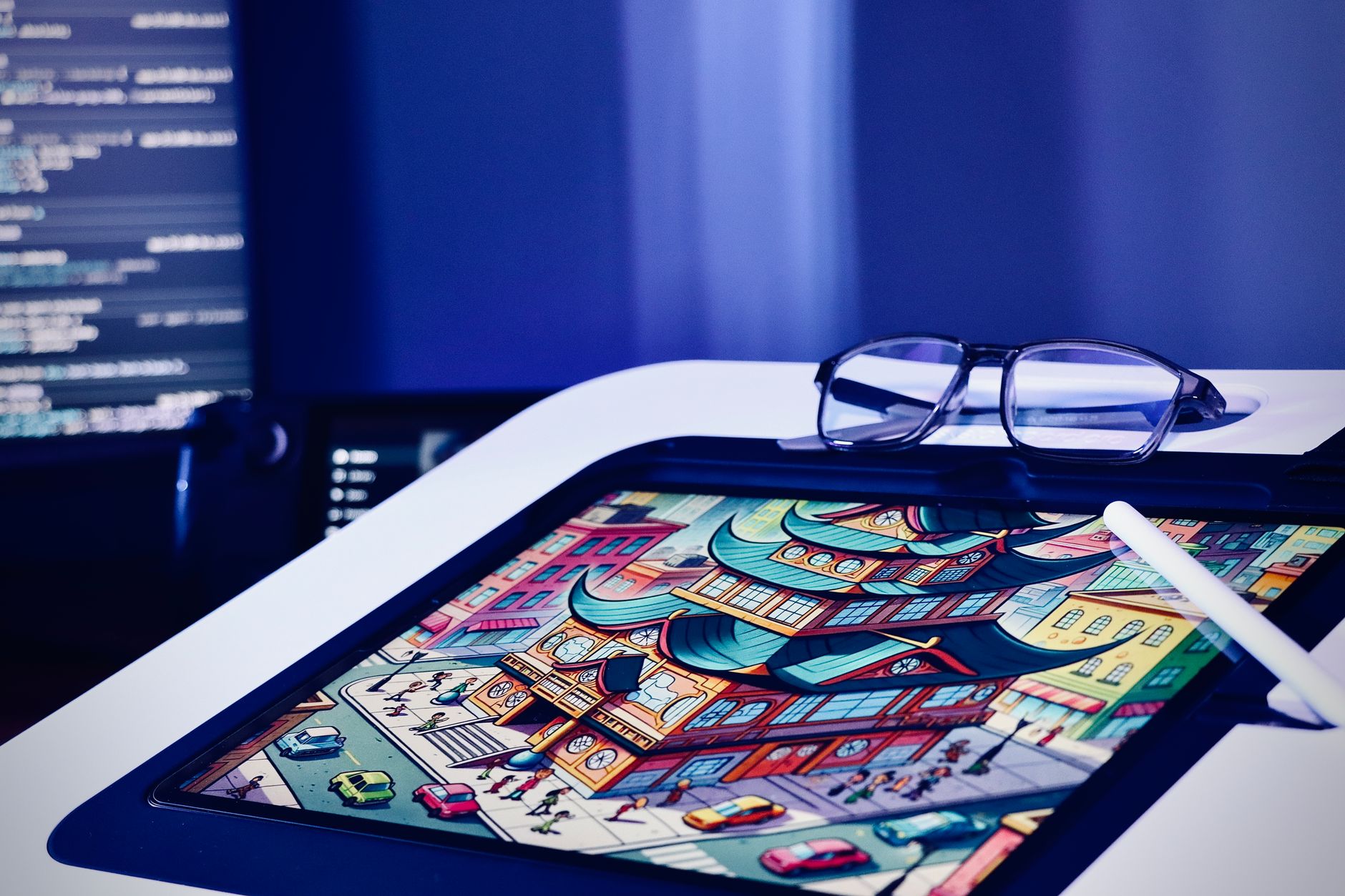
Midjourney’s identity in 2026 is still aesthetic first. When we gave it the prompt ‘1970s editorial fashion photo in a Lisbon tram, Kodachrome grain, soft window light,’ the result looked like a magazine outtake. It handles texture, skin, fabric, and film grain better than DALL-E in most side-by-side tests. The default output has a polished, slightly cinematic quality that DALL-E often misses unless you guide it heavily. That gap is why Midjourney remains a favorite among visual designers.
Pricing still starts at $10 per month on the Basic plan, which gives roughly 200 fast generations. The real value sits in the $30 per month Standard plan with 15 hours of fast GPU time plus unlimited relaxed generations. At $60, Pro adds 30 hours of fast time, stealth mode, and higher queue priority. You can find this and other visual tools in our best AI tools for image generation roundup.
The downside is equally clear. Midjourney has no official API. If you want to automate product shots or generate images inside your own app, you need a workaround or an enterprise arrangement. The interface has improved a lot, but it still assumes you are comfortable with parameters like –ar, –stylize, and –chaos. New users often hit a wall when trying to get consistent characters or exact product details. But for pure visual polish, it still leads.
Key strengths:
- ✅ Superior aesthetic cohesion and color grading
- ✅ Strong stylization controls including raw mode and style references
- ✅ Unlimited relaxed generations on Standard plan and above
- ✅ Active community and daily theme challenges
- ❌ No official API for programmatic generation
- ❌ No permanent free tier
- ❌ Higher learning curve with parameters and prompt syntax
Who it’s for: Artists, designers, and creative teams who prioritize visual polish over cost and API access.
2. DALL-E 3 in ChatGPT , Best for everyday users inside a chat workflow
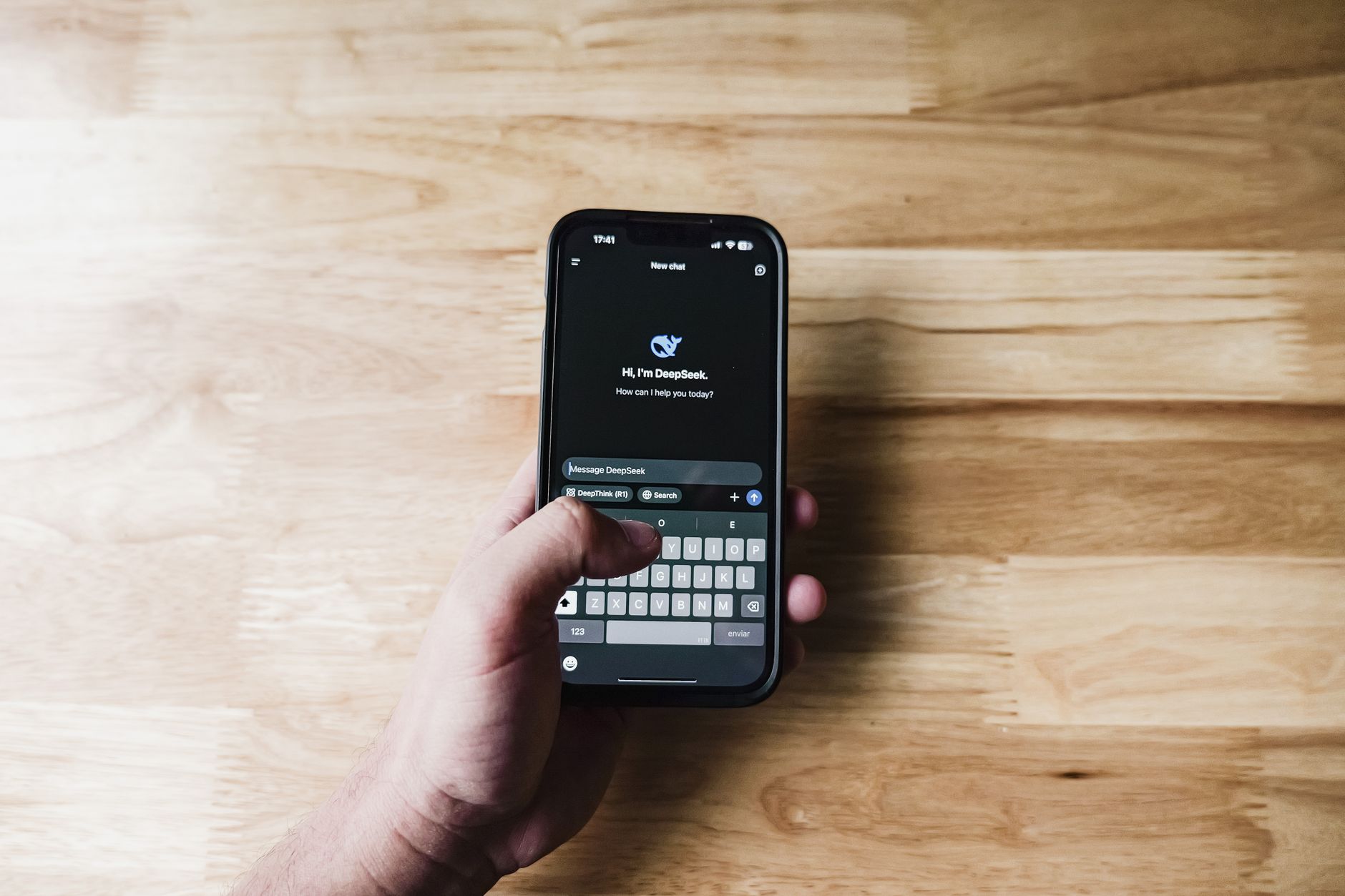
DALL-E 3 is not a standalone app for most people in 2026. It lives inside ChatGPT. That simplicity is the entire pitch. You type a description, ask for a revision, and the model generates images in the same thread where you are already writing a blog post or product description. Writers who already pay for ChatGPT Plus get image generation without switching tools. See our best AI tools for writers guide for other writing-focused options.
Prompt adherence is where DALL-E 3 often beats Midjourney. If you ask for ‘a red mug on a blue table, no text, centered composition,’ DALL-E is more likely to follow those constraints. It also renders short text labels more reliably than older models. That matters for ad mockups, book covers, and social graphics. The cost is bundled into ChatGPT Plus at $20 per month, but OpenAI still applies daily or rolling limits to prevent abuse. OpenAI’s pricing documentation lists the current ChatGPT plan inclusions.
The weakness is aesthetic consistency. DALL-E outputs can look flat or overly literal compared to Midjourney’s cinematic render. You can improve that with detailed prompting, but the default output often lacks the same polish. For high-volume brand work, the daily caps are a real bottleneck. Still, for someone who wants one quick image without leaving a chat window, it is the fastest path.
Key strengths:
- ✅ Native chat integration with ChatGPT
- ✅ Strong prompt adherence and text rendering
- ✅ Included with $20 per month ChatGPT Plus
- ✅ No separate Discord or web app required
- ❌ Daily generation caps can stall batch work
- ❌ Less stylistic control than Midjourney
- ❌ Requires ChatGPT subscription for serious use
Who it’s for: Writers, marketers, and casual users who want images in the same chat where they already draft text.
3. DALL-E 3 API , Best for developers and automated image pipelines
If you need images inside an app, the DALL-E 3 API is the most direct route. OpenAI charges $0.040 per standard 1024x1024 image and $0.080 per HD image, as listed in OpenAI’s pricing documentation. There is no monthly minimum. You pass a prompt and a size parameter, then receive a URL or base64 image in the response. Developers can integrate it in an afternoon using the OpenAI Python or JavaScript SDK.
The API supports 1024x1024, 1792x1024, and 1024x1792 aspect ratios. That covers square social posts, wide banners, and tall story formats. For product teams, this is efficient. You do not need to manage a Discord bot or a separate subscription. But the meter runs with every request. A 500-image batch at HD quality costs $40. Add revisions and prompt re-runs, and monthly spend can surprise a small startup. For more infrastructure-focused tools, see our best AI tools for developers list.
The main gap is artistic control. The API does not expose the fine-tuning knobs that Midjourney users rely on. You cannot easily enforce a persistent style across hundreds of product images without careful prompt engineering and some post-processing. But if you need reliable, predictable text-to-image at scale, it is still one of the easiest APIs to use.
Key strengths:
- ✅ Pay-per-image pricing with no monthly commitment
- ✅ Simple REST API and SDK integration
- ✅ Three aspect ratio presets
- ✅ Can be embedded into existing OpenAI workflows
- ❌ No unlimited generation option
- ❌ Cost rises quickly at scale
- ❌ No native style reference system like Midjourney
Who it’s for: Developers, e-commerce teams, and startups that need programmatic image generation.
4. Bing Image Creator , Best free way to try DALL-E
Bing Image Creator is the quiet free tier of the DALL-E family. Microsoft powers it with OpenAI’s DALL-E model, and you access it through a web browser with a Microsoft account. When we tested it, a free account received 100 boosts per week. Boosts speed up generation. After they run out, images still generate, but the queue slows noticeably. That is a specific free-tier limit worth knowing.
For students or casual users, this is the best no-cost entry point. You can generate square images up to 1024x1024 and download them without watermark for personal use. The interface is simpler than Midjourney’s web app. But you lose almost all of the artistic controls. There is no style reference system, no aspect ratio beyond square, and no API. If you need more flexible tools for studying or projects, check our best AI tools for students guide.
Bing Image Creator works best for quick concept sketches, social posts, and classroom presentations. It is not a production tool for brand work. The boost system can be annoying if you batch-generate. But for zero dollars, it is a generous way to test what DALL-E can do before paying for ChatGPT Plus or API access. Microsoft’s product page details current account requirements.
Key strengths:
- ✅ Free with a Microsoft account
- ✅ Uses DALL-E image model
- ✅ No installation or API key required
- ✅ Works on mobile and desktop browsers
- ❌ Boost system limits fast generations to 100 per week
- ❌ No advanced stylistic controls
- ❌ Lower priority after boosts run out
Who it’s for: Casual users and students who need free image generation without setup.
Frequently Asked Questions
Which is better, Midjourney or DALL-E?
Midjourney wins for artistic quality and stylized output. DALL-E 3 wins for prompt adherence, text rendering, and chat integration. Choose Midjourney for final art and visual design. Choose DALL-E for quick images inside ChatGPT or API automation.
Is Midjourney free in 2026?
No permanent free tier. Occasionally Midjourney opens limited free trials. Paid plans start at $10 monthly.
Can I use DALL-E for free?
Yes via Bing Image Creator with a Microsoft account. It gives 100 faster boosts weekly. ChatGPT free users may also have limited DALL-E access.
Which tool handles text in images better?
DALL-E 3 is generally better at rendering short text labels and following explicit text constraints. Midjourney can do it, but it is less reliable by default.
Does Midjourney have an API?
No official public API. Midjourney plans do not include programmatic access. Enterprise setups may exist, but most users must use the web or Discord interface.
What is the best budget option?
Bing Image Creator is free. Midjourney Basic at $10 monthly is cheaper than ChatGPT Plus if you only need images. ChatGPT Plus bundles DALL-E with chat.
What Should You Remember?
- Midjourney: still the best for visual polish, but no API and no free tier.
- DALL-E 3 in ChatGPT: simplest for everyday users and bundled with a $20 monthly Plus plan.
- DALL-E 3 API: pay-per-image at $0.040 standard, best for automated pipelines.
- Bing Image Creator: free with 100 boosts weekly, good for casual use.
- Prompt adherence: DALL-E often follows explicit constraints more literally than Midjourney.
- Pricing: Midjourney starts at $10 per month, ChatGPT Plus at $20, API usage varies.
- Workflow fit: pick based on chat integration, API access, or aesthetic control.
This article is for general information only and does not constitute professional advice. Product capabilities, pricing, and market figures change frequently. Always verify current details through vendor documentation and primary sources.
Some links on this page may be affiliate links, which means we may earn a commission if you click through and make a purchase — at no additional cost to you. Read our full disclosure.