DALL-E 3 set a high bar for prompt understanding and safety, but by early 2026 it is no longer the only option that matters. Many teams now split image work across Midjourney, Stable Diffusion, Ideogram, Adobe Firefly, Leonardo AI, and Google ImageFX. We spent several weeks generating product mockups, marketing visuals, portraits, and text-heavy designs across these tools. We looked at pricing, free tiers, output quality, text accuracy, licensing, and workflow speed. This guide covers what we would actually pay for again, not just what demos well. Check our best AI image generators overview for a broader list.
Why alternatives to DALL-E? OpenAI still dominates general purpose image generation inside ChatGPT and the API. The OpenAI pricing page lists image credits and plan details, but the catch is that DALL-E images often require more editing for brand work. Tools like Ideogram handle readable text far better. Midjourney produces more polished default photorealism. Stable Diffusion gives you raw local control without per-image fees. If you have not compared DALL-E directly with Midjourney, start with our Midjourney vs DALL-E 2026 breakdown. Choose based on your workflow, not only benchmark scores. That distinction matters when you generate dozens of images each week.
Pricing is also shifting fast. Some platforms now push usage-based credits, while others bundle unlimited generations with subscriptions. Free tiers can be generous for experimentation or nearly useless for production. We verified advertised plans in February 2026 against each vendor’s site. For example, Midjourney begins at $10 per month for roughly 200 images, and Ideogram offers a free tier with 10 slow credits per day. Google’s ImageFX remains free in supported regions, which makes it a strong zero-cost starting point. Microsoft has also folded image generation into Copilot, and we checked Microsoft for current consumer and enterprise plan details.
Our method was simple. We submitted the same set of prompts in each tool: a product photo with a bottle label, a street scene with readable signage, a portrait with specific lighting, and a vector-style logo concept. We scored each result on prompt adherence, text accuracy, visual appeal, generation speed, and licensing clarity. We did not rely on a single cherry-picked image. The recommendations below are for working creators, not just AI hobbyists. If your work leans heavily on written content, you may also want to see our picks for best AI tools for writers. For marketing campaigns, our AI tools for marketers guide covers the full stack.
How Do the Top Options Compare?
| Tool | Best For | Starting Price | Free Tier | Text Rendering |
|---|---|---|---|---|
| Midjourney | Artistic realism | $10/mo for 200 images | No ongoing free tier | Moderate |
| Stable Diffusion | Local control and open models | Free if self-hosted; DreamStudio from $10 | Local free tier | Weak to moderate |
| Ideogram | Readable text in images | $8/mo Basic | 10 slow credits daily | Excellent |
| Adobe Firefly | Commercially safe design work | $4.99/mo for 100 credits | 25 monthly credits | Moderate |
| Leonardo AI | Game assets and model fine-tuning | $12/mo Starter | 150 free tokens daily | Moderate |
| Google ImageFX | Free high-quality experiments | Free | Free with Google account | Weak to moderate |
Prices are monthly list prices in USD and cover single-user plans unless noted. Free tier limits can change by region.
1. Midjourney , Best for artistic realism and style control
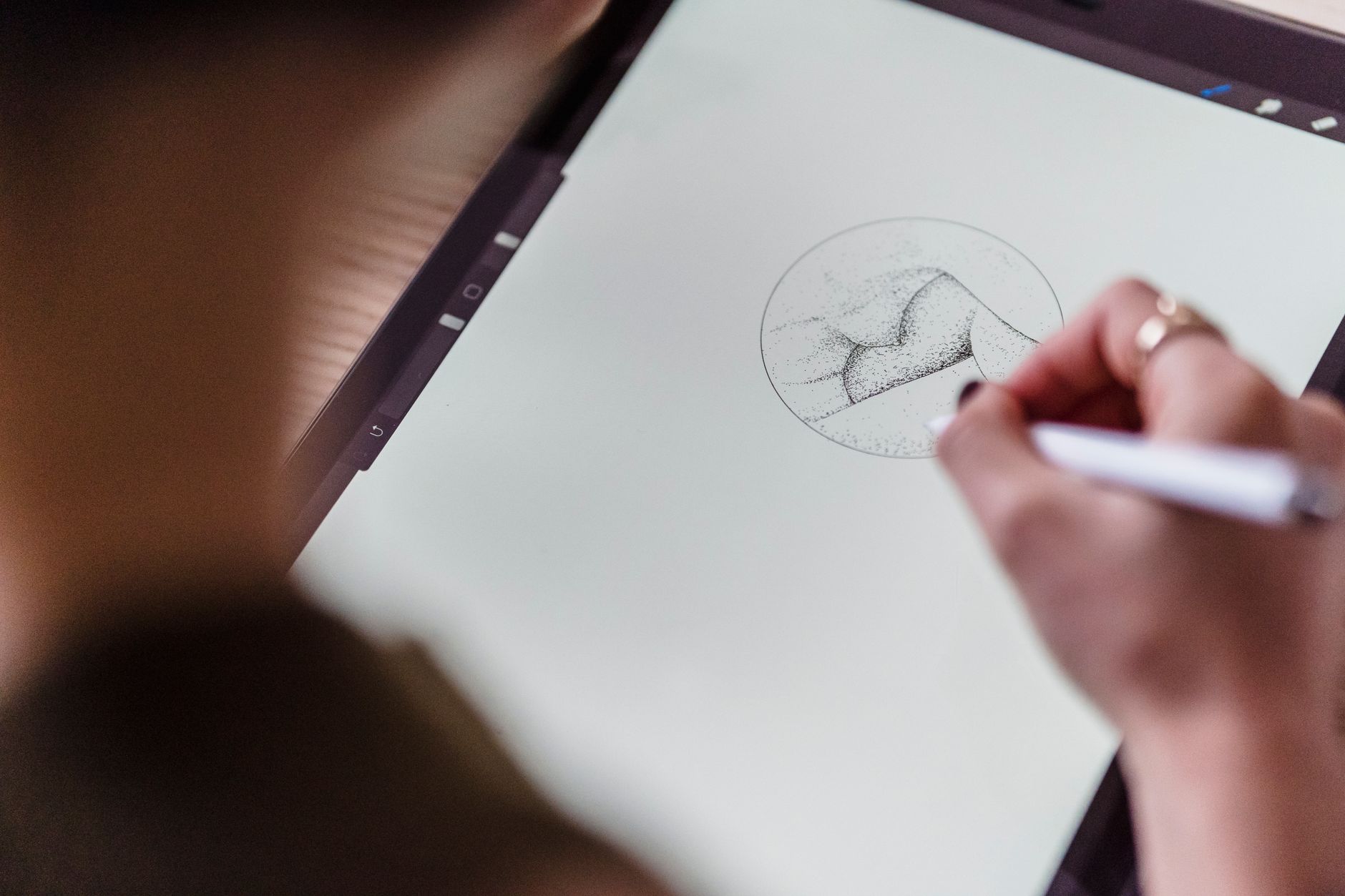
Midjourney remains the first tool I recommend when someone wants an image that does not look AI-generated. Version 7 and the personalization features have improved consistency across faces and product materials. The default aesthetic is saturated, cinematic, and slightly painterly, which works well for concept art, social ads, and book covers. Pricing starts at $10 per month for roughly 200 generations on the Basic plan, while the Standard plan at $30 per month includes unlimited Relax mode. I have paid for Standard for over a year and rarely touch other tools for moody portrait work.
The workflow is now fully web-based, so you no longer need Discord for core generation. You can tune prompts with image references, style codes, and aspect ratio controls. Text rendering is weaker than Ideogram, but Midjourney added improved text in version 7. It still makes occasional spelling mistakes on signs and product labels. If you need readable packaging, Ideogram wins. For everything else visual, Midjourney often looks best on the first try.
One hard limit is the missing permanent free tier. You can sometimes get a trial or use community events, but serious work requires a subscription. The style is also not neutral. If you need strict brand-safe, flat vector output, Adobe Firefly or Google ImageFX may be a better fit.
Key strengths:
- ✅ Strong default photorealism and artistic quality
- ✅ Web and Discord workflows with style control
- ✅ Personalization and reference image support
- ✅ Standard plan includes relaxed unlimited generations
- ❌ No permanent free tier
- ❌ Text rendering still trails Ideogram
- ❌ Less neutral output for strict brand work
Who it’s for: Creators and marketers who want the most polished images and are willing to pay a monthly fee.
2. Stable Diffusion , Best for open-source control and local generation
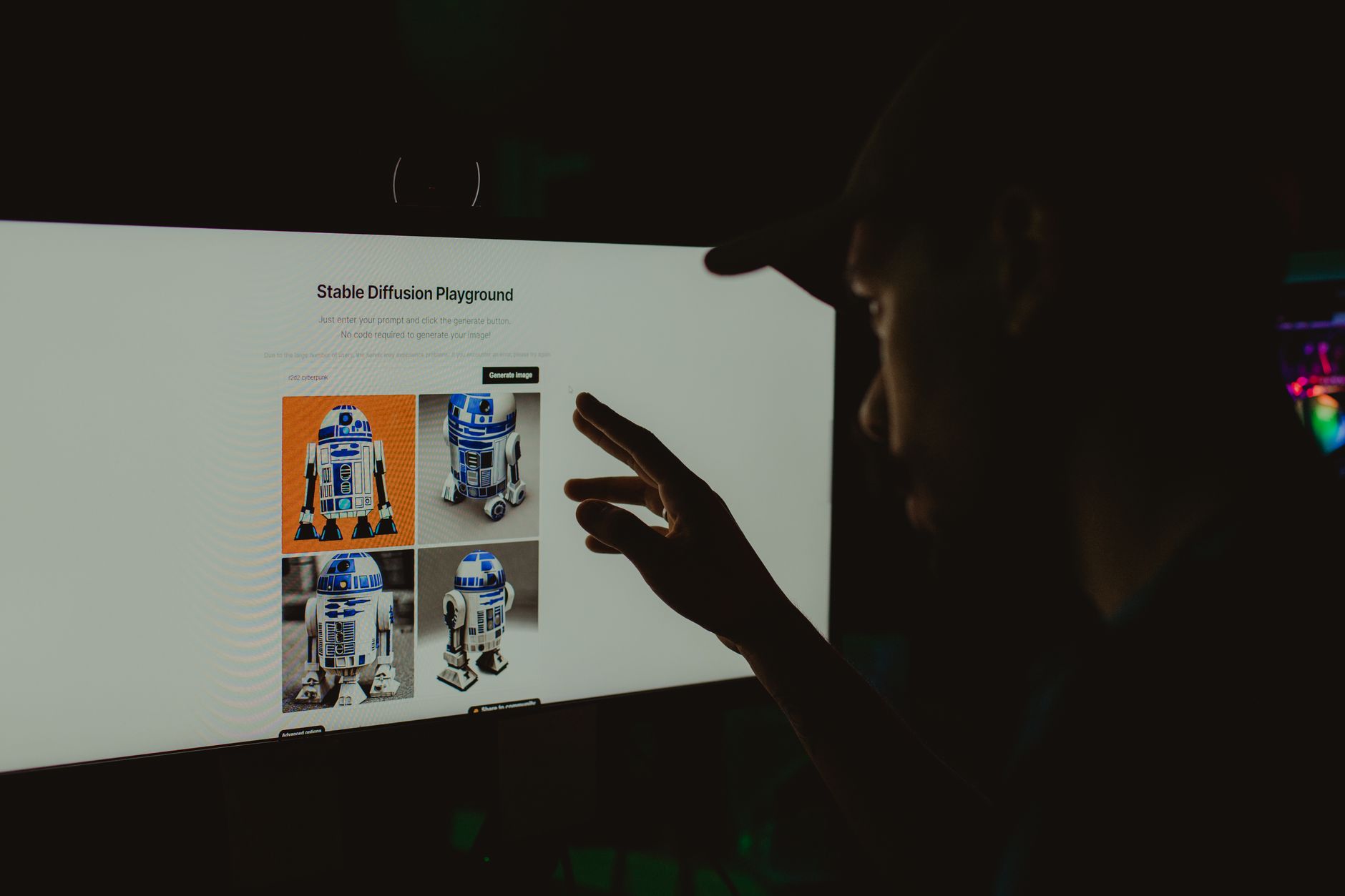
Stable Diffusion is the DIY option. Models like SDXL and Stable Diffusion 3.5 can run on a local GPU with ComfyUI or Automatic1111, which means no per-image cost and no content moderation beyond your own rules. That freedom appeals to developers, researchers, and studios with strict privacy needs. The tradeoff is setup time. You need a GPU with at least 8GB of VRAM for comfortable generation, and you will spend time managing checkpoints, LoRAs, and workflows. See our best AI tools for developers if you want to pair this with automation.
Output quality varies widely. A well-tuned Stable Diffusion setup can beat Midjourney for specific styles because you control every parameter. The base model, however, often produces more artifacts and worse anatomy than commercial tools. Text rendering is weak to moderate. If you need easy prompts and fast results, this is not the tool. If you want to fine-tune a model on your product catalog and generate unlimited images locally, nothing else matches this flexibility. DreamStudio offers a hosted version with credits starting around $10 for 1,000 images, depending on resolution and steps.
The legal side is also friendlier for open models, but you need to check each model’s license. Some community fine-tunes are not commercial. Always verify before selling generated assets. The setup is technical, but the community has guides for nearly every problem.
Key strengths:
- ✅ No per-image fees when self-hosted
- ✅ Full control over models, LoRAs, and workflows
- ✅ Private local generation
- ✅ Hosted DreamStudio option for quick starts
- ❌ Tech-heavy setup with GPU requirements
- ❌ Base model quality trails Midjourney
- ❌ Text rendering often misspells words
Who it’s for: Developers, researchers, and teams that need private, customizable image generation.
3. Ideogram , Best for readable text and typography
Ideogram solved the text problem before most rivals. Version 2 and the newer render modes can produce posters, book covers, product labels, and social cards with nearly flawless short text. That is the main reason I use it after Midjourney. The free tier includes 10 slow credits per day, which is enough to test prompts but not for production. Paid Basic starts at $8 per month for faster generations and more credits. The interface is clean and does not require Discord or local setup.
Prompt adherence is strong for layout and composition, especially when you describe exact text. It is less consistent for highly artistic or photorealistic scenes than Midjourney, but the gap has narrowed. Color control and style presets are useful for branded content. If you generate marketing visuals with text, this is the tool to try first. For small teams, our best AI tools for small business guide covers adjacent picks.
One downside is that the free queue can be slow during peak hours. The style range is also narrower than Stable Diffusion or Midjourney. You are not going to run local fine-tunes. But if your main problem is misspelled text on product mockups, Ideogram is the fastest fix. It has replaced three separate design tools in my own workflow.
Key strengths:
- ✅ Best-in-class text rendering
- ✅ Simple web interface
- ✅ Free daily credits for testing
- ✅ Strong layout and brand presets
- ❌ Less photorealistic than Midjourney
- ❌ Slow free tier at peak times
- ❌ No local or open-source option
Who it’s for: Marketers and small teams that frequently need text inside generated images.
4. Adobe Firefly , Best for commercially safe design work
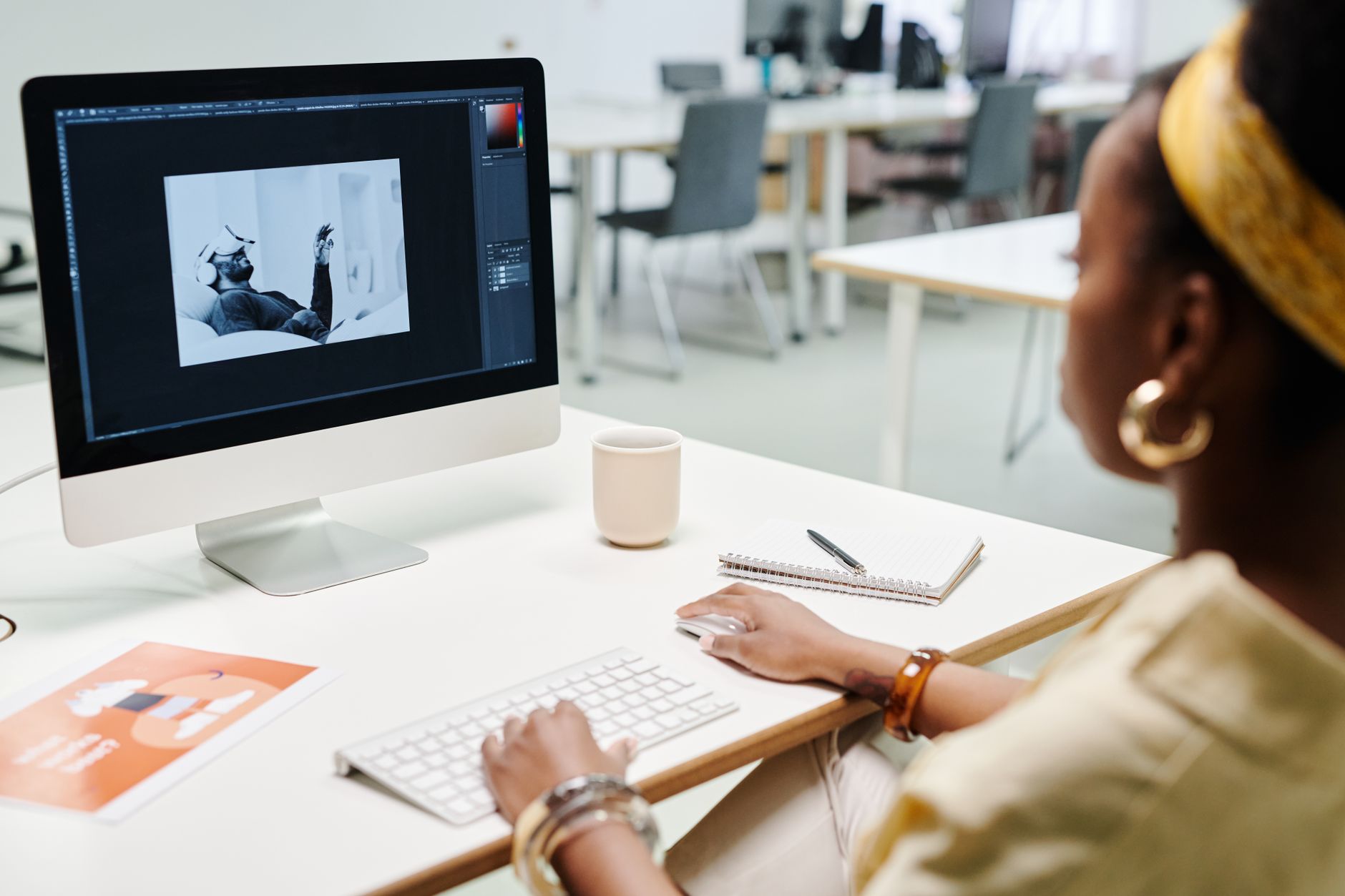
Adobe Firefly is built for designers who cannot risk copyright problems. The model is trained on Adobe Stock, openly licensed content, and public domain material. Adobe says it will stand behind enterprise users for commercially safe output. That assurance matters for agencies and brands. Firefly is integrated directly into Photoshop, Illustrator, Express, and the standalone web app. Paid plans start around $4.99 per month for 100 monthly generative credits, with larger limits in Creative Cloud subscriptions.
The image quality is good but not always the most photorealistic. It excels at Generative Fill, object replacement, and style reference features inside existing Adobe workflows. If you already pay for Creative Cloud, you may not need another image tool. The interface is familiar, and results are easy to edit with layers. For content teams, Firefly can create article headers and social assets quickly. Our best AI tools for SEO guide shows how to combine these visuals with search-friendly content.
Firefly’s watermark and content credentials are automatic. That can be useful for transparency but may annoy some creators. The free tier gives 25 credits per month, enough for a few test images. It is not a free production tool. Also, prompt adherence for complex scenes can be slightly behind Midjourney. Still, for commercial safety and Photoshop integration, Firefly is the safest bet.
Key strengths:
- ✅ Commercially safe training data
- ✅ Native Photoshop and Illustrator integration
- ✅ Generative Fill for editing existing images
- ✅ Low-cost entry plan
- ❌ Less photorealistic than Midjourney
- ❌ Free tier is very limited
- ❌ Credit system can feel restrictive
Who it’s for: Designers and businesses that need commercially safe images without leaving Adobe tools.
5. Leonardo AI , Best for game assets and fine-tuned models
Leonardo AI started as a game art tool and still feels that way. It gives you more direct control over models, dimensions, and style than Ideogram or Firefly, without the full technical overhead of Stable Diffusion. The free tier includes 150 tokens per day, which is fairly generous for testing. Paid plans start around $12 per month for faster generation and more tokens. You can also train or use community fine-tuned models for specific character or environment styles.
Character consistency is a highlight. You can reuse a base image or model to keep a hero character similar across multiple scenes, which is useful for storyboards, game concept art, and comic work. The prompt adherence is strong but not always as natural as Midjourney. The canvas editor lets you inpaint and outpaint directly in the browser, so you do not need a separate tool for quick edits.
The token system can be confusing. Different models and resolutions consume tokens at different rates, so you may burn through credits faster than expected. Some outputs also have a recognizable Leonardo AI texture, especially with older models. If you need game-ready assets or want community model variety, Leonardo AI is worth the monthly fee. For broader creative productivity, check our best AI tools for productivity.
Key strengths:
- ✅ Generous free daily token allowance
- ✅ Large library of fine-tuned community models
- ✅ Browser-based canvas for inpainting
- ✅ Strong character consistency tools
- ❌ Token usage can be unpredictable
- ❌ Some outputs have a dated texture
- ❌ UI can overwhelm new users
Who it’s for: Game artists, comic creators, and users who want more model control without local setup.
6. Google ImageFX , Best for free high-quality image experiments
Google ImageFX is the easiest way to test Imagen 3 for free. You sign in with a Google account in supported regions and generate images immediately. The prompt understanding is excellent, especially for natural language and complex scenes. It is fast and produces clean, often photorealistic results. Because it is free, many people start here and then move to Midjourney or Firefly for paid work. I still use ImageFX for quick ideation when I do not want to spend credits.
The integration with Gemini is another advantage. You can describe an image in conversation and generate it inside Gemini, then refine with follow-up prompts. The Google AI site explains Imagen and Gemini capabilities in more detail. Text rendering is better than older DALL-E versions but still not as reliable as Ideogram for long phrases. The content filters are fairly strict, so some creative or edgy prompts may be blocked.
There are also regional restrictions. If ImageFX is not available in your country, you may need a VPN, which is against Google’s terms for some accounts. Images include a visible watermark in some free outputs, though this may vary. For simple experiments, mockups, and learning, ImageFX is the best zero-cost option. For professional licensing, check the terms carefully. Google’s free tools are not always cleared for every commercial use.
Key strengths:
- ✅ Free to use with a Google account
- ✅ Strong natural language understanding
- ✅ Fast generation with clean outputs
- ✅ Works inside Gemini for conversational editing
- ❌ Regional availability is limited
- ❌ Strict content filters
- ❌ Text rendering still trails Ideogram
Who it’s for: Anyone who wants free, high-quality images for ideation and simple mockups.
Frequently Asked Questions
Is Midjourney better than DALL-E 3 in 2026?
For default photorealism and artistic style, yes. DALL-E 3 still has tighter ChatGPT integration and better prompt safety, but Midjourney produces more polished images with fewer edits. Choose DALL-E if you work inside ChatGPT. Choose Midjourney for standalone visual quality.
What is the best free DALL-E alternative?
Google ImageFX is the strongest free option for straightforward generation. Ideogram gives 10 slow credits daily and is better for text. Adobe Firefly’s free tier has 25 credits per month but is very limited.
Which AI image generator handles text best?
Ideogram consistently produces the most accurate short text on posters, labels, and social graphics. Midjourney and Google ImageFX are improving but still make spelling errors on long phrases.
Can I use AI-generated images commercially?
It depends on the tool and plan. Adobe Firefly is designed for commercially safe use. Midjourney and Ideogram allow commercial use on paid plans, but you must review each license. Free tiers and some Stable Diffusion community models have restrictions.
Do these tools require a powerful GPU?
Most do not. Midjourney, Ideogram, Leonardo AI, Firefly, and ImageFX run in the cloud. Stable Diffusion can run locally and requires a GPU with at least 8GB of VRAM for comfortable speed.
What resolution do these tools output?
Most web tools output 1024x1024 or 1024x1792 by default, with upscaling options. Midjourney and Leonardo AI can upscale to 2K or 4K. Stable Diffusion resolution depends on your model and GPU memory.
What Should You Remember?
- Midjourney remains the best all-around DALL-E alternative for polished, realistic images.
- Ideogram is the clear winner when your images need accurate text.
- Stable Diffusion gives you free local control if you can handle the setup.
- Adobe Firefly is the safest choice for commercial work inside Photoshop.
- Leonardo AI offers the strongest fine-tuned model library for game art and character consistency.
- Google ImageFX is the best free starting point, but watch for regional limits.
This article is for general information only and does not constitute professional advice. Product capabilities, pricing, and market figures change frequently. Always verify current details through vendor documentation and primary sources.
Some links on this page may be affiliate links, which means we may earn a commission if you click through and make a purchase — at no additional cost to you. Read our full disclosure.