Event planning is a coordination puzzle. You manage vendors, budgets, timelines, guest lists, registration, and design all at once. A single missed detail can turn a flawless event into a stressful day. AI tools have become practical assistants for event planners in 2026. They draft briefs, compare contracts, automate follow-ups, and clean up data. If you want a broader look at how these tools fit into daily work, see our guide on best AI tools for productivity. That guide covers time tracking and task automation beyond events.
The market is full of AI tools now. ChatGPT, Claude, and Gemini handle writing and research. n8n connects registration forms to email and Slack. Canva AI produces invitations and signage. The challenge is choosing the right tool for each event phase. You do not need to buy every subscription. A free ChatGPT account covers the first round of planning documents. A single paid assistant handles heavy contract work. Automation tools fill gaps later.
This guide walks through a real event planning workflow. Each step below matches a specific stage of event production. I will tell you which tool to use, what to prompt, and where people usually go wrong. The picks are ranked by usefulness for typical event planners. You can adopt one or all of them. Start with the first three steps, then add automation and design as your event grows.
I tested these tools on a sample corporate event with 150 attendees. That meant venue contracts, speaker emails, registration forms, and a run-of-show. The free and low-cost tools handled most of the work. You still need human judgment for final decisions. But the AI tools saved hours of drafting and data entry. Here are the best AI tools for event planners in 2026.
What You’ll Need
- ChatGPT account (free or Plus)
- Claude account (free or Pro)
- n8n account (free cloud)
- Canva account (free or Pro)
- Google Workspace or similar for sharing documents
How Do You Best AI Tools for Event Planners in 2026?
- Draft the event brief and kickoff documents with ChatGPT
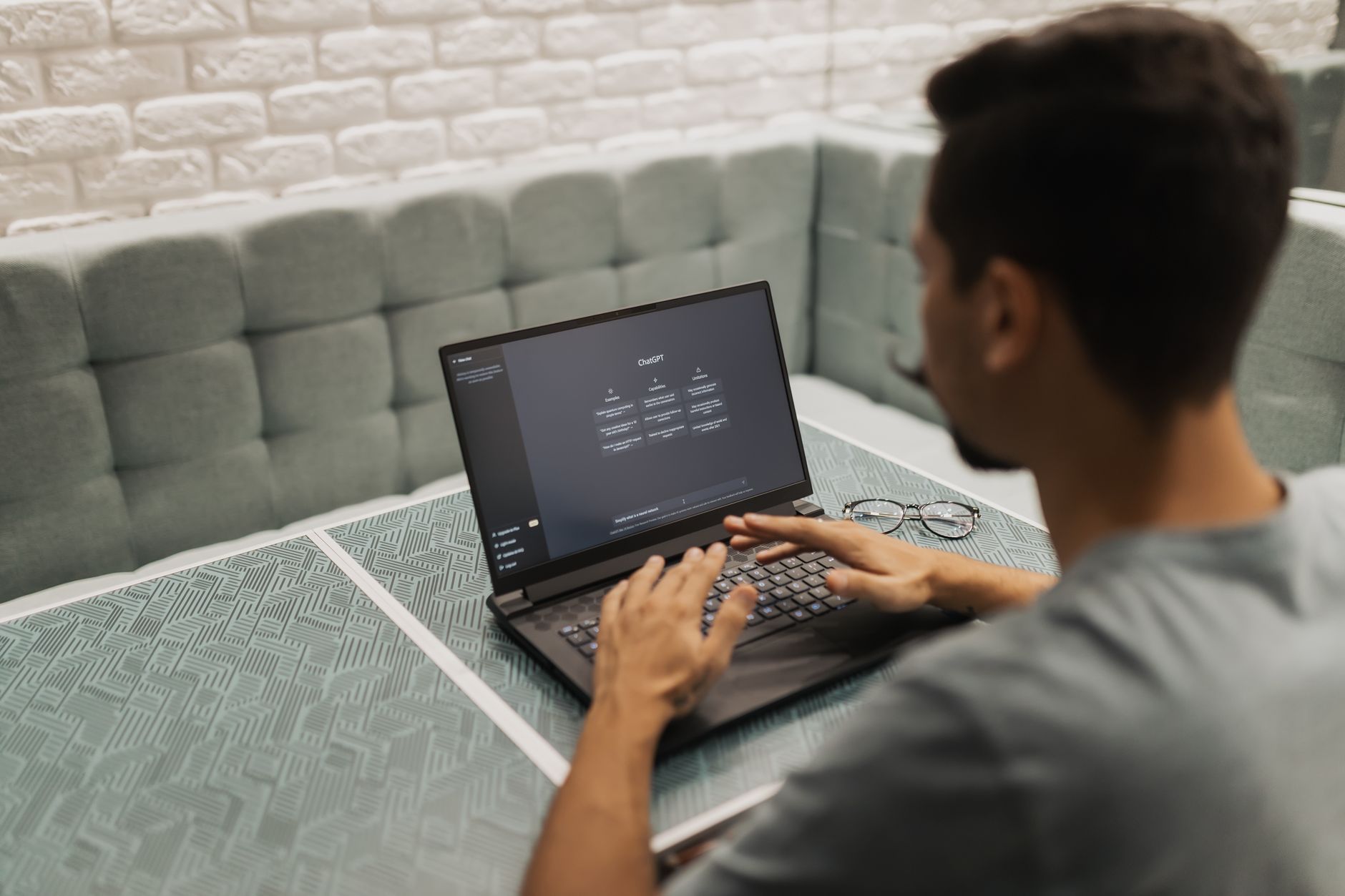
Start by gathering all client notes, event goals, budget limits, and date constraints. Open ChatGPT and paste everything into one prompt. Ask it to produce a one-page event brief with sections for goals, audience profile, theme direction, key performance indicators, and risk list. The first draft will be rough. Ask for a second pass that adds a timeline and owner columns. This gives you a working document in minutes instead of hours. OpenAI’s ChatGPT free tier now includes limited access to GPT-4o and unlimited GPT-4o mini. ChatGPT Plus costs $20 per month and adds more capacity for longer conversations and file uploads. You can check the latest limits in OpenAI’s documentation. The free tier is enough for most brief writing. Upgrade only if you need heavy document work daily. Use a specific persona in your prompt. Write “act as a senior event producer” before describing the event. This changes the output from generic to practical. Ask for a table format when you need a timeline or checklist. If you want to see how ChatGPT compares to Claude for writing style, check our ChatGPT vs Claude guide. The tools have different strengths, and one may fit your tone better. Common mistake: accepting the first draft without checking facts. AI can invent sponsor names or deadline logic. Always cross-check dates from your emails and contracts. Use the AI draft as a starting point, not the final brief. Share the cleaned version with your client or team for approval.
- Compare venues and review contracts with Claude
Once you have shortlisted two or three venues, export their proposals as PDFs. Claude can read those long files because its context window stretches to 200,000 tokens. That is about 150,000 words, enough for several multi-page contracts at once. Paste the PDFs or drag them into Claude’s interface. Ask for a side-by-side comparison of pricing, F&B minimums, AV costs, cancellation terms, and liability clauses. Claude Pro costs $20 per month and unlocks the larger context and higher message limits. Anthropic’s Claude documentation explains file types and current pricing. The free tier works for shorter documents, but event contracts can be long. Paid Claude is often worth it for contract-heavy planners. Use the prompt “compare these venue contracts like a forensic event planner” for sharper output. For broader business writing and proposal tips, see our guide on how to use AI for business. That article shows how to structure client-facing documents. Claude is also strong for writing sponsor proposals and event recaps. The key is to include specific numbers from the contracts. Do not ask it to guess any missing figure. Common mistake: treating Claude’s legal review as a substitute for an attorney. AI can miss liability language and local law changes. It is a useful first pass. Always have an event attorney sign off on final agreements. Use Claude to flag risky clauses, then send those flagged sections to your lawyer. That saves time and focuses legal review.

- Research vendors and pricing with Gemini
Gemini shines when you need to gather information from many sources. Its large context window accepts long research documents and multiple links. For venue and vendor research, paste a city, date, budget, and attendee count. Ask for a list of caterers, photographers, and AV companies with pricing signals, portfolio links, and review themes. Gemini’s context window of up to 1 million tokens lets it process long comparison files without losing track. Google’s Gemini family includes free and paid options. The free tier in Google AI Studio and Workspace is generous for research. You can compare Gemini and ChatGPT for event research with our ChatGPT vs Gemini guide. That article breaks down response style and factual reliability. For event planners, Gemini often provides more structured comparison tables. Ask for sources when vendor pricing matters. Write “list source links for each vendor and quote the average price where available.” Gemini can still hallucinate prices, so verify on vendor websites. Use the output to shortlist, not to finalize. Call or email vendors with the specific numbers in hand. This cuts email back-and-forth. Common mistake: relying on outdated review data. Reviews change, and vendor pricing may not be public. Ask Gemini to flag where it is uncertain. Then double-check current availability through official sites. Keep a spreadsheet of verified contacts. Update it after each call.
- Automate registration and follow-up reminders with n8n
Event registration creates repetitive tasks. Someone fills a form, and then you send a confirmation, add a row to a sheet, and notify a team member. n8n can connect these apps and run the workflow automatically. Connect Google Forms or Eventbrite to Gmail, Slack, and Airtable. When a new registration lands, n8n sends a welcome email and creates a task. This works 24/7 without you. n8n’s free cloud plan includes 2,500 workflow executions per month. Self-hosting n8n is free and gives unlimited workflow runs on your own server. That is enough for many small and medium events. The visual builder uses nodes, so you do not need to write code. Add an AI node to draft a personalized follow-up email using ChatGPT or Claude. For more automation ideas, see best AI tools for small business. Start small. Build a two-step workflow that sends a confirmation email when a form response lands. Run a test with your own email address. Then add a notification to Slack or a sheet row. The mistake most people make is building a huge workflow before testing. A failing workflow can send duplicate emails or miss registrations. Test with fake data first. Use AI nodes carefully in customer-facing emails. Generate a draft, then edit it to match your tone and brand. n8n can also pull data from the form to personalize each message. Keep a human review step for high-stakes emails like cancellation notices or deposit confirmations.
- Design event visuals with Canva AI
Event visuals set the tone before anyone arrives. Canva’s Magic Studio can generate invitation designs, social posts, badges, table numbers, and signage from a text prompt. Upload your brand colors and logo first. Ask for a design with “modern minimal conference style” or “outdoor garden party pastel style.” Canva then produces several layout options you can edit in the drag-and-drop editor. Canva’s free plan includes many templates and basic AI tools. Pro unlocks more AI generations and brand kits. For more artistic image generation, see our guide on best AI tools for image generation. That article compares tools like Midjourney and DALL-E. Canva is not the most powerful art generator, but it is the fastest for on-brand event collateral. After AI creates a design, check every text field. AI can misspell words, use placeholder names, or generate weird logos. Zoom in on fonts and alignments. Print a test copy if possible. The same rule applies to badges and table numbers. A typo on a guest badge feels careless. Common mistake: using AI art without checking usage rights. Canva’s AI tools are designed for commercial use, but custom artwork from other tools may have license limits. Keep records of the assets you generate. If you are unsure, stick to templates and simple AI edits.

- Build the run-of-show and speaker scripts with Claude
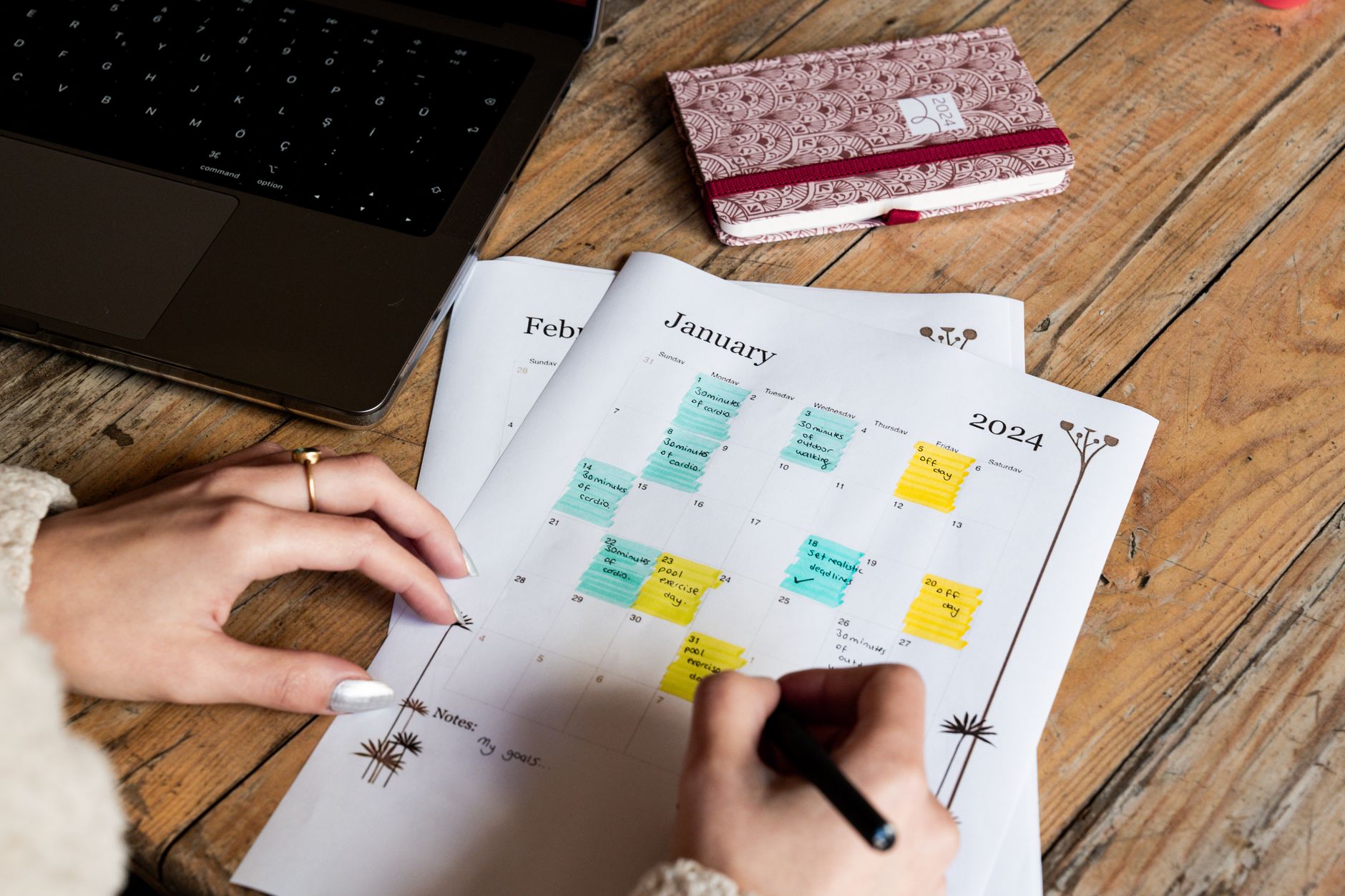
The run-of-show is the event day backbone. It lists every moment from vendor load-in to final wrap. To build one, feed ChatGPT or Claude your agenda, speaker names, session lengths, and AV cues. Ask for a table with columns for time, action, owner, and backup plan. The first pass will be a solid skeleton. Then you refine it after tech checks and speaker confirmations. Claude handles longer documents well, so it is a strong choice for speaker scripts and full event programs. ChatGPT is quicker for short session descriptions and emcee intros. For general writing help, see our guide on best AI tools for writers. That article covers tone, editing, and document length. Use whichever assistant you already pay for. Be specific about timing. Write “doors open at 8:00 a.m., first speaker at 9:00 a.m., 15-minute transition between sessions.” AI will produce a logical run-of-show. Then add buffer times yourself. AI tends to under-buffer live events. Add 10 minutes for every room flip and 5 minutes for speaker transitions. Common mistake: not updating the run-of-show after the final tech rehearsal. Re-run the prompt with the latest times and any AV changes. Share the final document with your venue, AV team, and speakers. One outdated time can cause a cascade of delays.
- Debrief and analyze event data with ChatGPT
After the event, collect survey responses, ticket sales, attendance data, and sponsor feedback into a CSV. ChatGPT Plus includes Advanced Data Analysis that can read CSVs and produce charts. Ask it to summarize survey themes, calculate NPS, and identify the sessions with the largest drop-off. This turns a messy pile of feedback into a clear debrief report. ChatGPT’s Advanced Data Analysis is available in the Plus plan at $20 per month. It can handle tens of thousands of rows. For deeper analytics options, see best AI tools for data analysis. That guide covers specialized tools for dashboards and forecasting. For most event planners, ChatGPT is enough. Clean the data before uploading. Remove names, email addresses, and any sensitive attendee information. Label columns clearly. Ask for a one-page executive summary first, then ask for charts. This keeps the output focused. If you see strange numbers, check for duplicate rows or blank fields. Common mistake: skipping the debrief. Event planners are tired after an event. But a 20-minute AI summary gives you insights for next time. Use the report to update your event brief template and risk list. That closes the loop and makes the next event easier.
Red Flags & Warnings
- 🚨 Never paste unredacted attendee lists or contracts with personal data into a public AI tool. Use tools with no training or redact first.
- 🚨 Double-check every output that includes pricing, dates, or venue capacity. AI can invent plausible but false details.
- 🚨 Do not rely on a single AI model for legal contract review. Always have an event attorney sign off on venue and vendor agreements.
- 🚨 Watch for subscription creep. You do not need ChatGPT Plus, Claude Pro, and Gemini Advanced. Start with one paid assistant.
- 🚨 Test automations with a small internal event before running a live registration workflow. A broken confirmation email damages trust.
- 🚨 Keep a human approval layer for client-facing writing. AI drafts can sound generic and miss brand voice.
Frequently Asked Questions
Can event planners use free AI tools?
Yes. ChatGPT free tier includes limited GPT-4o and unlimited GPT-4o mini. That handles most briefs, emails, and run-of-show drafts. Claude offers a free tier with shorter context. Start free, then upgrade if you need heavy document work.
Which AI tool is best for reviewing event contracts?
Claude is best for contract review because its 200,000-token context window handles long PDFs. Paste the agreement and ask for cancellation, liability, and payment terms. Still have a lawyer approve final changes.
Can AI automate event registration and reminders?
Yes. n8n can connect Eventbrite or Google Forms to Gmail and Slack. Its free cloud plan includes 2,500 workflow executions per month. Test the workflow with fake data before going live.
Are AI design tools good enough for event invitations?
Canva AI is good for most event visuals like invitations, badges, and signage. It creates polished layouts quickly. For more artistic or custom images, use dedicated image generation tools.
How much should an event planner budget for AI tools?
Many event planners start with free tiers. ChatGPT Plus costs $20 per month and Claude Pro costs $20 per month. A single paid assistant plus free n8n and Canva free tier is enough. Budget $20 to $40 per month for AI.
What is the biggest risk when using AI for event planning?
The biggest risk is trusting AI outputs without checking facts. AI can invent vendor details, pricing, and venue capacities. Always verify against official sources and keep a human review step for client-facing work.
What Should You Remember?
- Start with ChatGPT free tier to draft event briefs, emails, and run-of-show documents without paying.
- Use Claude for contract review because its 200,000-token context window handles long venue and vendor agreements.
- Automate with n8n to connect registration forms, email reminders, and Slack alerts. Its free cloud tier covers 2,500 executions per month.
- Create visuals in Canva AI for invitations, badges, and signage. Review all text and logos before printing.
- Verify every AI output for pricing, dates, and capacities. AI can produce confident but false details.
- Keep one paid AI assistant instead of subscribing to many. ChatGPT Plus or Claude Pro at $20 per month is usually enough.
- Review contracts with a human lawyer even after AI flags risky clauses. AI helps, but legal sign-off is yours.
This article is for general information only and does not constitute professional advice. Product capabilities, pricing, and market figures change frequently. Always verify current details through vendor documentation and primary sources.
Some links on this page may be affiliate links, which means we may earn a commission if you click through and make a purchase — at no additional cost to you. Read our full disclosure.