Designers still make the big creative calls in 2026. AI does not replace taste, composition, or client relationships. What it does replace is the repetitive middle part of a project. You can move from a rough sketch to three polished directions in an afternoon instead of two days. The right tools cut concepting time by at least half for many common visual tasks. Still, not every AI design tool is worth your subscription. Some are built for quick social graphics, others for high-fidelity UI work, and a few for motion.
The biggest shift is in image generation. Tools like Midjourney, Firefly, and DALL-E now produce usable hero images, textures, and mood boards. You can compare the leaders in our best AI tools for image generation guide. For motion and video, the same logic applies. Runway and Pika can extend brand visuals into short clips without a full video team. Check the best AI tools for video editing roundup to see how those fit. Designers who ignore these tools will spend more time on production, not more time on ideas.
This guide ranks the tools by real workflow impact. I have used most of these in client work and internal brand projects. You will see exactly where each tool earns its keep, what it costs, and where it can waste your time. If you are coming from a marketing background, also read our best AI tools for marketers piece for campaign-level picks. Then keep this page open while you set up your stack.
One warning before we start. AI design tools change fast. Free tiers shrink, output limits shift, and model versions change almost monthly. The prices and limits below are accurate as of early 2026. Always check the vendor’s pricing page before you commit. That habit alone will save you from surprise credit exhaustion in the middle of a client deadline.
What You’ll Need
- Midjourney V7 subscription
- Adobe Firefly account
- Canva Pro
- Figma Professional
- Runway account
- ChatGPT Plus or Claude Pro
How Do You Best AI Tools for Designers in 2026?
- Start with Midjourney V7 for hero images and concept art
Midjourney V7 is the strongest general-purpose image generator for designers right now. The latest model handles complex lighting, fabric, food, and architectural interiors better than earlier versions. It is not a layout tool. It is a concept art engine. The Basic plan starts at $10 per month and includes roughly 200 generations. If you need more volume, the Standard plan at $30 per month adds relaxed generation and more parallel jobs. Compare it with other image tools in the best AI tools for image generation guide before you subscribe.
The real skill is prompt control. V7 responds well to style references. You can upload a photo of your brand palette, a texture swipe, or a competitor’s campaign, then add a text prompt. Use simple language. For example: ‘soft studio light, warm beige and terracotta product scene, ceramic bottle, high detail, 85mm lens.’ You can also use a character reference to keep the same person or mascot across multiple frames. That consistency used to take a full day of retouching.
Still, Midjourney output is not final art. Text rendering is better than before, but still unreliable for packaging labels or poster headlines. Treat every generated image as a starting point. Bring the best result into Photoshop or Affinity Photo for cleanup, color grading, and type replacement. Designers who skip that step end up with obvious AI artifacts that clients notice.
This tool is best in the first third of a project. Use it to explore three visual directions before you commit to one. Then move the approved direction into a layout tool like Figma or Canva. That keeps your hero image generation fast and your final output polished.
- Use Adobe Firefly for commercially safe image generation
Adobe Firefly is the safest pick when a client asks about licensing. Adobe says the model is trained on Adobe Stock images, openly licensed content, and public domain material. That reduces the legal risk compared with scraped-image models. Firefly gives you 25 generative credits per month on the free plan. The Premium plan costs $4.99 per month and includes 100 credits plus access in Photoshop and Illustrator.
Firefly shines inside the Adobe apps you already use. Generative Fill handles background extension, object removal, and quick patching. Text to Image creates new art directly in a Photoshop layer. Text to Vector is still rough for logo work, but useful for standalone icons and simple shapes. The real advantage is workflow. You do not have to export, generate, and reimport files from another tool.
The catch is style. Firefly output tends to look polished but a bit conservative. It will not match Midjourney’s dramatic lighting or unusual concept range. For corporate brochures, product mockups, and social ads, that is often fine. For a fashion editorial or packaging concept, you may still need Midjourney or a custom model.
Designers should treat Firefly as the production-safe layer. Use it for final assets where licensing matters. Keep your experimental generations in other tools. That split keeps you fast without handing clients a legal headache.
- Speed up social and marketing layouts with Canva Magic Studio
For fast turnarounds on social posts, presentations, and simple brand collateral, Canva Magic Studio is hard to beat. The Pro plan costs $12.99 per month or $119.99 per year. The free plan gives you a taste of Magic Write and some AI tools, but you will hit the limit quickly. Marketers often pair Canva with dedicated image tools. Our best AI tools for marketers guide covers that workflow in more detail.
Magic Studio bundles several useful tools. Magic Resize adapts a single design to Instagram, LinkedIn, YouTube thumbnails, and print sizes in a few clicks. Magic Write generates headline options and ad copy inside the editor. Magic Eraser removes unwanted objects from photos without leaving Canva. Magic Animate adds simple motion to static layouts. These features are not pro-level design tools, but they save a designer from rebuilding the same layout six times.
The catch is that Canva templates are recognizable. If you only use the default elements and AI text, your work can look like everyone else’s. The fix is to start from your own brand kit. Upload your fonts, logo, color palette, and custom image library. Use Canva for speed, then override the AI with your own type and spacing choices.
That said, Canva is the best entry point for designers who support marketing teams. A junior designer can produce a month of social content in two afternoons. A senior designer can use Canva to delegate repetitive layout tasks and focus on high-impact campaign work. I still keep it open in a browser tab for quick resize jobs that would otherwise waste an hour in InDesign.
- Build UI and prototypes faster with Figma AI
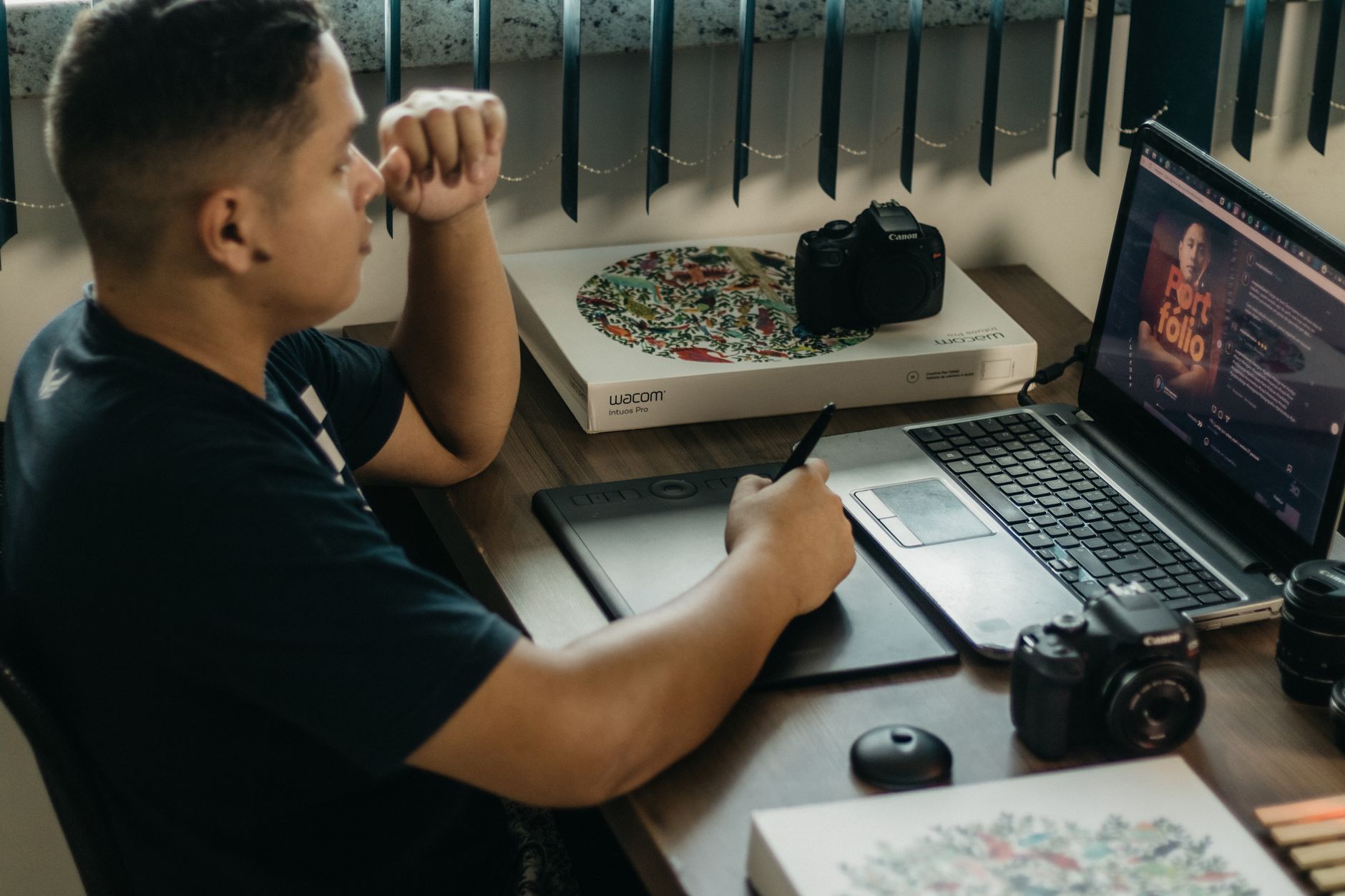
Figma remains the standard tool for UI and product design. In 2026, Figma AI is built into the core editor on most paid plans. Figma Professional costs $15 per editor per month. The AI features include quick layout suggestions, auto-generated design specs, background removal, and a first pass at layer renaming. This is not a text-to-app machine. It is a set of small accelerators that remove the boring parts of interface work.
The fastest workflow is to start with a rough wireframe or even a screenshot. Figma AI can generate layout variants from a prompt like ’three-column pricing page with a dark hero section.’ It still needs a designer to fix spacing, hierarchy, and accessibility. But the first draft appears in seconds instead of hours. You can then link it into a clickable prototype with standard Figma features.
For placeholder copy, you can use Figma’s built-in text tools or connect a separate model. Google’s Gemini API documentation lists low-latency models that work well for generating UI labels, button text, and empty states. That helps when you need realistic content without waiting for a copywriter. Designers who build design systems should also read our best AI tools for developers guide to see how frontend teams are automating handoff.
One warning: Figma AI learns from community files and your own content in some cases. Do not paste confidential client data into prompts unless your team has approved the data policy. Check the sharing settings on your Figma organization before you use AI on a sensitive project. This is a production tool, not a toy, and the usual data rules apply.
- Create motion and video concepts with Runway
Static design is only half the job in 2026. Clients expect short motion clips for social, website headers, and pitch decks. Runway is the best all-around AI video tool for designers who do not want to learn After Effects. The Standard plan starts at $15 per month and includes 625 one-time credits. You can also use the free tier to test a few generations before paying. See how it compares with other tools in our best AI tools for video editing roundup.
Runway’s strongest features for designers are image-to-video and motion brush. Take a still from Midjourney or Firefly, upload it, and tell Runway how the camera should move. You can prompt a slow push-in, a rotating product shot, or a subtle texture shift. The motion brush lets you select a specific area, like a flag or hair, and animate only that part. This is useful for adding life to brand imagery without expensive 3D work.
The catch is consistency. Runway can produce beautiful clips, but it still changes details between frames. Logos can warp, text can shimmer, and faces can flicker. For client work, keep motion clips short. Three to five seconds is safe. Anything longer usually needs heavy editing or a more expensive custom model. Use Runway for concept motion, mood clips, and internal presentations before you promise a final deliverable.
A good workflow is to generate still images first, then animate the approved hero frame. That way you control the composition before Runway adds motion. You can also use Runway’s green screen and background removal tools to composite a generated clip into a layout. This speeds up the middle of a video project without replacing a video editor.
- Use ChatGPT or Claude for briefs, copy, and design research
Most design projects fail from bad briefs, not bad visuals. A language model can fix that part. ChatGPT Plus costs $20 per month and gives you access to GPT-4o with a 128,000 token context window, enough for an entire brand guideline. You can check the latest details in OpenAI’s documentation. Claude Pro is another strong option at $20 per month. It is especially good at long documents and subtle tone shifts. For a broader look at how these tools fit into daily work, see our best AI tools for productivity guide.
Use the model in three specific ways. First, paste a messy client email and ask for a structured creative brief with clear goals, audience, and constraints. Second, generate headline and body copy options for your layouts. Third, research visual trends or competitor campaigns. The output will not replace a strategist, but it gives you a solid first draft in seconds.
The trick is to give the model real context. Do not just say ‘write a poster headline.’ Upload or paste the brief, the brand voice, and the exact placement. Ask for ten options in different tones. Then edit the best three. This is faster than staring at a blank page and produces better work than a generic AI prompt.
Keep the model out of final legal or compliance copy. Always have a human review any claims, pricing, or accessibility language. But for exploratory work, it is the most flexible tool in your stack. If you want to compare the two models directly, read our ChatGPT vs Claude breakdown before choosing.
Red Flags & Warnings
- 🚨 Never use AI output as final client work without checking licenses. Firefly and Canva have commercial terms, but some tools do not. Read the plan details before delivering.
- 🚨 Do not paste confidential brand assets into public or free AI tools. Free tiers often use your inputs for training. Use enterprise or private settings for sensitive work.
- 🚨 Watch out for credit exhaustion. Midjourney, Runway, and Firefly all limit generations per month. Set a budget and track usage before a deadline.
- 🚨 AI text rendering still fails on packaging, logos, and posters. Always replace AI lettering with your own type in Photoshop or Illustrator.
- 🚨 Do not assume Figma AI is free forever. Beta features can move behind paywalls. Check your team plan before relying on it for production.
- 🚨 Avoid using AI-generated images for trademarks or characters that look like real people without consent. Style references and character references can create legal issues.
Frequently Asked Questions
Can AI replace graphic designers?
No. AI handles repetitive production and first drafts, but taste, client communication, and final polish still need human judgment. Designers who learn AI will produce more work in less time, not lose their jobs to it.
What is the best AI image generator for commercial client work?
Adobe Firefly is the safest default because it trains on Adobe Stock and licensed content. Its free tier gives 25 credits per month, and Premium adds more. Midjourney is stronger for concept art but requires more license review.
How much do AI design tools cost?
Most start free with limits. Paid plans range from $4.99 per month for Firefly Premium to $20 per month for ChatGPT Plus or Claude Pro. A practical stack for a solo designer costs around $50 to $80 per month.
Do I need to know programming to use these tools?
No. Most design AI tools use prompt boxes, sliders, and visual controls. Figma AI and Canva Magic Studio are built into familiar editors. Some advanced API use is optional, but not required for daily design work.
Can AI create a full brand identity?
It can generate mood boards, color palettes, logo concepts, and copy drafts. But a full identity still needs a designer to refine typography, spacing, and consistency. Treat AI as a fast ideation partner, not a finished brand package.
Which AI tool is best for UI/UX designers?
Figma AI is the most direct upgrade for interface work. It speeds up layout variants, layer organization, and prototype creation. Pair it with a language model for realistic placeholder copy and UX writing.
What Should You Remember?
- Match tool to task: Use Midjourney for concept images, Firefly for safe production, Canva for quick layouts, and Figma for UI flows.
- Check licenses: Free-tier and scraped-image models can create legal risk for client deliverables.
- Set generation budgets: Credits run out fast in Midjourney, Runway, and Firefly. Track usage weekly.
- Keep a human review step: AI text, logos, and motion still need cleanup before delivery.
- Pair static and motion: Generate approved stills first, then animate with Runway for controlled output.
- Use AI for briefs: ChatGPT or Claude can turn messy client notes into a structured brief in seconds.
This article is for general information only and does not constitute professional advice. Product capabilities, pricing, and market figures change frequently. Always verify current details through vendor documentation and primary sources.
Some links on this page may be affiliate links, which means we may earn a commission if you click through and make a purchase — at no additional cost to you. Read our full disclosure.