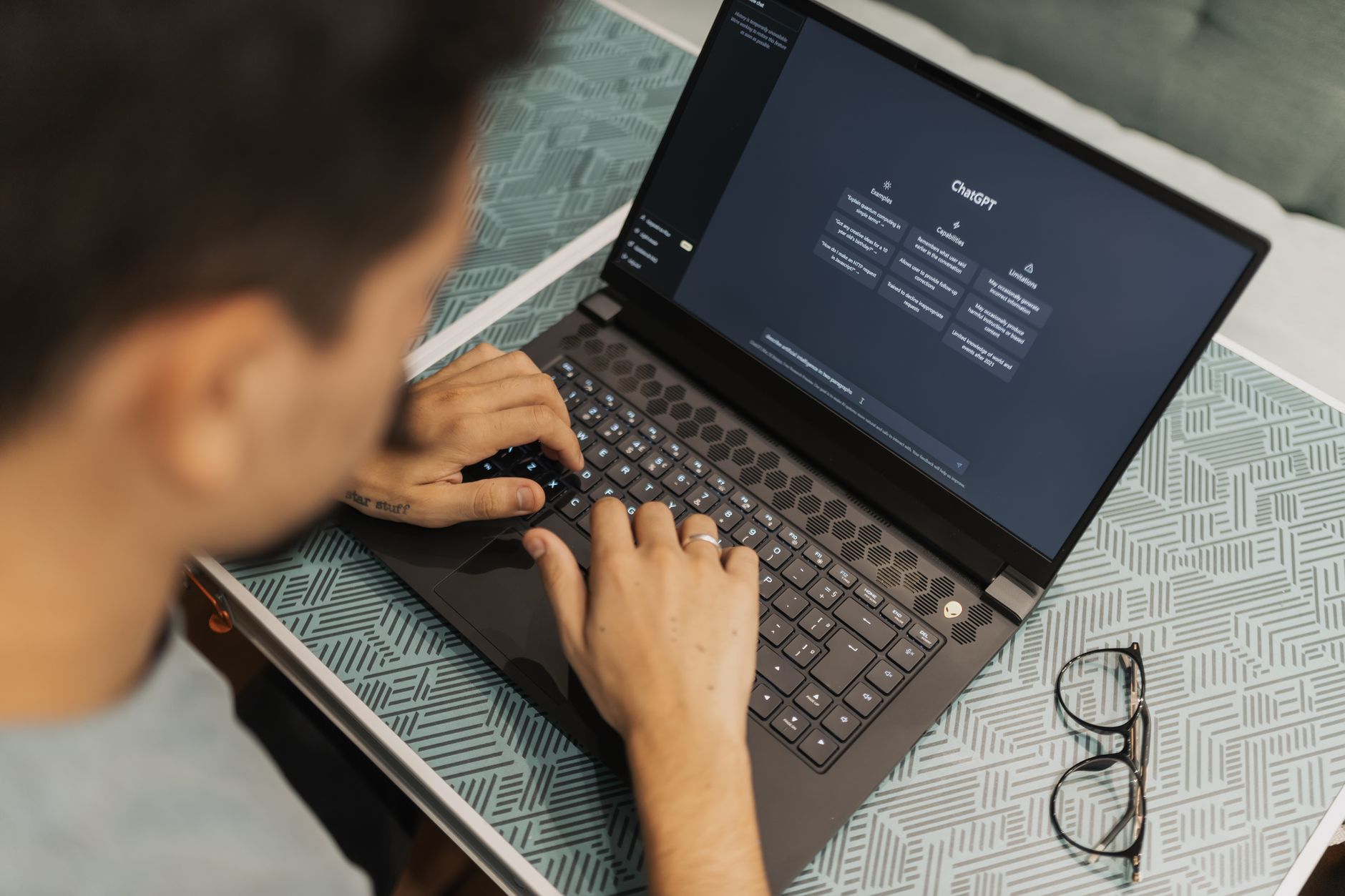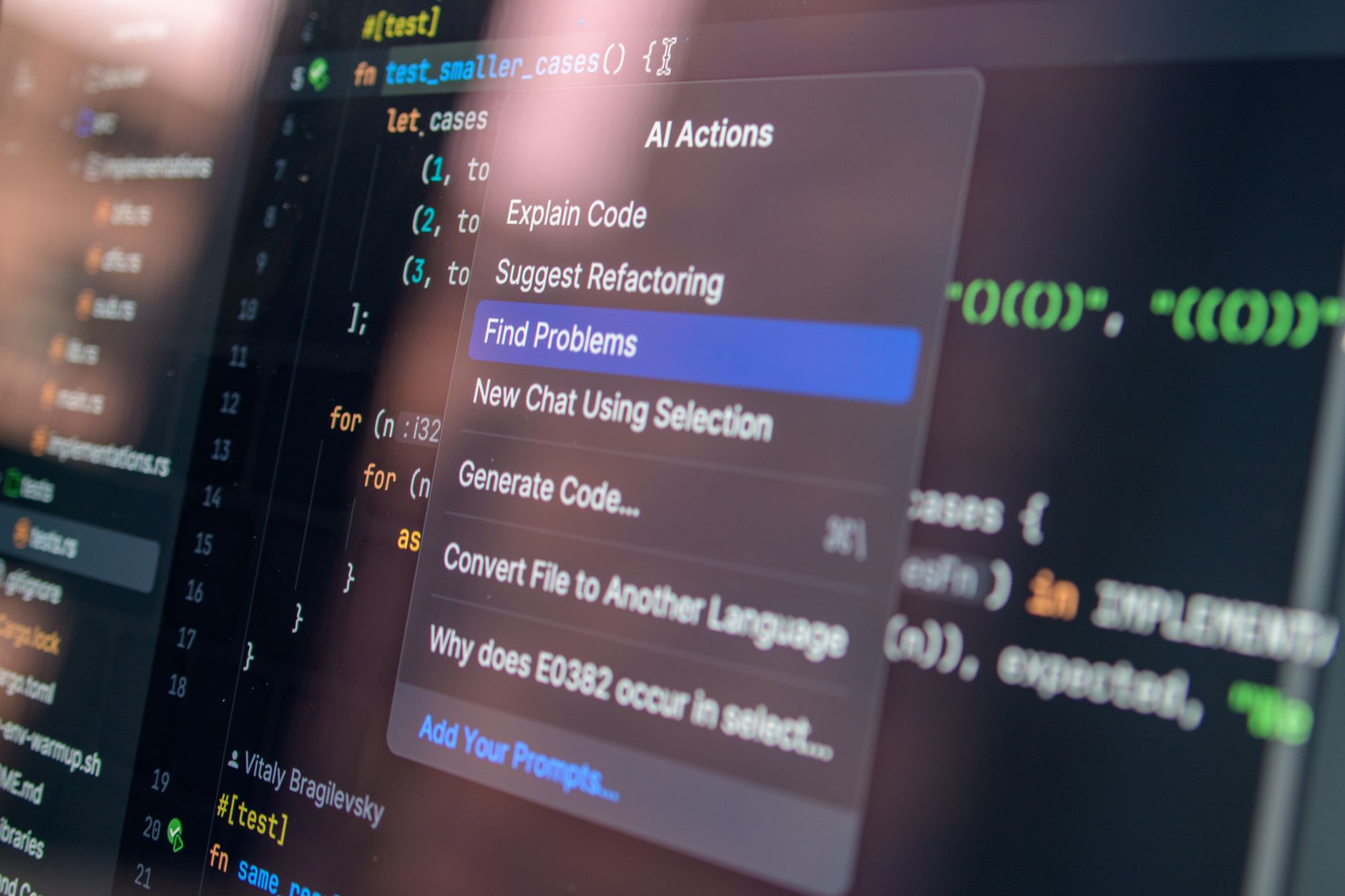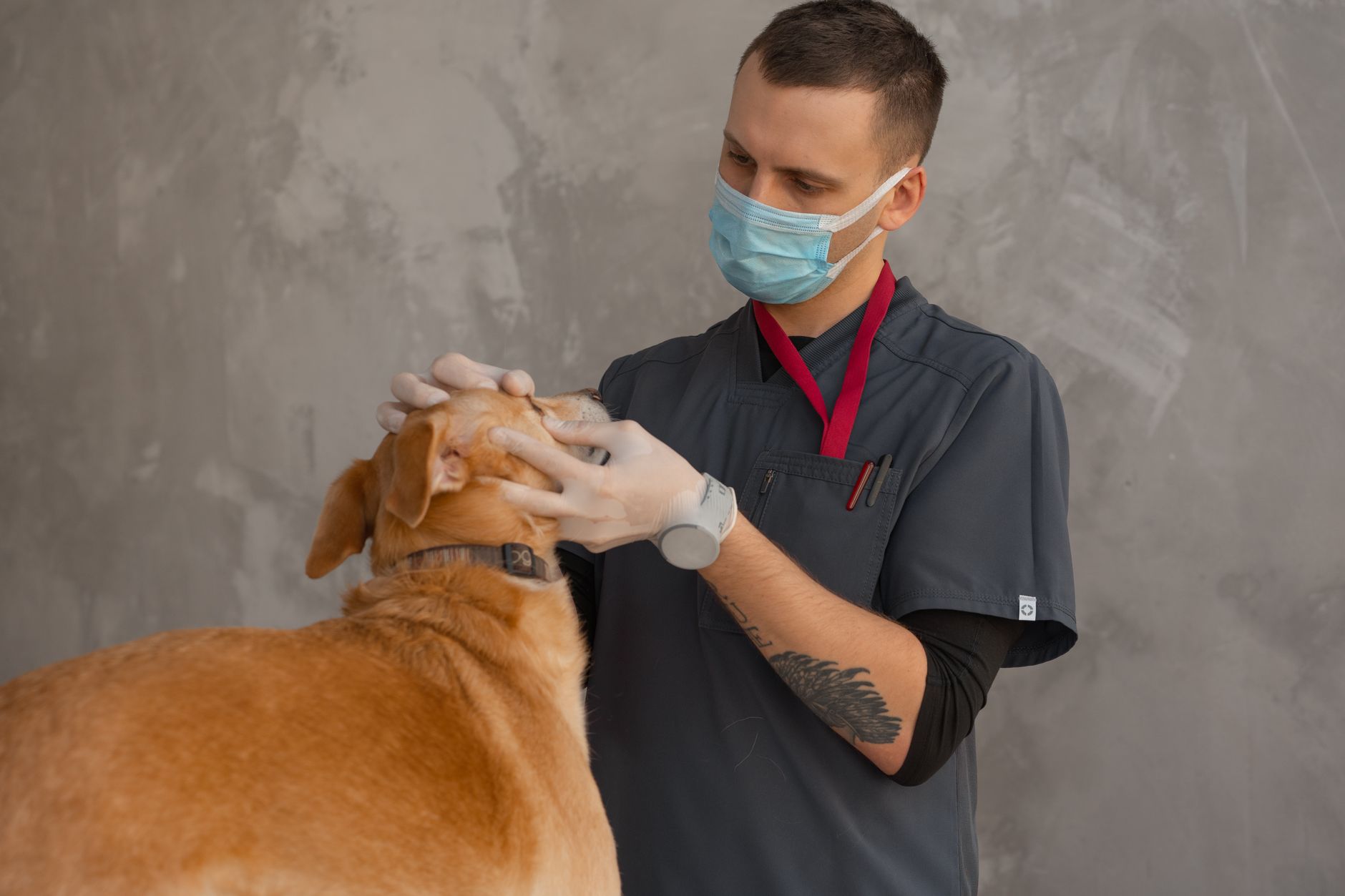
Veterinary medicine runs on tight schedules and high case volume. Most vets spend hours typing records, calling clients, and sorting lab results. AI tools for veterinarians in 2026 can remove much of that repetitive work. A good AI stack cuts charting time, flags imaging abnormalities, and sends follow-up reminders without adding headcount. If you already use best AI tools for productivity, you know the core value is time. Vet-specific tools go further because they understand SOAP notes, prescriptions, and species-specific care.
The AI market has matured enough that you no longer need to patch together consumer chatbots. Industry analyses suggest generative AI could add significant productivity value across sectors, including veterinary medicine. For clinics, that means fewer late nights writing records and more time examining patients. The key is to choose tools built for animal health or at least configured for medical privacy. Not every tool will fit every practice. Some are better for solo vets, others for multi-doctor hospitals.
This guide ranks the categories from easiest to most advanced. Start with an AI scribe because it delivers the fastest return. Then add imaging, client communication, and practice automation. Each recommendation includes what it does, where it shines, and common pitfalls. We link to companion guides like best AI tools for customer service when the workflow overlaps.
I have tested many of these tools in small animal practice settings. The picks below prioritize ease of use, integration with practice management systems, and vet-specific training. Prices change, so check vendor sites before committing. The goal is less paperwork and better care, not more screens to manage.
What You’ll Need
- Practice management software such as Cornerstone, AVImark, ezyVet, or Digitail
- A tablet or smartphone for AI scribe apps
- Secure high-speed internet connection
- Vendor free trial or pilot agreement accounts
- Basic workflow documentation template
How Do You Best AI Tools for Veterinarians in 2026?
- Start with an AI veterinary scribe
Every veterinarian knows the pain of end-of-day charting. AI scribes remove that burden. They listen to the appointment and generate a draft SOAP note in seconds. Vet-specific models understand species, drug names, and common abbreviations. Start with this category because the return on time is immediate. You can save 45 to 90 minutes per day without changing how you practice. The tool runs in the background while you focus on the animal. After the visit, you review and edit the note before it goes into your practice management system.
ScribbleVet is a strong first choice. It integrates directly with common practice information management systems, including Cornerstone, AVImark, and ezyVet. The tool records the appointment through a tablet or smartphone, then drafts a problem-oriented medical record. You review the note, make corrections, and approve it. Pricing runs about $99 to $199 per veterinarian per month. That is not cheap, but it often pays for itself if it saves an hour of overtime weekly. Some clinics see faster chart completion and fewer missing details in records.
HappyDoc is worth trying if you want a low-commitment start. Its free plan covers up to 10 appointments per month, which is enough for a solo vet to test the workflow. After that, paid plans add unlimited notes and additional templates. Talkatoo is a different style. It works as a voice assistant that types into whatever field your cursor is in. That can be useful for discharge instructions, client call notes, or treatment sheets. Both tools reduce typing but have different strengths. Try a free trial with your own appointments before deciding.
The catch is that AI scribes still make mistakes. They may confuse homophones, mishear drug dosages, or miss important negatives in a physical exam. Always read every generated note before signing. If you work with heavy accents, unusual species, or complex cases, test the tool thoroughly. A scribe is not a replacement for a veterinarian’s clinical judgment. It is a drafting assistant. Keep that distinction clear and train your team to review all AI output.
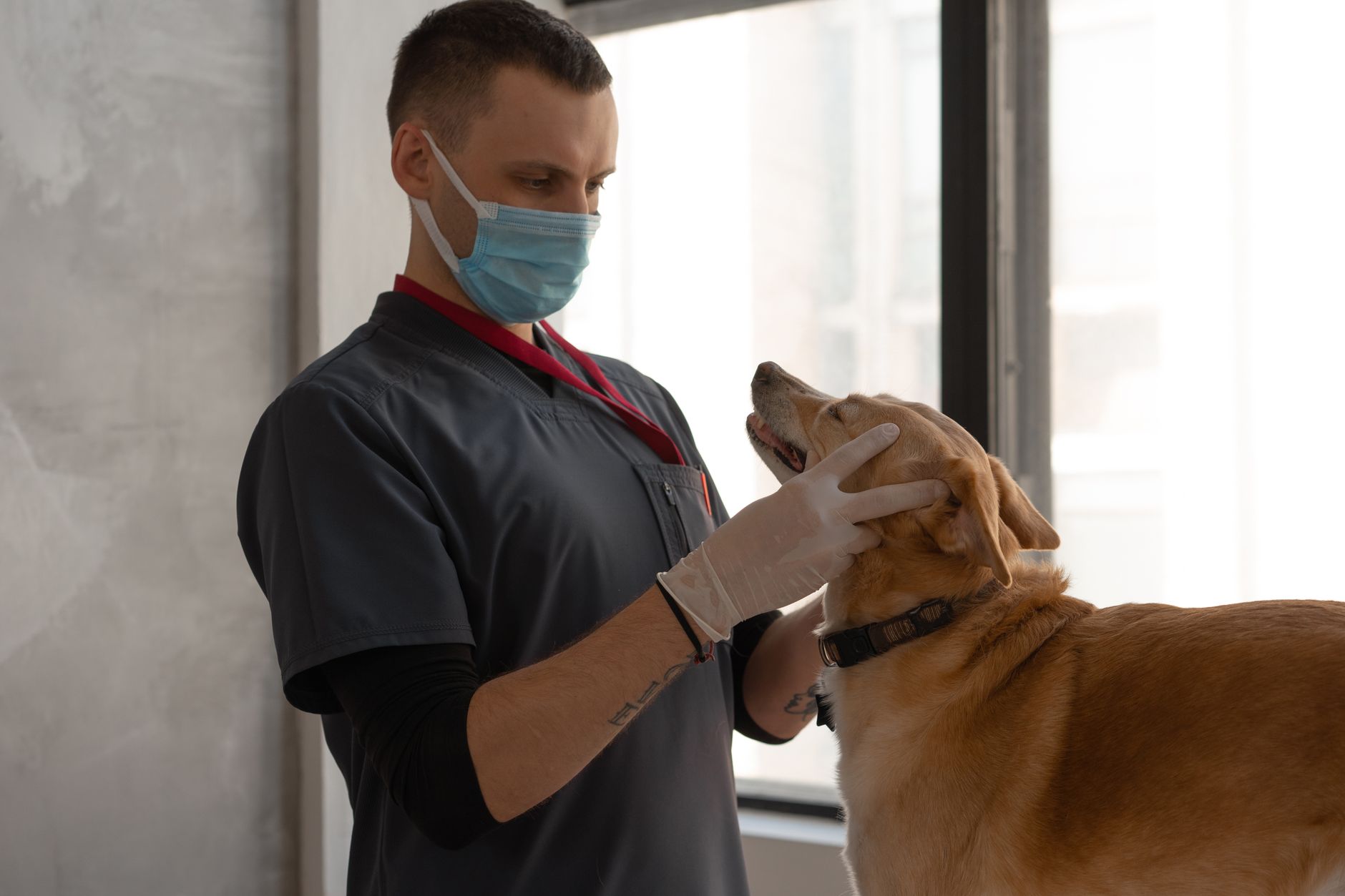
- Add imaging AI for radiology and cytology
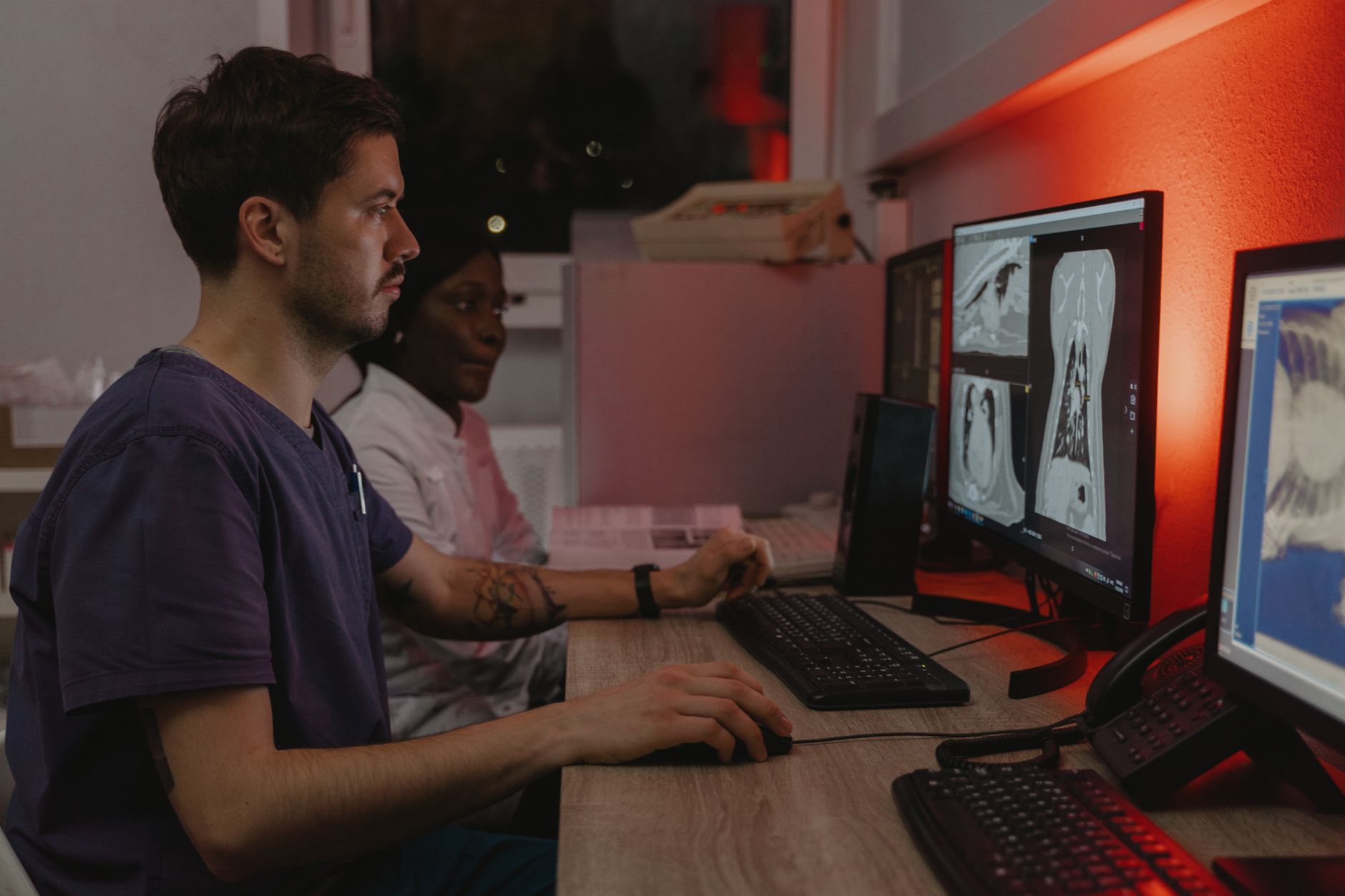
Imaging AI is the next logical step for high-volume clinics. These tools analyze radiographs, dental films, and some ultrasound images. They flag areas that need a closer look. This can help a busy vet triage after-hours emergency cases or catch subtle dental lesions. The software does not diagnose. It highlights possible abnormalities and attaches a confidence score. That matters because you still need to interpret the film in light of the physical exam. If you want to understand the underlying pattern recognition, check our best AI tools for data analysis guide. The math is similar to human medicine but trained on animal anatomy.
SignalPET is one of the best known veterinary imaging AI platforms. It covers full-body radiographs and dental imaging. The tool returns results in minutes, often under five. Many clinics use it as a second read for routine films. It works with major digital radiography systems and can send findings to your PIMS. Pricing is typically per study or through a monthly subscription. The benefit is consistency. The AI uses the same criteria every time, which can reduce variation between busy shifts. Still, it may overcall or miss subtle changes. Use it to help, not to decide.
Vetology AI combines AI pre-screening with board-certified radiologist review. You upload images, and the AI flags suspected findings. Then a radiologist can provide a full report if you want one. This hybrid model works well for clinics without a full-time radiologist. It is also useful for after-hours emergency support. Prices are per study, and turnaround for AI pre-screen is usually fast. The human report may take longer depending on demand. That said, for suspected fractures or obvious masses, the AI flag can help you move faster.
Do not let imaging AI become a crutch. Radiographic signs of disease can be subtle, and AI models can miss rare conditions or uncommon species presentations. Always examine the image yourself. If the AI flags something you did not expect, take a second look. If the AI says normal but the patient is clinical, trust your exam. AI is a triage tool, not a radiologist. That distinction protects your patients and your license.
- Automate client communication and scheduling
Client communication is where revenue leaks happen. Missed reminders, long phone queues, and manual scheduling eat into your day. AI-powered communication tools fix that. They automate appointment confirmations, rebooking, and follow-up messages. This category overlaps heavily with best AI tools for customer service, but veterinary tools add pet-specific fields like vaccination due dates and weight checks. The result is fewer no-shows and happier clients.
Vetstoria is an online booking platform that syncs with your practice calendar in real time. Clients see only the times you actually have available. That reduces double-booking and phone tag. The tool can also send automated reminders by email, text, or app notification. Pricing is usually per location per month, often $100 to $250 depending on features. Some practices report that online booking shifts a large portion of scheduling work off the front desk. That frees your team for in-person client care and triage.
PetDesk focuses on client engagement and retention. It offers two-way texting, appointment requests, reminders, and loyalty features. The company has data showing that practices using its reminders see up to a 20 percent reduction in no-shows. That is a meaningful number if you run 20 or more appointments per day. PetDesk also has a mobile app where clients can view vaccine history and request refills. The drawback is that it works best if your whole team commits to using the app consistently.
Automated messaging is powerful but can backfire. A client receiving a generic text about abnormal lab results may panic. Always review templates and set rules for which results auto-send. Use an automated system for reminders and confirmations, not for delivering bad news or complex treatment plans. Keep a human in the loop for any message that could be emotionally charged or clinically urgent.

- Layer practice intelligence and automation
Once daily workflows are smoother, look at practice-level intelligence. AI can analyze appointment trends, inventory usage, and revenue per client. This is not as flashy as an imaging tool, but it changes how you run the business. If you are new to AI in operations, start with how to use AI for business. The same principles apply. Data in, insight out. The difference is that veterinary practices have unique seasonality and service mix.
Digitail is a cloud practice management system with built-in AI features. It includes telemedicine, a client portal, and automated recalls. The AI layer can suggest reminders based on patient history and protocol. It also helps with inventory tracking and appointment forecasting. Digitail reports integrations with many lab, payment, and imaging tools, though exact numbers vary by market. It is a good fit for clinics that want a modern PIMS rather than bolting AI onto an older system. The transition can be disruptive, so plan the migration carefully.
n8n is the automation tool I recommend for clinics that want custom workflows without hiring a developer. It is open source and can be self-hosted for data control. You can build a workflow that watches for a new lab result, extracts abnormal values, and creates a task in your practice management system. You can also connect your scheduling app to Gmail or Slack for daily summaries. n8n’s documentation provides step-by-step templates for common integrations. It is more technical than buying a turnkey tool, but far cheaper than custom software.
Resist the urge to automate everything at once. Start with one repetitive task, such as inventory reorder alerts or missed lab result tracking. Document each step. Test for a week before expanding. Too many automated messages or tasks can overwhelm staff and hide real problems. Automation should reduce mental load, not add another system to monitor.
- Use large language models for research and client education
General large language models have a place in every clinic, but not for patient records. Use them for research summaries, client education, and drafting template language. A model like GPT-4o or Claude can turn a dense research paper into a plain-language summary for a client. It can also help you write discharge instructions, staff training materials, or social media posts. The important rule is to keep identifiable patient data out of consumer tools. If you want a deeper comparison, read ChatGPT vs Claude.
OpenAI’s GPT-4o offers a 128,000-token context window, which is large enough to process a full clinical guideline or a long research article in one prompt. OpenAI documents these capabilities and updates them regularly. You can use it to generate a differential list for an unusual presentation, then verify with a veterinary reference. It is also useful for rewording medical jargon into client-friendly terms. The quality is high, but it can still hallucinate. Always check drug doses and species-specific guidance.
Anthropic’s Claude models are strong for long documents and careful reasoning. Claude Pro costs $20 per month per user and includes about five times higher usage limits than the free tier. Anthropic publishes model details and safety information. Many veterinarians prefer Claude for drafting longer client handouts because the writing style is clear and measured. It also handles multi-step prompts well, such as turning a treatment plan into a checklist for a technician. The key is to treat it as a smart junior assistant, not an authority.
Never paste a full medical record with owner name, address, or patient ID into a consumer chatbot. That creates privacy risk. If you need AI to analyze a record, use a vet-specific tool with a business associate agreement or run a private model. For general research and client education, use a fresh prompt with only the clinical question, not the patient’s identity. That keeps you compliant and reduces the chance of data leakage.
- Automate inventory and pharmacy workflows
Inventory and pharmacy workflows are often overlooked. Yet they tie up staff time in price checking, reordering, and refill calls. AI tools can automate those decisions. The right system compares prices across distributors, predicts demand from historical usage, and sends refill reminders. This is a natural extension of the practice intelligence step. You can start small with one supplier or one drug class.
Vetcove is a purchasing platform that compares prices from major veterinary distributors. It shows you the same product across multiple vendors so you can buy at the lowest cost. The tool also automates reordering based on your usage patterns. Vendor reports suggest clinics save 10 to 20 percent on supply costs after switching to a comparison workflow. That may not sound huge, but for a clinic spending $10,000 a month on supplies, a 15 percent saving is $1,500. That money drops to the bottom line.
Covetrus offers prescription management and online pharmacy tools. It can send automatic refill reminders and let clients approve requests through a portal. This reduces phone calls and improves medication compliance. It also helps with controlled substance logs and reporting, though state rules still apply. If you already use Covetrus as a distributor, adding their prescription platform is a natural fit. The main drawback is that you are tied to their network, so pricing may not always be the lowest.
Pharmacy automation is convenient, but controlled substances require extra care. Some states mandate manual logs or specific verification steps that software cannot replace. Always audit your automated refill process. If a client withholds information or a drug interaction is flagged by AI, ensure a veterinarian reviews it before the refill goes out. Automated does not mean unattended.
- Build custom AI workflows without coding
By now you have several point solutions. The final step is to connect them. Custom AI workflows let you move data between your PIMS, lab results, and communication tools without manual copy-paste. No-code platforms like n8n and Zapier make this possible. You do not need a developer for most clinics. If you are comfortable with flowcharts, you can build powerful automations. Many templates exist, and you can adapt them to your practice without writing code.
One high-value workflow starts with lab results. Many clinics receive PDFs by email. An AI workflow can parse the PDF, pull out abnormal values, and create a task for the attending vet. It can also draft a client message that says the results arrived and the vet will call by end of day. This removes the bottleneck of manually checking the inbox every hour. The workflow can run on n8n with a simple PDF parser and a large language model step.
Another useful workflow is vaccination reminders. Instead of sending a generic reminder, AI can personalize the message based on the pet’s age, lifestyle, and previous reactions. It can also suggest add-on services that are medically appropriate, such as a senior blood panel. This makes the reminder feel less like spam and more like care. You can connect your PIMS to your email system and let the AI draft messages for review.
Custom workflows require maintenance. APIs change, practice software updates, and staff roles shift. Document each workflow with a simple diagram and owner name. Test new workflows with fake data before going live. Most importantly, keep a human approval step for anything that touches a client or a medical record. That way you get the speed of automation without giving up control.
Red Flags & Warnings
- 🚨 Do not use free consumer chatbots for dictated medical records. They are not designed for veterinary privacy or SOAP note structure.
- 🚨 Never let imaging AI serve as the final read for radiographs. A licensed veterinarian must review every study.
- 🚨 Check state and provincial privacy laws before storing client and patient data in cloud tools. Veterinary data may not be covered by HIPAA but still requires protection.
- 🚨 Pilot any AI scribe or automation for at least two weeks. Vendor demos can hide edge cases with heavy accents, unusual species, or complex cases.
- 🚨 Avoid fully automated client messaging for urgent lab results or euthanasia decisions. Keep a human in the loop for emotionally charged news.
- 🚨 Watch for AI hallucination in drug dosing and toxicology. Always verify against a trusted formulary before changing a treatment plan.
Frequently Asked Questions
Are AI scribes compliant with veterinary medical record requirements?
Choose a vet-specific scribe that signs a business associate agreement or equivalent and stores notes securely. Many integrate with your PIMS and encrypt data. Check the vendor’s data handling and retention policies before use.
Can AI replace a veterinary radiologist?
No. AI can triage and flag possible abnormalities, but a licensed veterinarian must interpret every image. Use AI as a second read for high-volume or after-hours cases, not as the final report.
How much do veterinary AI tools cost in 2026?
AI scribes typically run $99 to $249 per veterinarian per month. Imaging AI may charge per study or a flat subscription. Client communication platforms often cost $100 to $300 per location monthly. Prices vary by vendor and feature set.
What is the easiest AI tool for a solo vet?
Start with an AI scribe that has a free trial, such as HappyDoc. It requires little setup and shows time savings within the first week. A scribe reduces charting time without forcing you to change your entire practice workflow.
Do I need technical skills to use n8n or other automation tools?
Basic workflows are drag and drop. You do not need to code. Start with prebuilt templates and test using non-medical data before bringing in real client records. Document each automation and keep a human approval step.
Is client data safe in cloud AI tools?
Look for SOC 2 Type II, data encryption, and a commitment not to train models on your data. Vet-specific tools are safer than pasting records into general chatbots. Review each vendor’s security page before uploading patient information.
What Should You Remember?
- Start with an AI scribe to cut charting time immediately.
- Keep a veterinarian in the loop for every AI-generated diagnosis or note.
- Choose vet-specific tools for medical records and imaging workflows.
- Automate reminders to reduce no-shows and free up front desk time.
- Use general LLMs for drafts, not for unverified medical advice.
- Pilot before you pay to test accuracy with your own cases.
- Review AI output every time because errors can harm patients.
This article is for general information only and does not constitute professional advice. Product capabilities, pricing, and market figures change frequently. Always verify current details through vendor documentation and primary sources.
Some links on this page may be affiliate links, which means we may earn a commission if you click through and make a purchase — at no additional cost to you. Read our full disclosure.