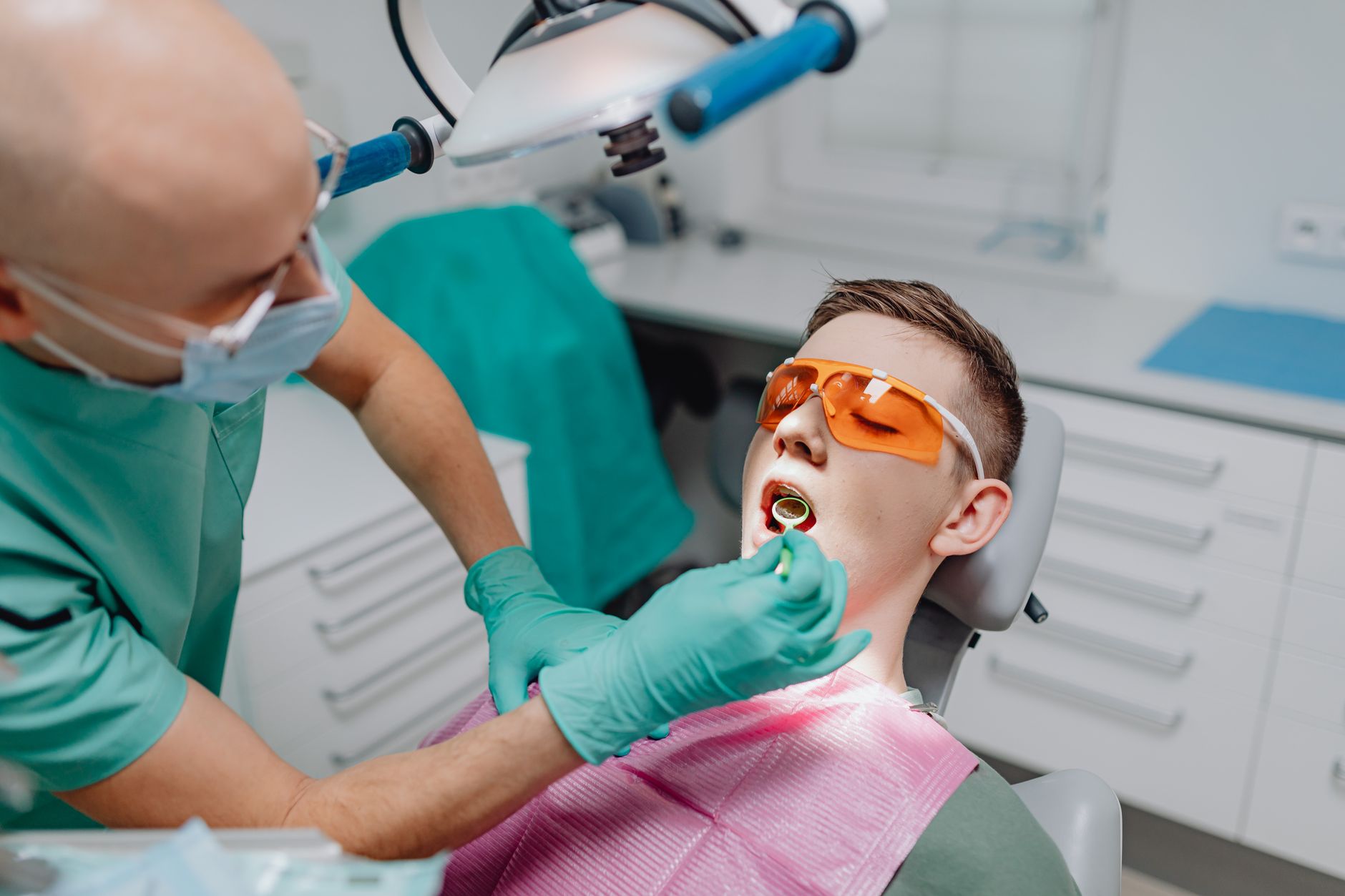
Running a dental practice in 2026 means juggling radiographs, perio charting, insurance claims, and patient recall. AI tools now cut documentation time, flag suspicious lesions on X-rays, and answer routine questions before your front desk even sees them. The challenge is sorting through tools that are actually built for clinical workflows from tools that are just chatbots with a medical skin. I focused on daily usability, HIPAA compliance, and how much time each tool actually saves.
Most general AI guides miss the dental-specific requirements like radiographic diagnostic support and voice charting integration. But the same general assistants covered in our best AI tools for small business guide can handle patient emails, job descriptions, and marketing copy. Meanwhile, dedicated dental AI tools from Pearl and Overjet do the clinical heavy lifting. The right stack combines both.
Before you add any tool, verify that the vendor offers a business associate agreement if you will input protected health information. If they do not, use the tool only for generic business tasks or de-identified data. I have seen practices adopt three AI tools at once, then abandon all of them because no one knew which button to press. Start with one workflow, measure the time savings for two weeks, then add another tool.
This guide walks through seven tool categories: voice charting, radiographic analysis, general assistants, patient communication, clinical research, practice operations, and review automation. I include specific pricing data and context window limits where they are public, and I link to vendor documentation so you can check current details.
What You’ll Need
- Denti.AI or Bola AI account
- Pearl or Overjet subscription
- ChatGPT Plus or Claude Pro plan
- HIPAA compliant patient communication platform
- Notion AI workspace
How Do You Best AI Tools for Dentists in 2026?
- Choose a voice charting assistant that plugs into your practice management software.
Start with Denti.AI or Bola AI because they solve the most annoying part of a dentist’s day: typing clinical notes. Denti.AI uses voice commands to chart restorations, perio findings, and treatment plans inside Dentrix, Eaglesoft, Open Dental, and other major systems. Bola AI offers similar voice charting and has native integrations with several dental PMS platforms. Pick the one that already connects to your current software.
Set aside about 90 minutes to train the assistant on your favorite phrases and abbreviations. The first week feels slower because you have to speak clearly and correct errors. After that, most dentists report saving 20 to 40 minutes per day on documentation. Denti.AI claims its voice charting can reduce documentation time by up to 76%, though your mileage will vary based on how consistently you use it.
Do not use a general voice dictation tool like your phone’s assistant for clinical notes unless the vendor signs a BAA. Apple’s and Google’s standard dictation are convenient, but they do not provide HIPAA compliant storage. That is why dental-specific voice charting tools exist. They also understand terms like mesial, distal, and furcation without making absurd corrections.
Test the integration on one operatory before rolling it out to all chairs. A common mistake is enabling voice charting on every computer, then finding that microphone placement in a noisy operatory creates errors. Use a noise-cancelling headset and keep the microphone close to the clinician, not the patient.
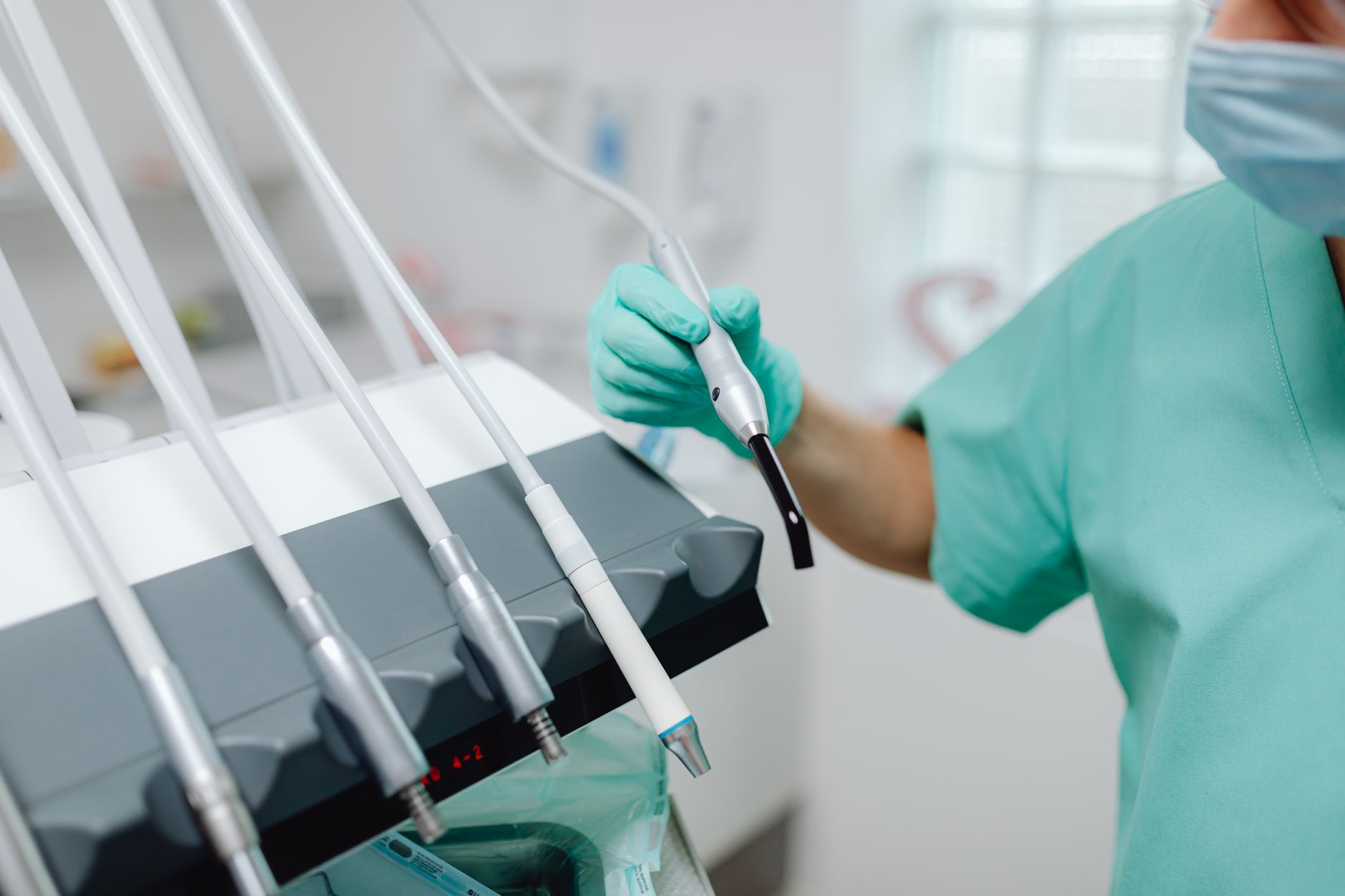
- Add an AI radiographic analysis tool like Pearl or Overjet for a second read.
Pearl’s Second Opinion and Overjet analyze dental X-rays and highlight potential caries, bone loss, and other findings. These tools are FDA cleared for specific clinical tasks, which matters more than any demo. Overjet, for example, measures bone loss in millimeters on bitewings and panoramic images, giving you a consistent baseline for perio discussions. Pearl focuses on caries detection and can show patients visual overlays.
These tools do not replace your diagnosis. They act as a second set of eyes, especially when you are running behind and might miss early interproximal decay. I would not make a treatment decision solely because the AI flagged a lesion, but I would absolutely look again at the area. The false positive rate is real, and you still own the diagnosis.
Pricing for these platforms is usually custom quoted based on practice size and monthly imaging volume. Ask for a volume based quote and request a short pilot on your own radiographs before committing. Some offices pair Pearl with Overjet because one is stronger for caries and the other for perio. You can also start with one and add the other later if your hygiene department needs more periodontal support.
Make sure the AI output is stored in a way your malpractice carrier is comfortable with. Some carriers want a note that the finding was AI assisted. Documentation should say something like ‘AI analysis reviewed and confirmed by Dr. Smith.’ This protects you if a claim is later disputed.
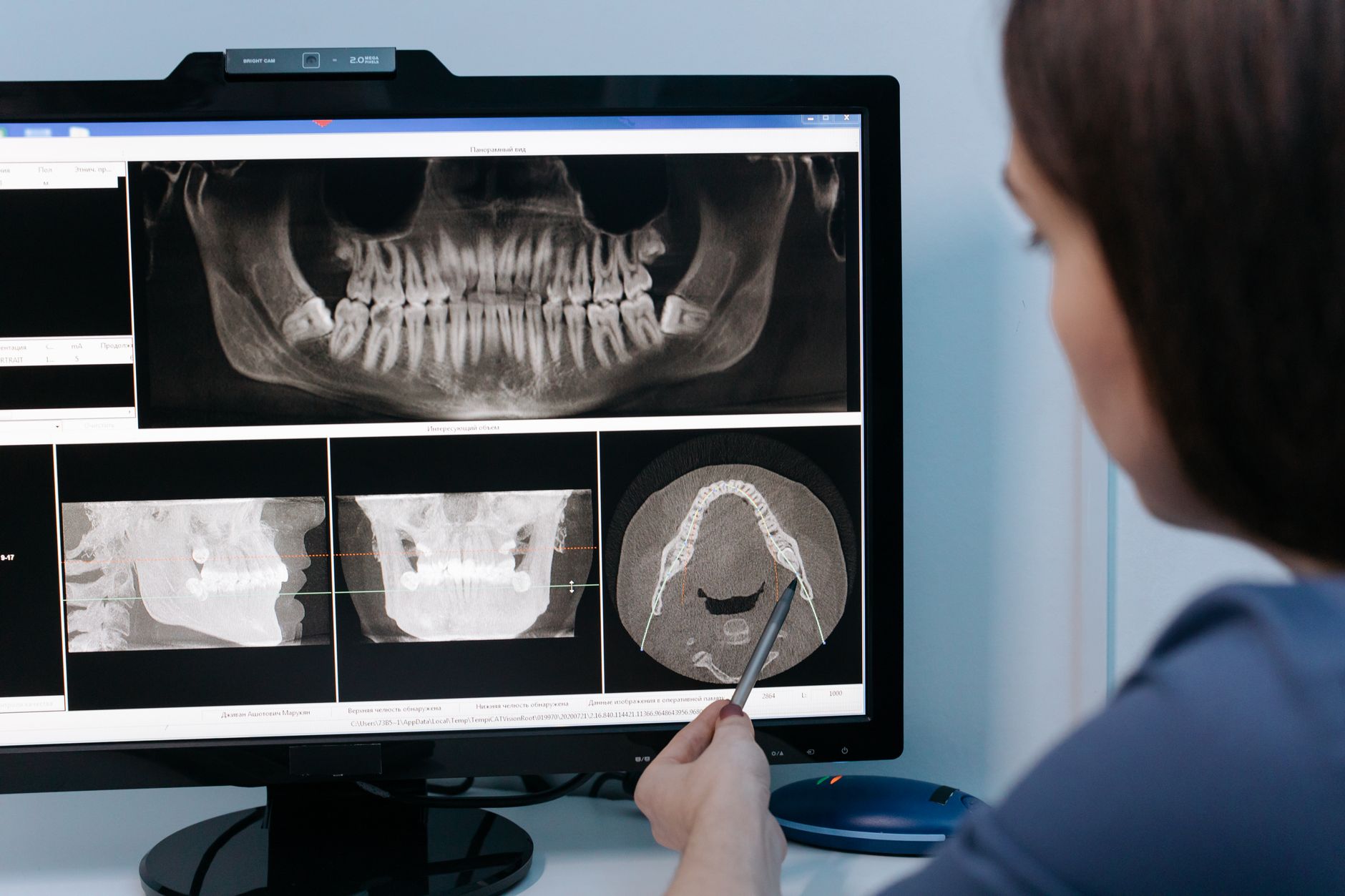
- Use ChatGPT or Claude for front desk emails, treatment plan explanations, and patient education drafts.
ChatGPT and Claude are general assistants, but they save hours at the front desk. Use them to draft insurance appeal letters, post op instructions, treatment plan explanations, and patient education handouts. OpenAI’s ChatGPT Plus costs $20 per month and includes access to GPT-4o. Anthropic’s Claude Pro also costs $20 per month with a 200,000 token context window.
Do not paste unredacted patient records into these tools on the free tier. Free tiers may use your data for training. Instead, subscribe to a business or team plan that includes a BAA, or strip identifying details before generating text. For most front desk tasks, you do not need the patient’s name, birth date, or chart number. You need the situation: ‘Write a letter explaining why a crown replacement is not covered under a patient’s annual maximum.’
Claude is particularly good at long form writing and keeping tone consistent. ChatGPT is better when you need quick templates and integration with other tools. I use Claude for sensitive patient narratives because its default style sounds less robotic. For marketing copy, both work, but ChatGPT’s image generation can create simple before and after illustrations for social posts when used carefully.
A common mistake is letting the AI write with no human review. Always read the draft before sending. Replace any medical advice that could be misinterpreted. For patient education, add a line that says ‘This is general information, not a diagnosis.’ For a direct comparison of these two assistants, see our ChatGPT vs Claude guide.
- Build a patient communication workflow that answers routine questions without your front desk.
Your front desk likely spends hours answering ‘What time is my appointment?’, ‘Do I owe a balance?’, and ‘Can I reschedule?’. A patient communication platform with an AI chatbot can handle these questions 24/7. Some dental practice management suites like Weave, Solutionreach, or Lighthouse 360 include AI features for recall and texting. If you prefer a custom setup, you can connect ChatGPT or Claude to your practice management system through a HIPAA compliant integration.
Before selecting a platform, map the five most common patient questions and write short answers your front desk would give. Feed those answers to the AI as a knowledge base. This prevents the bot from inventing office policies. Ask the vendor how often the knowledge base is updated and whether you can review conversation logs. If you can’t see what the bot tells patients, don’t use it.
For more advanced workflows, tools like Zapier or n8n can connect your scheduling system to email and SMS. But avoid building a custom chatbot if you do not have someone who can maintain it. A broken bot that gives wrong appointment times creates more calls, not fewer. For most dental offices, a built-in patient communication module is safer than a DIY integration.
We cover more AI customer service tools in our best AI tools for customer service article. The same principles apply: set clear boundaries for what the AI can do, route emergencies to a human, and log all messages for compliance.
- Use Gemini or Microsoft Copilot for clinical research and patient education summaries.
Google Gemini and Microsoft Copilot help you stay current with clinical guidelines without opening a dozen journal tabs. Ask Gemini to summarize the latest research on silver diamine fluoride or compare cementation protocols. Gemini Advanced costs $19.99 per month and includes a 1 million token context window in some plans, which lets you paste long PDFs from dental journals. Microsoft Copilot is bundled with many Microsoft 365 plans and can summarize documents stored in SharePoint or OneDrive.
Do not rely on a general assistant for dosage calculations or drug interactions. These models can hallucinate numbers, and a wrong dosage is dangerous. Use them for literature summaries, then verify against Lexicomp, the ADA, or your state board. Keep a note in your office policy that AI summaries are for background only and not a substitute for clinical judgment.
One practical workflow is to ask Gemini to generate a patient-friendly explanation of a procedure from a journal abstract. Then ask a hygienist to review it for readability. This saves about 15 minutes per patient education handout. You can also use Copilot to draft referral letters and summarize a specialist’s report for your notes.
For a broader look at how these two assistants compare, read our ChatGPT vs Gemini guide.
- Document your office protocols and training materials in Notion AI.
Every practice has unwritten rules: how to handle a failed appointment, what to say when a patient refuses X-rays, how to submit a pre-authorization. Notion AI turns those rules into a searchable operations manual. You can record a rough voice note, paste it into Notion, and ask the AI to format it as a step by step procedure.
Notion’s AI add-on costs $10 per member per month on top of the team plan. It works best when you already use Notion for meeting notes or project tracking. If your practice does not use Notion, the learning curve may not be worth it. Simpler alternatives like Google Docs with Gemini in the sidebar can also summarize and draft procedures.
Start with just one SOP, such as the morning sterilization checklist or the new patient intake flow. Ask the AI to write it in simple English, then have your team edit it together. This small win builds trust and shows staff that AI does not replace their knowledge. It captures what they already do.
Review the manual every quarter. Dental software and insurance rules change, and an outdated SOP is worse than no SOP. Notion AI can remind you to update pages and even suggest changes based on new notes, but a human still needs to confirm clinical procedures. See our best AI tools for productivity guide for more options.
- Automate recall reminders and online review requests with AI.
Missed recall appointments are one of the biggest revenue leaks in a dental practice. AI powered recall systems can send personalized texts and emails at the right interval, then reschedule the patient without a phone call. Platforms like Weave, Birdeye, and Podium include AI features for review generation and sentiment analysis. They also route unhappy patients to your office manager before they post a negative review.
Set up a simple sequence: three reminder messages before the appointment, a post visit thank you, and a review request for patients who gave a high satisfaction score. If a patient gives a low score, the AI should trigger a private follow up instead. This is more effective than sending every patient the same review link.
Be careful with text frequency. Patients get annoyed if they receive five messages for one cleaning. Many platforms allow you to set frequency caps. Ask your vendor how their AI decides when to send a message and whether you can override it. The best systems let you see a preview of the first few messages before going live.
For small practices, a simpler tool with AI review requests may be enough. Our best AI tools for marketers article covers several platforms that work for dental marketing. Just remember that any tool handling patient phone numbers must be HIPAA compliant and covered by a BAA.
Red Flags & Warnings
- 🚨 Never paste unredacted patient data into free or consumer AI chat tools unless the vendor has signed a BAA. Free tiers often use conversations for training.
- 🚨 Do not treat AI radiographic flags as a diagnosis. Always review the actual X-ray and document your own clinical judgment.
- 🚨 Avoid AI generated patient education that includes specific treatment recommendations or dosages without a licensed clinician reviewing them first.
- 🚨 Check your state dental board rules before using AI for advertising or patient communication. Some states require disclaimers on AI generated content.
- 🚨 Do not let AI automate insurance coding or claims without a human verification step. Incorrect codes can trigger audits and delayed payments.
- 🚨 Be wary of tools that promise fully autonomous dental AI. Current tools assist, they do not replace, a licensed dentist. If a vendor says otherwise, walk away.
Frequently Asked Questions
Is AI safe for dental patient data?
It depends on the vendor. Choose tools that offer a business associate agreement and encrypt data at rest and in transit. Avoid free consumer tools for protected health information unless they have a BAA. Always configure access controls and log audit trails.
Can AI read dental X-rays better than dentists?
AI tools like Pearl and Overjet can detect certain findings with high consistency, but they still miss things and generate false positives. They are best used as a second reader. The dentist remains responsible for the final diagnosis.
What is the best AI voice charting tool for dentists?
Denti.AI and Bola AI are popular dental specific voice charting tools that integrate with practice management software. The best choice depends on which PMS you use. Test the integration and noise cancellation in your operatories before buying.
How much do AI tools for dentists cost?
General assistants like ChatGPT Plus and Claude Pro cost about $20 per user per month. Dental specific tools like Pearl, Overjet, and Denti.AI usually require custom quotes based on practice size and imaging volume. Budget for per user subscription plus any integration fees.
Do I need a business associate agreement for AI tools?
Yes, if the tool will handle protected health information. The BAA makes the vendor contractually responsible for HIPAA safeguards. If a vendor refuses to sign a BAA, use the tool only for de-identified or non-clinical tasks.
Will AI replace dental office staff?
No. AI handles repetitive documentation, recall messages, and routine questions, but it cannot replace clinical judgment, patient interaction, or office management. The most successful practices use AI to reduce burnout and free staff for higher value work.
What Should You Remember?
- Start with one workflow: Add voice charting or AI radiographic analysis before general assistants. Measure time saved for two weeks.
- Prioritize HIPAA: Sign a BAA with any vendor that touches patient data. Avoid free consumer tools for protected health information.
- Use dental specific AI for X-rays: Pearl and Overjet are FDA cleared and should act as second readers, not replacements.
- General assistants save front desk time: ChatGPT and Claude cost about $20 per month and can draft emails and patient education.
- Set boundaries for patient bots: Pre write answers, log conversations, and route emergencies to a human.
- Review AI output before sending: Always have a clinician edit patient education and insurance letters.
- Monitor state rules: Dental board requirements for AI advertising and communication vary.
This article is for general information only and does not constitute professional advice. Product capabilities, pricing, and market figures change frequently. Always verify current details through vendor documentation and primary sources.
Some links on this page may be affiliate links, which means we may earn a commission if you click through and make a purchase — at no additional cost to you. Read our full disclosure.