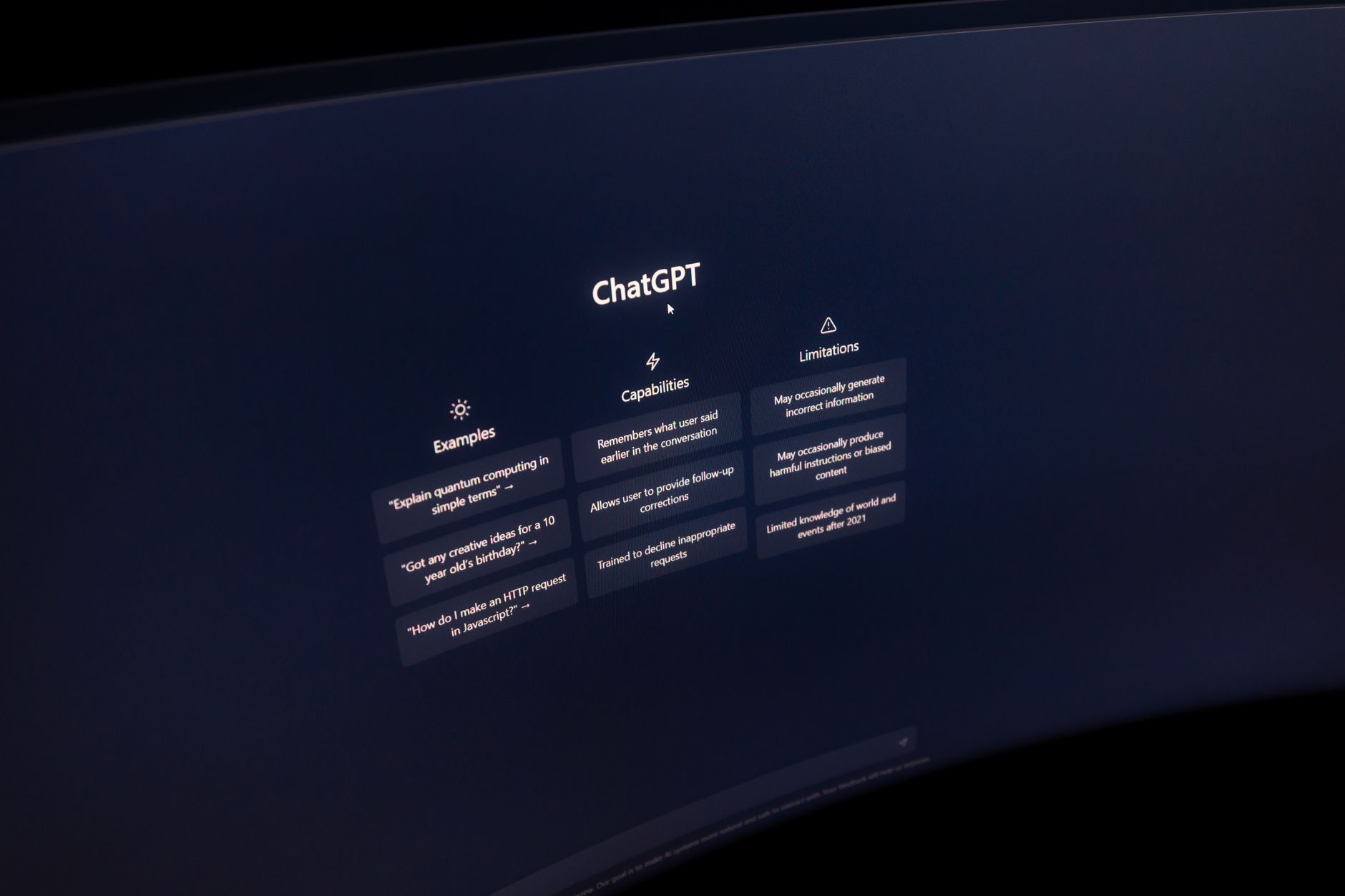
Content creation now demands speed and volume. A solo creator might produce a YouTube script, three short clips, a newsletter, and two Instagram carousels in one week. That workload used to require an editor, a designer, and a social media manager. AI tools changed that math. The right stack can cut production time in half. But only if you pick tools that match your actual workflow. This guide ranks the best AI tools for content creators in 2026. We focus on tools we have tested for scripts, images, video, audio, and automation. If you write long form, start with our guide to the best AI tools for writers.
The AI tool market is noisy. Every platform claims to do everything. Some are built for enterprise teams. Others fit solo creators. The difference shows in pricing, output quality, and learning curve. For creators, speed matters more than feature count. You need a tool that produces usable drafts, not just summaries. This guide compares free tiers and paid plans. It also flags hidden limits. You should know the exact context window and message caps before you build a workflow around any tool. Our ChatGPT vs Claude breakdown covers the top two writing assistants in depth.
Pricing matters because creator income is uneven. ChatGPT Plus costs $20 per month. Claude Pro costs $20 per month. Those add up fast with video, image, and automation tools. We recommend starting with two tools. Test them for two weeks. Track time saved per project. One creator we know reduced a 10 hour editing process to 3 hours using Descript. That is a measurable gain. Another uses n8n to auto post video transcripts to a blog. The goal is not to adopt every AI tool. The goal is to remove the most painful step in your production.
In this guide, each tool gets a detailed breakdown. We explain what it does, who it works for, and where it fails. We also include red flags and answers to common questions. You can use one tool as your main assistant. Or you can stack a few. The best setup usually combines a large language model, a visual tool, and one automation layer. Start with the free tier. Then upgrade only when you hit a limit that slows you down.
What You’ll Need
- ChatGPT free or Plus account
- Claude free or Pro account
- Descript free plan
- Midjourney Basic plan
- n8n community edition
- Canva free or Pro account
How Do You Best AI Tools for Content Creators in 2026?
- Pick ChatGPT for rapid scripts, hooks, and repurposing
ChatGPT remains the most flexible AI assistant for creators in 2026. OpenAI documentation and release notes show steady improvements in the GPT-4o family. The model handles short scripts, video hooks, social captions, and podcast intros with little setup. You can paste a rough idea and get five usable angles in seconds. The free tier is generous enough for light use. But ChatGPT Plus at $20 per month unlocks higher message limits and priority access during peak times. For creators who post daily, the paid tier is usually worth it. Compare this tool with other writing assistants in our best AI tools for writers guide.
Start with a structured prompt. Give the model your audience, tone, and format. For example, write a 60 second YouTube Short hook for busy parents who meal prep. Ask for three options. Then ask it to cut each option to under 15 words. The output is often close to ready. You still need to edit the final line. AI jokes can feel flat. But the speed is hard to beat. ChatGPT also works well for repurposing. Paste a full video transcript. Ask for a tweet thread, a LinkedIn post, and three follow up questions. This one step replaces an hour of manual rewriting.
The catch is context and memory. Longer projects can lose the thread. If you are editing a 5,000 word script, ChatGPT can handle it. But keep each project in a separate chat. Use custom instructions to set your default tone. Avoid pasting confidential client details into the free tier. OpenAI may use free tier inputs for training unless you opt out. For a deeper look at how this model stacks up, see our ChatGPT vs Claude analysis. Overall, ChatGPT is the best first tool for most creators.
- Use Claude for long-form drafts, editing, and nuanced feedback
Claude stands out when you need long, coherent drafts. Anthropic’s Claude models offer a 200k context window on Pro plans. That means you can paste an entire ebook, a long podcast transcript, or a month of newsletter drafts. Claude remembers more of the conversation. It catches style inconsistencies across a 10,000 word document. The tool shines for writers who produce essays, YouTube scripts over 10 minutes, or detailed newsletters. Claude Pro costs $20 per month, same as ChatGPT Plus. The free tier has limits but is usable for short sessions. If you write long form, Claude often produces a cleaner first draft.
Use Claude for editing passes, not just generation. Paste a draft and ask it to mark repetitive phrases, weak transitions, and passive voice. Ask it to rewrite the opening hook three ways. Claude tends to explain its reasoning. That helps you learn your own bad habits. But Claude can be slower than ChatGPT for short, snappy social captions. It sometimes over explains. For rapid fire hooks, use ChatGPT. For long form and deep editing, use Claude. This split saves time and improves output. Our best AI tools for writers guide covers both in detail.
The main red flag is dependency. Claude writes in a polished but slightly formal voice. If you accept its drafts without edits, your content may lose personality. Always add a final pass in your own voice. Read the draft out loud. Change any sentence you would not say. Claude is a strong editor, not a replacement for judgment. For a full comparison of context limits and pricing, see ChatGPT vs Claude.
- Edit video and audio with Descript instead of a traditional timeline
Descript is an AI text-based editor. You edit video and audio by editing the transcript. Delete a sentence in the transcript and the video cut happens automatically. This removes the need to learn complex timeline software. For creators who publish podcasts or talking head videos, Descript saves hours. The free plan includes limited transcription hours and 720p exports. Paid plans start around $16 per month billed annually. The real value is in filler word removal. You can remove ‘um’ and ‘you know’ across an entire recording with one click. It also has studio sound to clean up background noise.
Use Descript for rough cuts, captions, and short clips. Record your full video. Let Descript transcribe it. Then delete dead air and mistakes by deleting text. Export captions as SRT files. This step is critical for accessibility and social media. Descript also has AI voices for correcting a misread word. If you flub a line, type the correct word and generate a voice clone. The feature is powerful but raises consent questions. Only clone your own voice. Never clone someone else without written permission. For more visual editing tools, check our best AI tools for video editing guide.
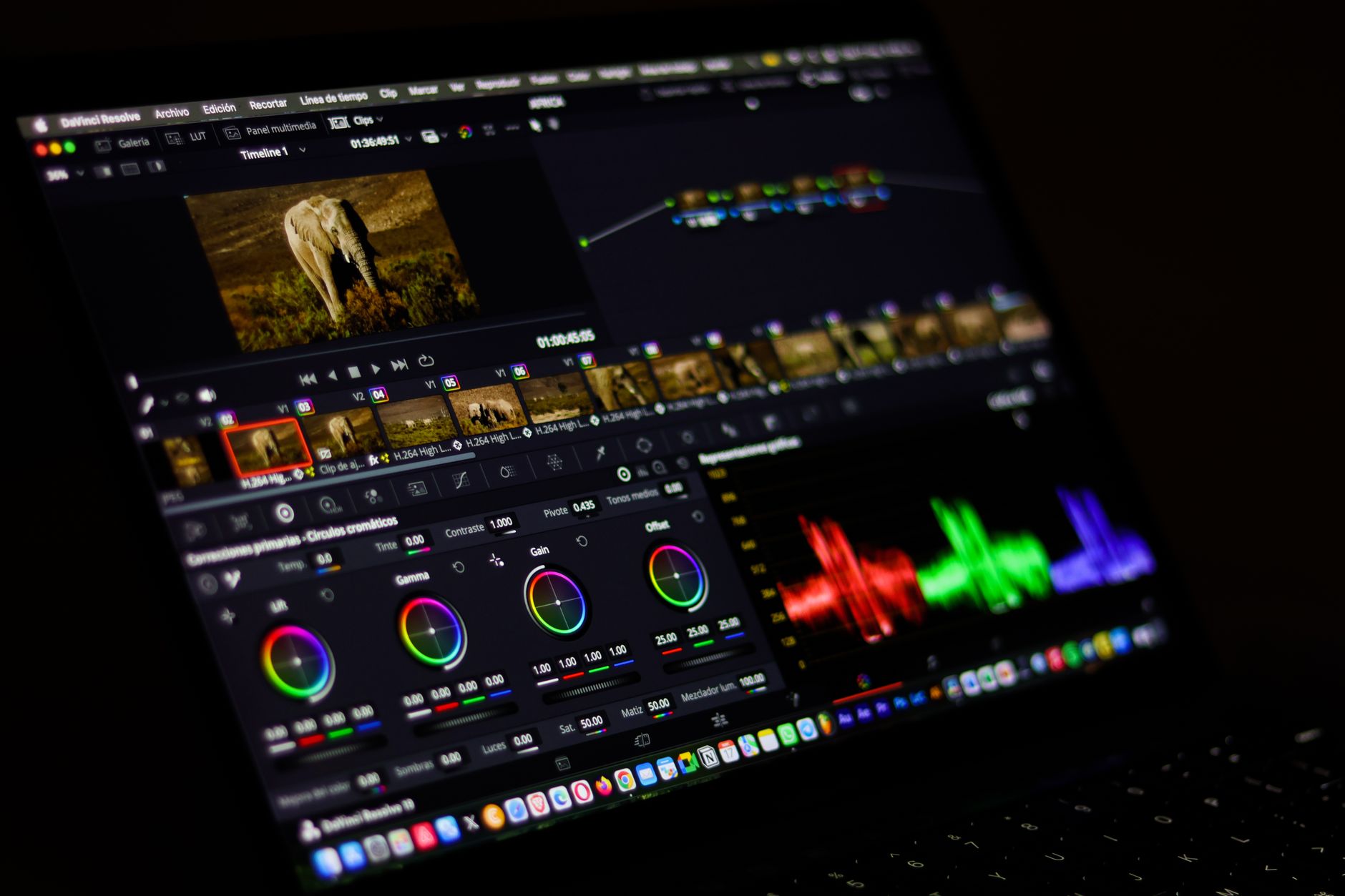
Descript is not a full replacement for polished color grading or motion graphics. It works best for spoken content. If you create cinematic vlogs, you still need DaVinci Resolve or Premiere. But for weekly podcasts and talking head YouTube videos, Descript cuts the editing time in half. Start with the free plan. Test the transcription accuracy. Upgrade only when you need 4K exports and more transcription hours.
- Generate thumbnails and concept art with Midjourney
Midjourney remains the strongest image model for artistic thumbnails and concept art. It produces images with strong mood and composition. For YouTube thumbnails, you can describe a scene with specific lighting and facial expression. Midjourney runs through Discord or the web app. The Basic plan starts at $10 per month for roughly 200 images. Higher plans offer unlimited relaxed generations. The results often look better than stock photos for abstract topics. But you need to learn prompt syntax. Terms like ‘cinematic lighting’, ‘35mm’, and ‘octane render’ change the output a lot.
Use Midjourney for backgrounds, concept sketches, and thumbnail art. Do not use it for images that need text. AI image models still garble words. Create the image without text. Then add your headline in Canva or Photoshop. Also avoid trying to generate a recognizable person. That can create copyright and likeness issues. Instead, create original characters or scenes. For a full comparison with DALL-E, see our Midjourney vs DALL-E guide. If you want easier prompt based design, check the best AI tools for image generation.
The main downside is the learning curve and subscription cost. The $10 plan may not be enough for heavy thumbnail testing. Still, many creators find it cheaper than hiring an illustrator. Test prompts in small batches. Save your best prompts as templates. Reuse them with small changes for each new video. This helps you build a consistent visual style without starting from zero.

- Automate repurposing and posting with n8n
n8n is an open source automation tool that connects your AI assistant to your content stack. It offers 400 plus integrations, including Google Drive, Notion, YouTube, Gmail, and X. You can build a workflow that watches a folder for new video transcripts. Then it sends the transcript to ChatGPT for a summary. Then it posts the summary to your blog or social channels. The self-hosted community edition is free. n8n Cloud starts around $24 per month. For creators, the free tier is enough to test a few automations. The main cost is your time learning to build flows.
Start with one simple workflow. Do not automate everything at once. A common first project is transcript to newsletter. Upload a video transcript to Google Drive. n8n watches the folder. It sends the text to Claude for a newsletter draft. Then it saves the draft in Notion for your review. You still approve before publishing. This keeps quality high while cutting manual copy paste. If you need help with other AI workflow tools, see our best AI tools for productivity roundup.
The red flag is maintenance. Automations break when an API changes or a login expires. Schedule a monthly 30 minute check. Test each workflow end to end. Keep a simple log of what each automation does. n8n is powerful but can become messy. For business focused workflows, our how to use AI for business guide offers more examples.
- Research current topics with Gemini and its large context
Google’s Gemini models are strong for research and multimodal inputs. Google AI’s latest Gemini can handle text, images, video, and audio in one prompt. The free tier via Google AI Studio gives access to limited requests per minute. For creators, that is useful for summarizing a competitor’s YouTube video or pulling key points from a PDF. Gemini also pulls in Google Search data for current topics. That helps when you need recent stats or news. The paid Google One AI Premium plan costs $19.99 per month. It includes Gemini in Gmail and Docs.
Use Gemini for research briefs. Paste a list of competitor video URLs. Ask for the main arguments, missing angles, and audience questions. The model returns a structured brief. Then use ChatGPT or Claude to write the script. This multi-tool approach plays to each model’s strengths. Gemini tends to be better at search grounded summaries. It can still hallucinate, so verify important claims. Check our ChatGPT vs Gemini comparison for a detailed breakdown. You can also explore Gemini’s capabilities on Google AI.
The downside is inconsistency in creative writing. Gemini can produce decent short copy but feels less natural than Claude for long form. It also changes its interface often. Creators who hate frequent UI updates may find this frustrating. Still, for research and multimodal analysis, Gemini is a valuable second assistant.
- Create on-brand graphics and quick social assets with Canva Magic Studio
Canva Magic Studio bundles AI tools inside Canva’s design editor. You get Magic Write for copy, Magic Design for layout, and Magic Edit for image changes. The free plan allows limited Magic Studio uses per month. Canva Pro costs $15 per month or $120 per year. For creators who already design thumbnails, carousels, and Pinterest pins, this is the fastest way to add AI. You do not need to switch to another app. You can type a prompt and get a social media template with your brand colors.
Use Magic Studio for templates and quick resizes. Design one YouTube thumbnail. Then use Magic Resize to create versions for Instagram, X, and your newsletter. Use Magic Write to generate captions directly on the design. The catch is AI generation quality. It works well for simple layouts but can look generic. You still need to swap in your own photos and adjust the font hierarchy. For advanced image generation, use Midjourney. Then import that image into Canva. This gives you the best of both. For more design oriented AI tools, our best AI tools for marketers guide covers additional options.
Canva Pro is worth it if you produce multiple formats each week. The free tier limits Magic Studio uses and brand kit features. Start free. Create a few designs. Upgrade when you hit the limit. Avoid paying for Canva if you only need one thumbnail per week. A basic photo editor may be enough.
Red Flags & Warnings
- 🚨 Never trust AI generated facts without a source check. Language models can produce confident but false statistics.
- 🚨 Do not paste confidential client scripts or unreleased products into free AI tiers. Free tiers may use data for training.
- 🚨 Watch your monthly AI tool spend. Five $20 subscriptions add up to $100 per month. Cancel tools you do not use weekly.
- 🚨 Do not clone voices or use AI images of real people without written consent. This can trigger legal and platform strikes.
- 🚨 AI text can sound generic. Always edit the first and last sentences in your own voice to keep your style.
- 🚨 Automations break silently. Check your n8n workflows and API connections at least once a month.
Frequently Asked Questions
What is the best free AI tool for content creators in 2026?
ChatGPT free tier is the best starting point. It gives limited access to GPT-4o mini. You can test scripts, hooks, and captions at no cost. Upgrade to Plus at $20 per month only if you hit message limits.
How much should a content creator budget for AI tools?
Most creators can start free. A practical paid stack costs $30 to $60 per month. Example: ChatGPT Plus at $20 plus Canva Pro at $15. Add Descript or Midjourney only when your volume grows.
Can AI replace a content creator?
No. AI speeds up drafts, edits, and research. It cannot replace taste, personal story, or audience trust. The best creators use AI to produce more while keeping a consistent human voice.
Which AI tool is best for YouTube creators?
Descript for editing, Midjourney for thumbnails, and ChatGPT for scripts. This stack covers the three biggest time sinks. Start with ChatGPT and Descript. Add Midjourney when thumbnail quality matters.
Is AI-generated content allowed on YouTube and Instagram?
Yes, but platforms require disclosure for realistic AI media. YouTube’s altered content policy applies to synthetic voices and faces. Check each platform’s rules before posting. Never clone someone else’s voice without permission.
How do I avoid generic AI writing?
Feed the AI your previous scripts or posts. Use custom instructions to set tone. Always edit the intro and outro by hand. Read the draft out loud and replace any line you would not say.
What Should You Remember?
- Start with one AI assistant. Master ChatGPT or Claude before adding other tools.
- Learn to stack tools. Use ChatGPT for scripts, Descript for editing, and Canva for graphics.
- Track time saved per project. Only keep tools that cut at least one hour per week.
- Respect consent rules. Never clone voices or use real people in AI images without permission.
- Check facts before publishing. AI can invent statistics and sources with confidence.
- Set a monthly budget. Five paid AI tools may cost more than they save.
This article is for general information only and does not constitute professional advice. Product capabilities, pricing, and market figures change frequently. Always verify current details through vendor documentation and primary sources.
Some links on this page may be affiliate links, which means we may earn a commission if you click through and make a purchase — at no additional cost to you. Read our full disclosure.