The freelance economy in 2026 is not about working more hours. It is about choosing tools that shrink admin time and protect your billable hours. AI tools have moved from optional experiments to daily utilities for client work, research, invoicing, and creative production. Freelancers who adopt a small stack of AI tools can often finish projects in half the time without lowering quality. That extra time becomes either higher income or a sane workday. For a broader look at how to use AI inside a business, see this guide on how to use AI for business 2026.
Picking tools gets confusing fast. Every vendor promises the moon, but freelancers need machines that solve actual workflow problems. A writer needs drafting and editing. A designer needs image generation and resizing. A developer needs code review and test data. A consultant needs meeting notes and follow-up emails. The best AI stack for freelancers in 2026 is deliberately small, connected, and tied to real fees. You do not need twenty subscriptions. You need five to seven tools that quietly remove repetitive work.
There is also a pricing trap. AI subscriptions look cheap at $20 per month, but freelancers often stack Claude, ChatGPT, Notion AI, Jasper, Canva Pro, and an automation tool without noticing the total. Before adding anything, ask one question: will this tool save me at least one billable hour per month? If yes, it pays for itself. If no, skip it. We tested free tiers and paid plans across writing, design, coding, project management, and automation.
In this guide, we rank the tools by weekly usefulness for a typical freelancer. We compare free tier limits, pricing, context windows, and real use cases. We also flag the red flags that no vendor page will tell you. If you want to compare the two big writing assistants first, read the separate comparison. Otherwise, let’s get into the build. The picks below are arranged by how often a freelancer will actually open them in a normal workweek, not by marketing hype.
What You’ll Need
- ChatGPT or Claude account
- Notion account
- Canva account
- Fireflies.ai account
- n8n or Zapier account
How Do You Best AI Tools for Freelancers in 2026?
- ChatGPT: Your First AI Assistant for Daily Freelance Work
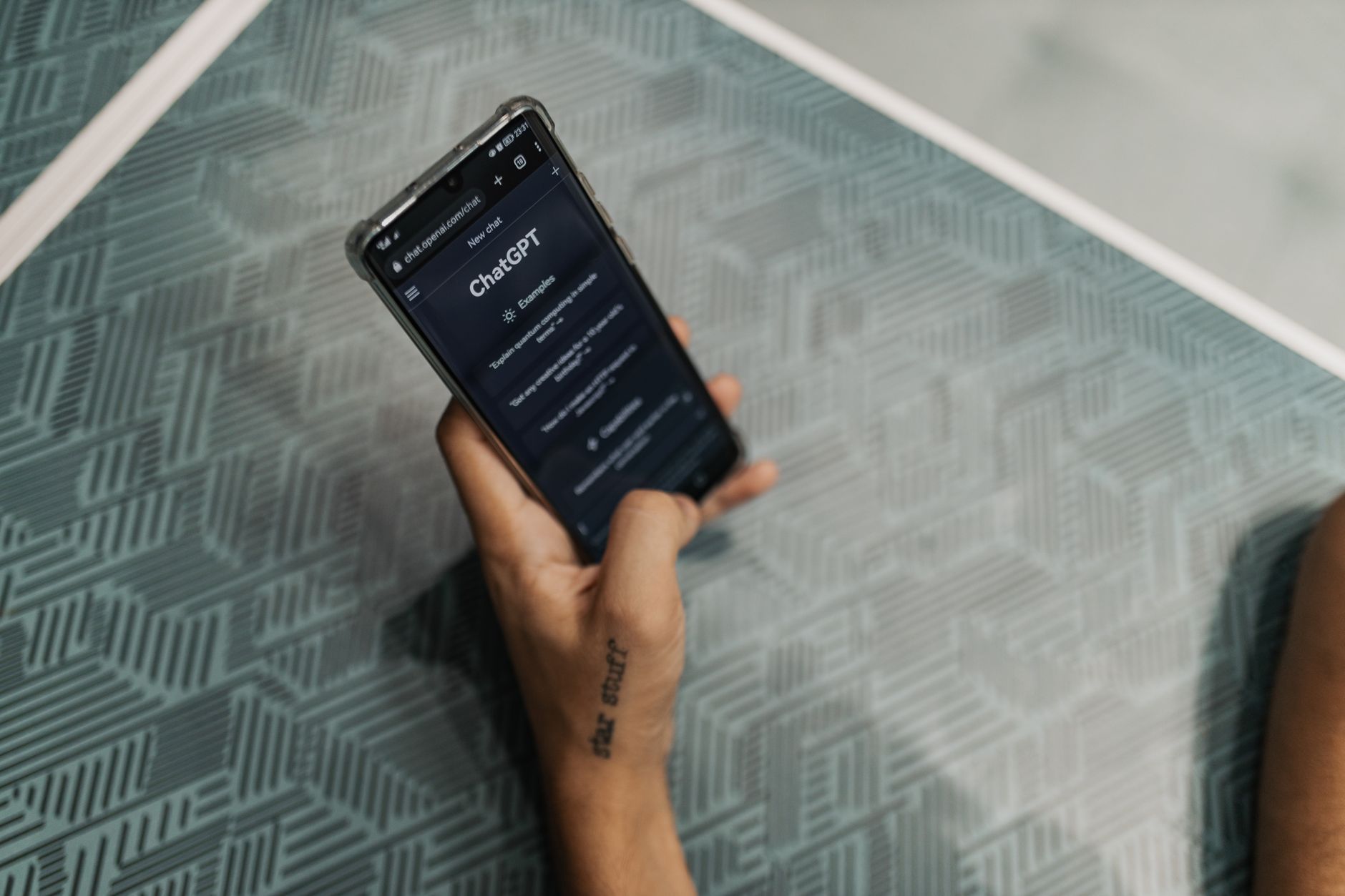
ChatGPT remains the default starting point for most freelancers because it handles a wide range of text tasks without setup. You can ask it to draft client emails, rewrite scopes of work, generate interview questions, or brainstorm project names. The free tier gives you access to GPT-4o mini with limited messages, while the Plus plan at $20 per month unlocks more quota and priority access. OpenAI publishes current pricing and model details, so check the site before choosing a plan.
The strongest use case is turning rough notes into clean client-facing documents. Many freelancers lose hours to formatting and phrasing. ChatGPT cuts that time down. You paste bullet points from a discovery call and ask for a concise proposal summary in your voice. It works best when you give it context: the client industry, the project goal, and the tone you want. The more specific the prompt, the less editing you do after.
Still, ChatGPT is not the best long-document specialist. The context window matters when you upload a 60-page research report or a long legal contract. Claude handles longer documents more smoothly. For a detailed side-by-side, read ChatGPT vs Claude 2026. That said, ChatGPT is unbeatable for quick questions, short drafts, and everyday writing tasks where speed matters more than deep context.
Freelancers who work with developers can also use ChatGPT for code snippets and debugging help. It explains errors in plain language and suggests fixes for Python, JavaScript, or SQL. Do not paste production secrets or full client codebases into any public AI. Use snippets only and rename sensitive values. If your freelance work involves more complex code, you may still benefit from a developer-focused guide, but ChatGPT covers most basic needs.
- Claude: Best for Long Documents, Contracts, and Careful Analysis
Claude by Anthropic is the tool I reach for when a document is long or the wording needs to be precise. Claude Pro costs $20 per month and gives you access to a 200,000-token context window, which means you can upload an entire book draft, a long contract, or multiple project files at once. Anthropic documents the model capabilities and pricing clearly. That 200K context window is a specific advantage over many free tools.
Freelance writers and researchers will notice the difference immediately. Claude summarizes long PDFs, finds contradictions in contracts, and keeps track of character details across chapters. You can upload three client briefs and ask for a combined outline. The model tends to be more conservative and well-structured than some rivals. That makes it a strong editing partner when you need to tighten an argument or simplify complex wording.
For code and technical work, Claude Artifacts let you create small interactive previews inside the chat. This is useful for freelancers who build landing pages, prototypes, or data dashboards. You can ask Claude to generate an HTML/CSS component and render it on the right side of the screen. It saves time when you want to check a layout before moving to a full codebase.
If you only write short social posts, you may not need both ChatGPT and Claude. But for contracts, research reports, book editing, and long-form content, Claude is the better fit. Compare the two side by side before committing to a second subscription. The best AI tools for writers in 2026 guide covers Claude, ChatGPT, and Jasper for writing-heavy freelancers.
- Notion AI: Turn Your Project Notes into a Client-Ready Assistant
Notion AI is the fastest way to centralize client work, meeting notes, invoices, and content plans. Notion’s free plan is already a solid small business hub. The AI add-on, currently around $10 per member per month when billed annually, enables writing, summarization, and Q&A across your workspace. It is not the cheapest AI, but it works where your information already lives.
The best use case is turning scattered notes into structured documents. Freelancers store call notes, project specs, and to-do lists in Notion. With Notion AI, you can ask a question like ‘What did Client A say about the deadline in last week’s notes?’ and get an answer without opening five pages. You can also highlight a messy outline and tell Notion AI to turn it into a clear proposal or status update. That removes the friction of switching between your notes app and a separate writing tool.
The main risk is overbuilding. Some freelancers spend hours creating linked databases and dashboards instead of doing paid work. Start with one page per client, one task database, and one meeting notes template. Add AI only after the basic system is stable. For a broader productivity stack, explore how Notion fits with other tools in a dedicated guide.
Notion AI works well for freelancers who handle multiple projects at once. It does not replace a dedicated writer or designer, but it removes the small retrieval tasks that eat your day. If you already use Notion daily, the AI add-on is worth testing for a month.

- Fireflies.ai: Capture Every Meeting and Automate Follow-Ups
Freelancers spend too many hours replaying call recordings or scribbling notes. Fireflies.ai joins your Zoom, Google Meet, or Teams calls, records them, and produces a searchable transcript and summary. The free tier includes 800 minutes of storage, which is enough to test it with a handful of client calls. Paid plans add more storage and team features.
After each call, Fireflies pulls out action items, questions, and deadlines. You can paste the summary into ChatGPT or Claude to draft a professional follow-up email in your tone. The workflow is simple: record automatically, skim the summary, send a clear recap. Clients notice when you remember small details. That alone can justify the tool for consultants, designers, and freelance developers.
Do not record calls without consent. In many regions, you must inform participants that the meeting is being recorded. Fireflies sends an automatic alert when it joins, but you should also confirm with clients beforehand. Some clients will decline recording, and that is fine. Offer to share the transcript with them after. This builds trust instead of creating concern.
Freelancers who handle customer discovery calls or user research will get even more value. Searchable transcripts mean you can query all past client conversations for recurring pain points. This is like having a lightweight research assistant. If you also support clients with onboarding or support tasks, check out the best AI tools for customer service 2026 for complementary tools.
- Canva Magic Studio: Fast Visuals for Client Work and Social Media
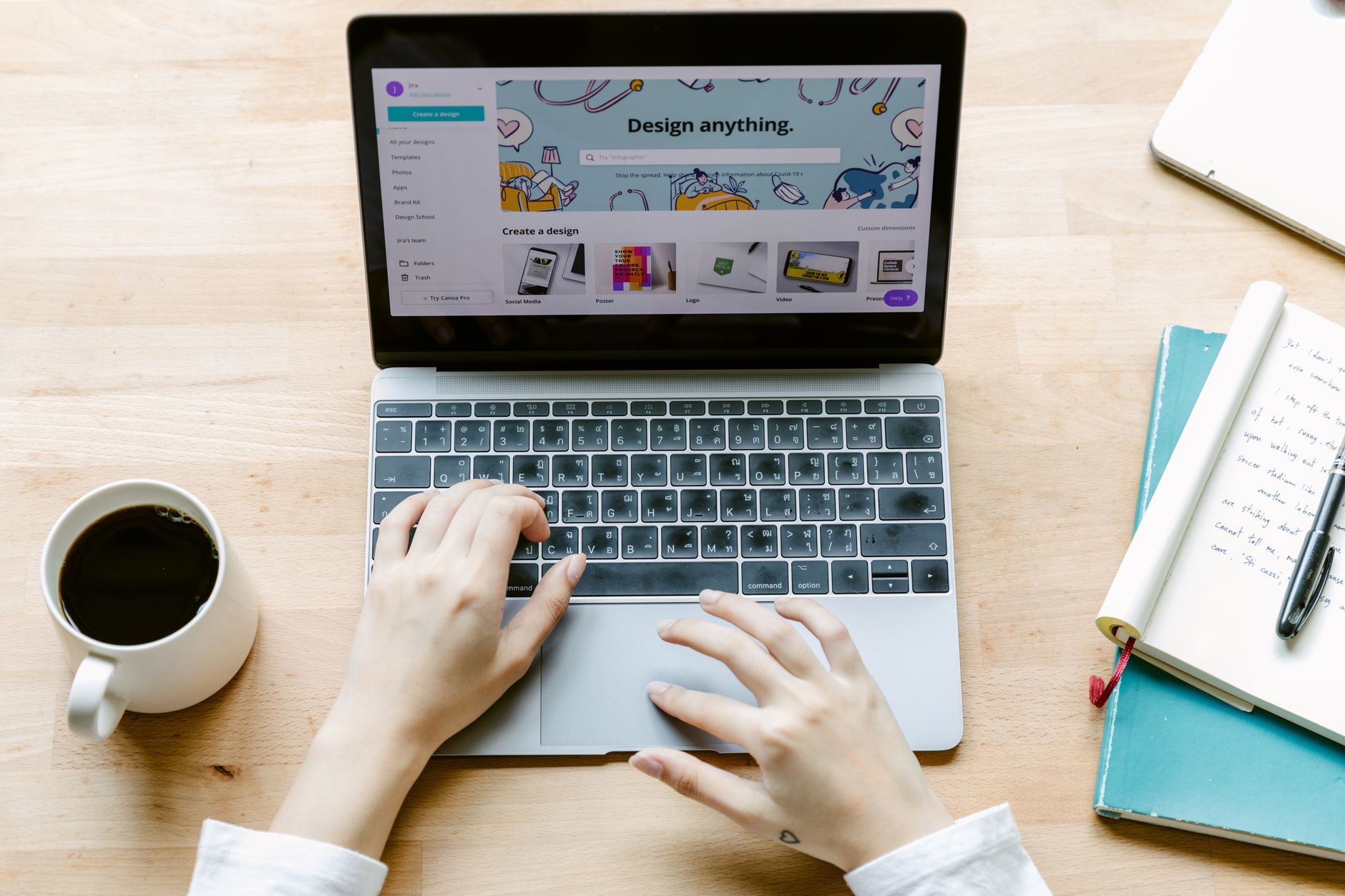
Canva is already a freelancer staple, but Canva Magic Studio now bundles AI-powered design features into one place. Canva Pro costs about $15 per month or $120 per year, and it includes background remover, Magic Resize, Magic Write, and AI image generation. For freelancers who are not professional designers, this removes the need to learn Photoshop for simple tasks.
The Magic Resize feature is especially valuable. You can create one client report cover or social graphic and then resize it for Instagram, LinkedIn, a presentation slide, or a newsletter header with one click. That saves real time when you deliver content across multiple platforms. Magic Write also drafts captions and short copy directly inside the design canvas, so you do not have to switch apps.
For AI image generation, Canva uses text-to-image tools that work fine for blog headers, social posts, and pitch deck visuals. But always check the licensing rules before using an AI-generated image in a paid client deliverable. Some clients have strict brand or copyright requirements. If you need more advanced generated visuals, compare options in best AI tools for image generation 2026.
One warning: Canva’s AI features are not a replacement for professional brand design. If a client asks for a full logo suite or a complicated visual identity, hire a designer or use vector-first tools. Canva is for fast, decent work that keeps client projects moving.
- n8n: Automate the Busywork Without Code
Most freelancers do not need a full engineering team, but they do need repetitive tasks to run themselves. n8n is an open-source automation tool that connects apps like Gmail, Google Sheets, Notion, Slack, and invoicing tools. You can self-host for free or use n8n Cloud with paid plans. The cloud starter plan gives you a set number of workflow executions per month, so compare limits on the official n8n site before upgrading.
A typical automation looks like this: when a new client fills out a Typeform, n8n adds the contact to a Google Sheet, creates a Notion page, and sends you an email summary. You build these workflows visually by dragging nodes. No code is required, although basic logic helps. The time savings are cumulative. A five-minute manual task repeated fifty times a month becomes a zero-minute task after one setup.
This tool also handles follow-up sequences. You can set up an automation that checks for unpaid invoices and sends a polite reminder email. Or you can route incoming support requests to the right folder. Freelancers who juggle multiple clients often find n8n removes the mental overhead of remembering small admin steps. From there, you can add more automations as you gain confidence.
The catch is setup time. n8n requires an afternoon of learning. Start with one simple workflow, not ten. Write down the manual process on paper first. Then replicate each step as a node. Test with sample data before turning it on for real clients.
- Jasper: Best for Ongoing Client Marketing Copy and Brand Voice
Jasper is built for marketing copy, which makes it a strong pick for freelancers who manage client blogs, social calendars, email sequences, and ad copy. Jasper plans start around $39 per month, and the tool includes brand voice settings, templates, and collaboration features. It is more expensive than general AI, so treat it as a revenue tool rather than a casual assistant.
The difference is the brand voice feature. You can train Jasper on a client’s existing content and have all generated copy match that tone. For a freelancer managing five client voices, this is a big time saver. Instead of rewriting AI drafts to sound like each brand, Jasper reduces the editing pass. It also offers templates for product descriptions, Facebook ads, blog posts, and cold emails.
Still, Jasper will not replace your judgment. It can produce confident copy that is factually wrong or too salesy. Always verify product claims, add specific details, and edit the first and last lines by hand. That human touch is what clients pay for. For more on how AI fits a full marketing stack, read best AI tools for marketers 2026.
If you primarily write long-form editorial content, Claude or ChatGPT may be enough. Jasper earns its price when you produce a high volume of short, conversion-focused assets. Test it on one client account for a week before adding it to your permanent stack.
Red Flags & Warnings
- 🚨 Never paste confidential client documents, contracts, or source code into free AI tools. Free tiers often use inputs for training or lack enterprise controls. Use only sanitized snippets and check the tool’s data usage settings.
- 🚨 Review every AI-generated output before you send it to a client. AI can invent facts, citations, and deadlines. A quick fact check protects your reputation.
- 🚨 Track your total AI subscription spend monthly. A $20 tool here and a $39 tool there can quietly exceed $150 per month. Set a budget and cancel tools that do not save at least one billable hour.
- 🚨 Check AI image licensing before delivering AI-generated assets. Tools like Canva and Midjourney have different commercial rights. Some clients forbid AI-generated images entirely.
- 🚨 Do not record client calls without consent. Share that Fireflies or another bot is joining, and offer to turn off recording if the client objects.
- 🚨 Free tier limits can change without notice. If a free AI tool is part of your delivery workflow, have a paid fallback or manual process ready before a deadline.
Frequently Asked Questions
What is the best AI tool for freelancers in 2026?
ChatGPT is the best general starting point for most freelancers because it handles drafting, research, and quick problem solving. Claude is better for long contracts and documents. Notion AI is best if you already manage client work in Notion. Choose one general assistant first, then add specialized tools only when a specific task justifies the cost.
Are free AI tools enough for freelancers?
Free tiers are enough to start. ChatGPT Free, Canva Free, and the Fireflies free tier can handle many basic tasks. Paid plans become worth it when you hit message limits or need higher-quality outputs for client deliverables. Upgrade only after a free tool proves it saves you real time.
Can I use AI for client work without sharing confidential data?
Yes, but you must be careful. Use sanitized snippets instead of full contracts or source code. Turn off chat history where possible and check whether the tool uses your inputs for training. For sensitive work, choose a paid plan with data controls or ask the client for permission first.
How much should freelancers budget for AI tools?
A reasonable starter budget is $20 to $60 per month. That usually covers one general assistant like ChatGPT Plus or Claude Pro, plus one specialized tool such as Canva Pro or Notion AI. Watch subscription stacking and remove any tool that does not save at least one billable hour each month.
Which AI tool is best for freelance writers?
Claude is often the best for long-form writing and editing because of its 200K context window and careful tone. ChatGPT is faster for short drafts and brainstorming. Jasper works well for high-volume marketing copy where brand voice matters. Many writers use Claude plus one marketing tool.
Can AI help freelancers automate invoicing and follow-ups?
Yes. n8n or Zapier can connect your invoicing tool, spreadsheet, and email to send polite reminders when payments are late. You can also automate client onboarding tasks like creating a Notion page or sending a welcome email. Start with one simple workflow and test it before relying on it.
What Should You Remember?
- Start small: Pick one general AI assistant like ChatGPT or Claude before stacking specialized tools.
- Match the tool to the task: Use ChatGPT for quick drafts, Claude for long documents, and Canva for fast visuals.
- Protect client data: Never paste confidential contracts or source code into free AI tools without permission and sanitization.
- Track monthly spend: AI subscriptions add up fast; cut any tool that does not save at least one billable hour.
- Automate admin work: Tools like n8n remove repetitive invoicing, follow-up, and onboarding tasks.
- Review all AI output: Fact-check, edit, and add your own judgment before sending anything to a client.
- Use free tiers first: Test Fireflies, ChatGPT Free, and Canva Free before upgrading to paid plans.
This article is for general information only and does not constitute professional advice. Product capabilities, pricing, and market figures change frequently. Always verify current details through vendor documentation and primary sources.
Some links on this page may be affiliate links, which means we may earn a commission if you click through and make a purchase — at no additional cost to you. Read our full disclosure.