The AI headshot generator category has matured quickly. What started as a gimmick in 2023 is now a practical way to get a LinkedIn photo, a speaking headshot, or a company team page image. You upload selfies. The tool trains a private model on your face. It outputs dozens of images in business attire, studio lighting, and different backgrounds. The best results are hard to distinguish from a $300 photographer session. The worst results look like a video game avatar with your mouth pasted on. We tested five popular services with the same 15 smartphone photos. We paid for the base plans, checked turnaround times, and inspected the outputs at full resolution. For a broader look at this category, read our guide to the best AI tools for image generation.
Pricing transparency remains a real problem. Many AI headshot tools hide the base model and use one-time packages instead of subscriptions. We verified posted prices directly on vendor pages. The OpenAI pricing page gives a useful reference for raw image API costs, but consumer headshot tools mark that up significantly. A standard package costs between $29 and $49. Turnaround ranges from 40 minutes to 3 hours. You should not pay a monthly fee for a headshot unless you need new photos every quarter. Some services push upsells for more outfits, higher resolution, or background changes. We ignored those and tested the cheapest useful tier.
What counts as a good headshot is subjective, but a few failures are universal. Teeth should not merge into a single white block. Glasses should not warp or reflect a fake studio. Hair should match your actual hairline. Skin should have pores, not a plastic sheen. We scored each tool on those specifics. We also tested tricky cases: a person with a beard, a person with glasses, and source photos taken in uneven bathroom light. One clear takeaway is that source photo quality matters more than the tool you pick. A shadowy selfie set will produce bad results everywhere. Trust also matters. A Pew Research Center survey found that many people no longer trust their ability to spot AI images. Your headshot should look polished, not fake.
Business use changes the bar. If you are building a real estate brand, a consultancy, or a job application, the headshot is the first impression. A bad AI photo can undercut your credibility before you say a word. We looked at how each service handles corporate backdrops, collar alignment, and color consistency. We also considered turnaround because some of you need a photo before a 9 a.m. interview. For team workflows, see our advice in how to use AI for business and the best AI tools for marketers. The short version is that headshot tools are a rare case where paying $29 once beats a subscription.
How Do the Top Options Compare?
| Generator | Best For | Starting Price | Turnaround | Realism |
|---|---|---|---|---|
| HeadshotPro | Consistent corporate headshots | $29 for 40 | About 2 hours | High |
| Aragon AI | Outfit and background variety | $29 for 20 | About 90 minutes | Medium-high |
| Secta Labs | Editing control and volume | $49 for 200 | Under 1 hour | High |
| BetterPic | Custom style packages | $35 for 50 | About 1 hour | Medium |
| Dreamwave | Fast casual portraits | $29 for 100 | About 1 hour | Medium |
Prices reflect entry-level one-time packages from vendor pages in 2026. Realism scores are based on our test set with mixed lighting, glasses, and facial hair. Turnaround can vary by server load.
1. HeadshotPro , Best for consistent corporate headshots
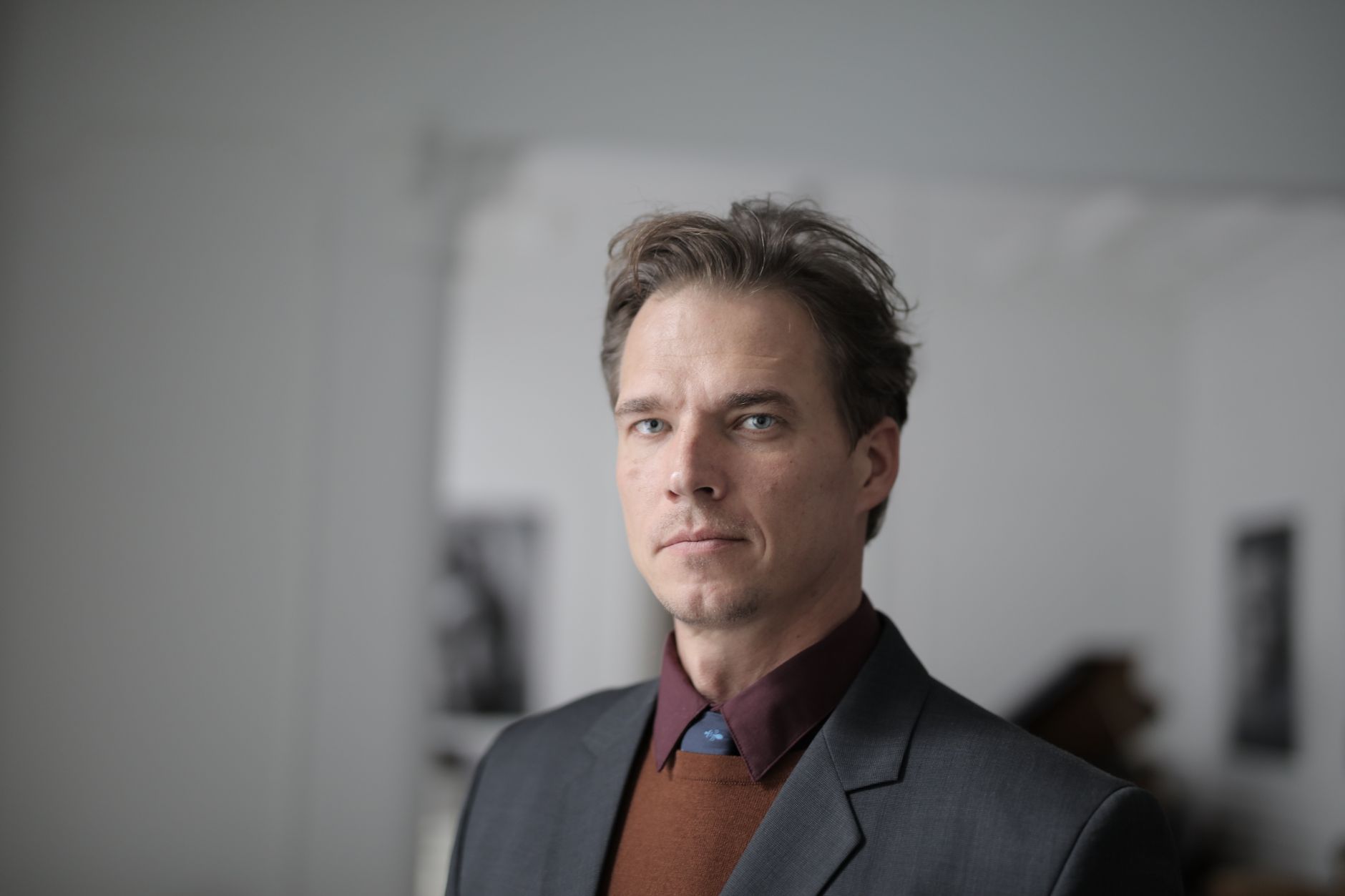
HeadshotPro delivered the most predictable results in our test. You upload 12 to 20 selfies. The service returns 40 headshots for $29, usually in about 2 hours. There are no monthly fees for the base package. The images include different crops, backdrop colors, and a few outfit presets. For a small business that needs clean team photos without scheduling a photographer, HeadshotPro is the easiest pick. See our best AI tools for small business for more workflow fits.
The strongest part is consistency. We generated 40 images from the same set. About 28 were usable. The tool handled glasses better than Aragon AI and BetterPic. It kept the frames straight and did not add fake reflections. The collars looked correct in most photos. The main weakness is outfit control. You cannot upload your own outfit. If you need a specific blazer color or company shirt, HeadshotPro will not match it.
Skin texture was good, not perfect. The tool slightly smooths skin, but it kept pores visible in the final images. If your source photos are blurry, the output gets waxy. Use a clean front-facing camera and natural window light. No refunds are offered on the $29 tier, so test with good source photos.
Key strengths:
- ✅ 40 headshots for $29 is the best value among polished outputs
- ✅ Turnaround of about 2 hours works for same-day needs
- ✅ Handles glasses and beards better than most competitors
- ✅ Consistent corporate look for LinkedIn and company pages
- ❌ Limited outfit and background control on the base tier
- ❌ Source photos must be sharp or skin turns waxy
- ❌ No refunds if you dislike the final set
Who it’s for: Job seekers, consultants, and small teams that need a safe corporate headshot without paying a photographer.
2. Aragon AI , Best for outfit and background variety
Aragon AI charges $29 for 20 headshots. That is a higher per-image price than HeadshotPro, but the variety is the product. The service generated business casual looks, formal suits, and a few creative backgrounds from the same phone selfies. Turnaround in our test was about 90 minutes. The images look most natural when your source photos include several angles and one straight-on shot with good light.
We liked the range of backgrounds. You can pick a glass office, a bookshelf, a neutral wall, or an outdoor patio. The outfit choices are broad. The downside is that artificial intelligence fills in gaps inconsistently. In one set, a blazer lapel became a strange folded seam. In another, a hairline was slightly lowered. These errors were fixable by regenerating, but that adds time. For productivity-minded users, see best AI tools for productivity.
Skin and eye rendering sits a step below HeadshotPro. Aragon AI tends to make eyes a bit too bright. That can look intense in a small LinkedIn thumbnail. If you want a more natural gaze, you may need to rerun or edit. Overall, Aragon AI is the best choice when you need more than one style from a single upload.
Key strengths:
- ✅ More outfit and background choices than HeadshotPro
- ✅ Fast 90 minute turnaround for the base package
- ✅ One-time pricing with no forced subscription
- ❌ Only 20 images for $29, so fewer keepers
- ❌ Sometimes invents or distorts clothing details
- ❌ Eye rendering can look overly bright in thumbnails
Who it’s for: Professionals who want multiple looks for LinkedIn, personal branding, and social bios from one upload.
3. Secta Labs , Best for editing control and high volume
Secta Labs is the volume and editing pick. The base package gives you 200 headshots for $49. Our set arrived in 40 minutes. That is a lot of images to sort, but the editing tools justify the price. You can adjust a specific photo with a text prompt. If the smile is wrong or the collar is off, you direct the tool to fix that detail instead of regenerating the entire set.
The editing control feels closest to working with a real retoucher. You highlight a section and describe the change. Secta handles that instruction better than BetterPic’s simpler editor. This saved us from throwing away several strong images. The output quality is high but not always better than HeadshotPro. Some photos had slightly unnatural neck shadows. The service does not publish its model. The output resembles fine-tuned diffusion models more than raw Google Imagen samples.
Two hundred images can be a burden. We spent 25 minutes sorting. Many images were near duplicates. If you only need five final headshots, HeadshotPro is simpler. If you want granular control, Secta is the one to buy.
Key strengths:
- ✅ 200 images for $49 is the best volume per dollar
- ✅ Text-based editing fixes smiles, collars, and hair
- ✅ Fast delivery at under one hour
- ❌ Sorting 200 near-duplicate images takes time
- ❌ Some outputs show unnatural neck and jaw shadows
- ❌ Editor has a learning curve compared with one-click tools
Who it’s for: Users who want to fine-tune a headshot instead of accepting whatever the AI returns.
4. BetterPic , Best for custom style packages
BetterPic sells custom style packages. The base plan is $35 for 50 headshots. You choose from corporate, creative, casual, and executive style packs. The creative pack stood out in our test. It produced less generic backgrounds, including a conference room with warm side light. Turnaround was about one hour.
The results are visually pleasing but often too smooth. BetterPic applies a beauty filter by default. The skin can lose texture, especially on foreheads and cheeks. If you want a polished look, that may be fine. If you work in a no-makeup or field role, it can look off. The editor includes before and after previews, but it is not as precise as Secta’s text-based fixes.
For creative professionals and startup teams, BetterPic’s style variety is a genuine advantage. The corporate pack was less consistent than HeadshotPro. We had a few images where the shirt collar merged into the neck. Still, the price is fair and the interface is simple.
Key strengths:
- ✅ 50 headshots for $35 with multiple style packs
- ✅ Creative backgrounds look less generic than competitors
- ✅ Simple interface with useful before and after previews
- ❌ Default beauty filter sometimes removes natural skin texture
- ❌ Corporate pack can produce collar and neck artifacts
- ❌ Editing options are weaker than Secta Labs
Who it’s for: Creative professionals and startups that want styled headshots beyond the standard gray backdrop.
5. Dreamwave , Best for fast casual portraits
Dreamwave is the speed and casual option. You upload 10 to 15 photos. The service returns 100 headshots for $29 in about one hour. The price is aggressive. The tradeoff is that Dreamwave leans harder into AI smoothing than HeadshotPro or Secta Labs. Some LinkedIn images look too airbrushed.
We liked the natural outdoor backgrounds. A few images could pass for a quick photo taken at a conference. The tool handles casual outfits well. Suits and ties were less consistent. Dreamwave sometimes gives a suit jacket with odd shoulder padding. For students who need a cheap headshot, the value is hard to beat. Check out our picks for best AI tools for students if you need other budget-friendly options.
The main problem is that many of the 100 images are repetitive. We found about 12 distinct poses. The rest were minor variations. If you need one good photo, Dreamwave works. If you need deep control or high-end realism, pay $20 more for HeadshotPro or Secta.
Key strengths:
- ✅ 100 images for $29 is extremely cheap
- ✅ One hour turnaround for urgent needs
- ✅ Natural outdoor and casual backgrounds stand out
- ❌ More AI smoothing than premium tools
- ❌ Limited distinct poses among the 100 images
- ❌ Suit and formal wear rendering is inconsistent
Who it’s for: Students, event speakers, and budget-minded users who need a quick casual headshot.
Frequently Asked Questions
Which AI headshot generator is best for LinkedIn?
HeadshotPro is the safest LinkedIn pick. It produces polished, recruiter-friendly headshots at $29 for 40 images, and it handles glasses and beards better than most alternatives.
How many source photos do I need for an AI headshot?
Most tools ask for 8 to 20 photos. More varied photos usually improve results. Include front-facing shots, side profiles, and one photo in natural light.
Are AI headshot generators safe to use?
They are generally safe if you use a reputable service. You are uploading your face to train a private model. Read the privacy policy and avoid services that sell or share your images.
Can I use an AI headshot for an official ID or passport?
No. Official IDs require unedited photos that meet specific rules. AI headshots are for professional, social, and internal business use only.
Why do some AI headshots look fake?
Fake-looking results usually come from too much smoothing, poor source photos, or inconsistent lighting. Use sharp, well-lit selfies and choose tools that preserve skin texture.
Do AI headshot tools offer refunds?
Most do not. Some offer a free regeneration if the output is unusable. Check the vendor policy before you pay.
What Should You Remember?
- Best overall: HeadshotPro wins for consistent corporate headshots at $29 for 40 images.
- Best variety: Aragon AI offers the most outfit and background choices, but you get only 20 images.
- Best editing: Secta Labs gives you 200 images and text-based fixes for $49.
- Best price: Dreamwave delivers 100 images for $29, but smoothing can look heavy.
- Source photos matter: Sharp, well-lit selfies improve every tool more than any plan upgrade.
- Avoid subscriptions: One-time pricing is enough unless you need new headshots every quarter.
- Check refunds: Most AI headshot services do not refund base packages, so test with good images.
This article is for general information only and does not constitute professional advice. Product capabilities, pricing, and market figures change frequently. Always verify current details through vendor documentation and primary sources.