Journalists in 2026 face a brutal arithmetic. Newsrooms want faster turnaround, more formats, and deeper sourcing with fewer staff. AI tools have shifted from optional experiments to daily newsroom utilities. They can transcribe interviews, search thousands of pages, surface patterns, and tighten draft copy. The catch is that no tool replaces editorial judgment. You still own every fact, quote, and story decision. Even the best AI output needs a skeptic at the desk.
This guide ranks the tools worth using right now for reporting, writing, and fact-checking. It is not a list of every AI app. I focused on tools that save real time in a newsroom without making up sources. If you also produce long-form features or marketing-style content, check out best AI tools for writers for drafting help. The bar here is higher because a wrong date or invented quote can end a story.
Privacy and accuracy matter more for journalists than for most other professionals. A transcription tool that leaks a source name or a summarizer that invents a quote can cause real harm. I evaluated free tiers, pricing, context limits, and how each tool handles uploaded data. The two data points I return to most often are Otter.ai’s free 300 transcription minutes per month and Claude’s 200,000 token context window. Those numbers decide which tasks are actually practical.
Below you will find seven tools ordered roughly by where they fit in a reporting workflow. Transcription comes first because interviews are still the foundation. Then document search, drafting, audio editing, fact-checking, note organization, and line editing. Start with free tiers and only pay for tools that remove a full hour of work per week. And always verify AI output against the primary source. That habit is the only thing that keeps this workflow safe.
What You’ll Need
- Otter.ai account
- ChatGPT or Claude account
- Google account for Pinpoint
- Descript account
- Grammarly or ProWritingAid account
How Do You Best AI Tools for Journalists in 2026?
- Use Otter.ai for fast interview transcription
Otter.ai remains the fastest way to turn recorded interviews into searchable text. The free plan gives you 300 transcription minutes per month, with a 30-minute limit per conversation. That is enough for several short interviews or one long press conference if you split the file. Paid plans lift both caps, but the free tier is a good trial for local reporters.
The real value is not the text file. It is the timestamped playback and speaker labels. You can click any word in the transcript and jump to that exact moment in the audio. This makes it fast to check a shaky quote before you file. You can also highlight sections while recording and share read-only links with editors. Just remember that Otter’s automatic punctuation and capitalization are guesses. You must listen to the original before quoting anyone.
For a simple workflow, record on your phone with the Otter app or upload a file after the interview. Otter works well for clear speech in quiet rooms. It struggles with heavy accents, crosstalk, and poor phone audio. In those cases, pair it with a secondary recording and use the transcript as a rough map, not a verbatim record.

- Draft clean news copy with ChatGPT or Claude
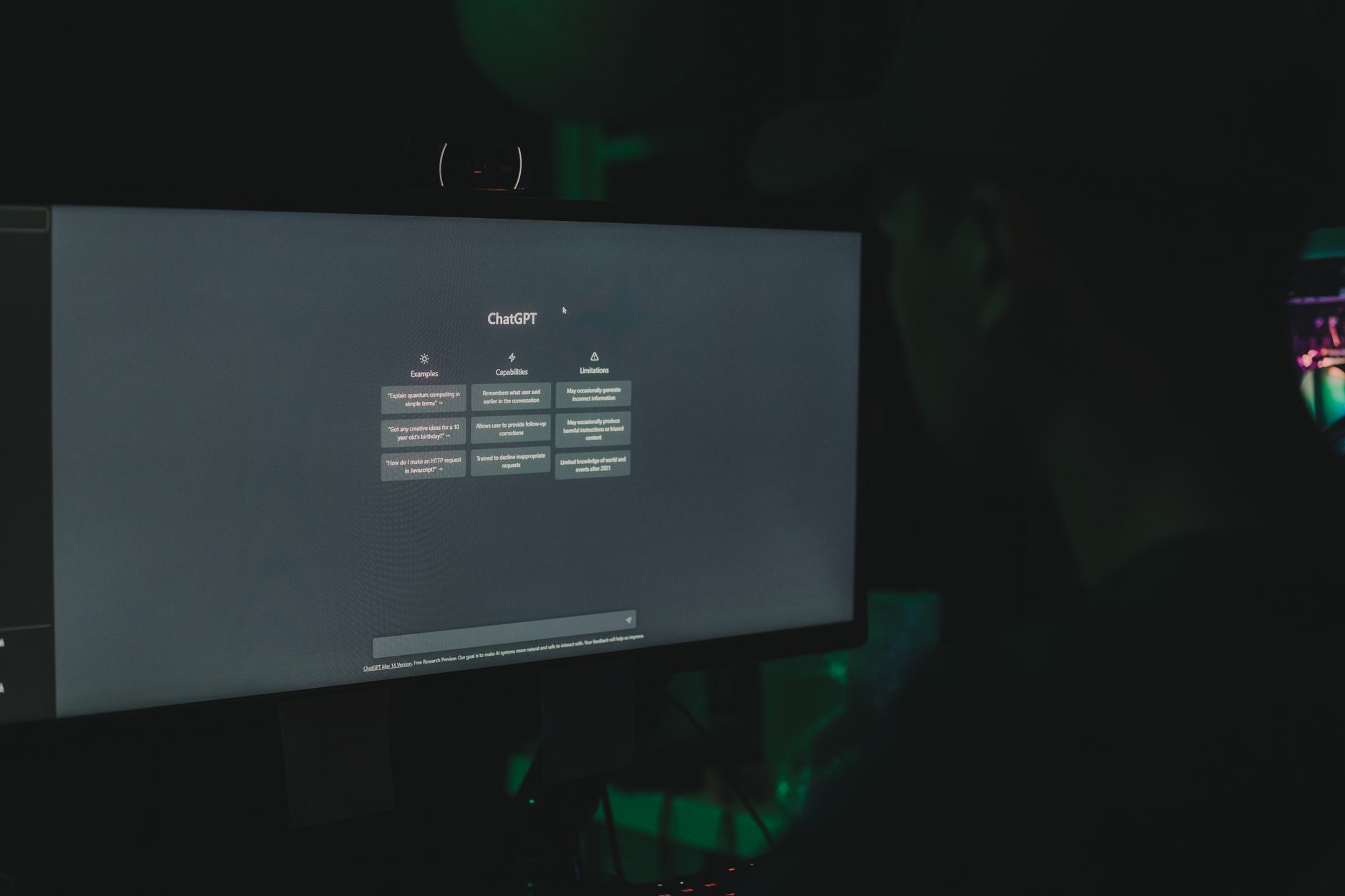
ChatGPT and Claude are the two strongest general-purpose writing assistants for journalists. Claude’s 200,000 token context window holds about 150,000 words, enough for a full investigation file or a long interview series. ChatGPT excels at quick rewrites, headline options, and social summaries. Both can turn raw notes into a structured news story in seconds. Neither should write the final piece unattended.
Use these tools for the boring parts of writing. Ask for five headline options, a nut graf based on your notes, or a plain-language summary of a dense report. You can paste an entire public document into Claude and ask specific questions. According to Anthropic’s Claude documentation, you can also adjust the model’s temperature and system prompts to control style. That is useful when you want output in AP style without losing your voice.
The biggest risk is hallucination. ChatGPT and Claude can invent quotes, dates, and named sources that look real. Always fact-check every generated sentence against your own reporting. A better workflow is to feed the model your verified notes and then ask it to arrange them into narrative order. The model organizes; you verify.
For long-form pieces, compare ChatGPT vs Claude for journalists to see which drafting style fits your beat. Both have free tiers. Claude’s longer context is better for legal filings and academic papers. ChatGPT’s browsing and image understanding can help with quick research. Pick one and learn its quirks before deadline.
- Search large document sets with Google Pinpoint
Google Pinpoint is the most underrated free tool for investigative journalists. It lets you upload thousands of PDFs, emails, images, and audio files into one searchable collection. The search works across text, handwritten notes, and spoken words. This is a serious advantage when you have a FOIA dump or a leaked database that would take weeks to read manually.
Pinpoint uses Google’s AI to transcribe audio and recognize text in scans. You can search for a name, address, or phrase and see every document where it appears. The tool highlights the match and links you back to the original page. That protects you from quoting a document out of context. It is free with a Google account, though you should check your organization’s data policy before uploading sensitive files.
This pairs well with transcription and drafting tools. Export your searchable snippets into notes, then use Claude or ChatGPT to summarize patterns. For number-heavy investigations, you can also link this workflow to best AI tools for data analysis to sort spreadsheets and public records.
The learning curve is low, but organization matters. Create one collection per story and label files clearly. Pinpoint’s search is powerful, but it cannot judge relevance. You decide which results matter. Still, when a 5,000-page PDF suddenly becomes searchable in minutes, you will wonder how you ever worked without it.

- Trim interviews fast with Descript
Descript treats audio and video like a text document. You edit the transcript and the underlying recording changes with it. This is ideal for cutting interviews, removing false starts, or producing short clips for social media. The free plan includes one hour of transcription per month. That is enough to test the workflow before you pay for more.
The filler-word removal tool can clean a podcast segment or a broadcast package in a few clicks. You can also overdub words if a source misspoke, but this is a red flag for news. Never alter a quote or create audio that changes meaning. Use Descript for technical cleanup, not for putting words in someone’s mouth.
As a journalist, you can use Descript to generate a rough transcript and then export the clean audio for your editor. It works well with interviews recorded in quiet rooms. For video, it supports screen recording and simple multi-track editing. If you produce video stories, pair it with best AI tools for video editing for heavier visual work.
- Verify claims with ClaimBuster or Full Fact AI
Fact-checking tools do not replace deep verification, but they flag claims worth checking. ClaimBuster scans text and identifies sentences that contain factual claims. Full Fact’s AI toolkit helps newsrooms monitor and fact-check public statements at scale. Both are useful when you are sifting through a long debate or a pile of press releases.
Use ClaimBuster to paste a speech or statement and get a list of checkable claims ranked by importance. Then compare those claims against primary sources: reports, datasets, court records. This workflow catches the most damaging false statements before they enter your story. The tools do not tell you if a claim is true. They tell you what to check.
For global or multilingual fact-checking, Google’s AI tools include language models that can help identify misleading claims across languages. But remember that automated systems can miss context and satire. Always confirm with human experts when a claim involves health, elections, or public safety.

- Organize notes and sources with Notion AI
Notion AI turns a messy reporter’s notebook into a searchable knowledge base. You can store interview notes, source contacts, document links, and story drafts in one workspace. The AI assistant can summarize long notes, pull action items, and answer questions about your own material. This is different from ChatGPT because it works inside your structured pages.
The main benefit for journalists is continuity. When you return to a story after weeks, Notion AI can give you a quick recap of your notes and open threads. You can also create templates for source logs, FOIA requests, and editorial calendars. That said, Notion’s AI add-on runs about $10 per member per month billed monthly. Test it with a small project before rolling it out across a team.
If you already use Notion for team workflows, the AI assistant can save hours of searching and summarizing each week. For a broader look at AI note and project tools, see best AI tools for productivity. Just keep sensitive source names in a separate encrypted system, not a consumer note app.
- Polish copy with Grammarly or ProWritingAid
Grammarly and ProWritingAid are line editors, not story editors. They catch grammar, spelling, clarity, and style issues before you file. Grammarly’s free plan covers basic errors and tone detection. ProWritingAid offers deeper style reports and is often cheaper for long-form writers. Grammarly Pro costs about $12 per month billed annually, while ProWritingAid has a lower annual price.
For journalists, the best use is the final pass. Run your draft through Grammarly after you have checked facts and quotes. It will flag passive voice, repeated words, and overly long sentences. Do not accept every suggestion. Some will flatten your voice or change the meaning of a sentence. Read each edit in context.
These tools do not know AP style by default, though you can create custom style rules in ProWritingAid. If you write across news, newsletters, and features, also check best AI tools for writers for drafting and editing options that pair well with these editors. A clean final draft still depends on a human line editor, especially for sensitive stories.
Red Flags & Warnings
- 🚨 Never upload unpublished drafts, raw interviews, or source identities to a free AI tool that trains on your data. Turn off chat history and opt out of model training where available.
- 🚨 Do not treat an AI transcript as a verbatim quote. Play back the original audio and confirm every word you plan to attribute.
- 🚨 Beware AI hallucinations in summaries and research. Generative tools can invent quotes, dates, and documents that look official. Verify against primary records before publication.
- 🚨 Check your outlet’s AI policy and source confidentiality rules before using generative tools. Some newsrooms ban third-party AI for sensitive stories.
- 🚨 Free tiers often limit audio length, document uploads, or export quality. Read the data retention and privacy sections before you commit.
- 🚨 Do not use Descript’s overdub or voice cloning to edit a source’s quote. Altering recorded speech is an ethical violation even if the tool makes it easy.
Frequently Asked Questions
What is the best AI tool for journalists in 2026?
The best tool depends on your workflow. Otter.ai leads for transcription, Claude or ChatGPT for drafting, Google Pinpoint for document search, and Grammarly for line editing. Start with free tiers and add paid tools only where they save at least an hour per week. Always verify AI output manually.
Can AI replace journalists?
No. AI can transcribe, summarize, and flag claims, but it cannot interview sources, verify facts in the field, or bear legal responsibility for a story. Journalists add judgment, skepticism, and ethical accountability. Newsrooms that treat AI as an assistant, not a replacement, get the best results.
Is it safe to upload sensitive interviews to AI transcription tools?
It can be safe if you use a paid plan with no training on your data and you follow your outlet’s security policy. Read the tool’s data retention terms and turn off chat history. For highly sensitive sources, use offline or self-hosted transcription tools instead.
How do journalists use AI for fact-checking?
They use tools like ClaimBuster to scan statements and identify factual claims. Then they verify those claims against primary documents, data, or expert interviews. The AI flags what to check; it does not confirm truth.
What free AI tools are actually useful in a newsroom?
Otter.ai’s free 300 transcription minutes, Google Pinpoint, ChatGPT’s free tier, and Grammarly’s free plan are genuinely useful. Descript’s free hour of transcription is also good for audio editing tests. These cover most basic reporting tasks without a subscription.
How can I avoid AI hallucinations in news reporting?
Feed the AI only your verified notes and documents, not open-ended prompts. Ask for summaries and organization, not new facts. Cross-check every generated sentence against the primary source. If anything sounds too specific or plausible, verify it twice.
What Should You Remember?
- Transcription first: Use Otter.ai or Descript free tiers to turn interviews into searchable text.
- Verify every quote: Play back audio and check all AI-generated names, dates, and numbers.
- Protect sources: Turn off AI training and keep sensitive names out of free consumer tools.
- Document search pays off: Google Pinpoint can make thousands of PDFs searchable in minutes.
- Draft, don’t finalize: Use ChatGPT or Claude to organize notes, but a human editor must approve the story.
- Fact-check flags: ClaimBuster and Full Fact tell you what to check, not what is true.
- Know your policy: Check newsroom AI rules before using any third-party tool.
This article is for general information only and does not constitute professional advice. Product capabilities, pricing, and market figures change frequently. Always verify current details through vendor documentation and primary sources.
Some links on this page may be affiliate links, which means we may earn a commission if you click through and make a purchase — at no additional cost to you. Read our full disclosure.