
Podcast production used to mean long nights with a timeline editor, a noise gate, and a stack of export settings. In 2026, AI tools have rearranged that workflow. You can now edit audio by deleting text, clean up a recording in one click, and turn a single episode into ten pieces of content. If you also produce video episodes, many of the same principles apply. Our guide to AI video editing tools explains the video side, but here the focus is on podcast-specific tools.
The biggest shift is transcription-based editing. Instead of squinting at waveforms, you open a transcript and edit it like a Google Doc. The AI updates the audio to match. That sounds simple, but it changes how fast you can remove filler words, false starts, and off-topic tangents. You will also see tools that repurpose episodes into show notes, social posts, and clips automatically. The result is less production time and a more consistent publishing schedule. Still, every tool has limits, and some free tiers are restrictive.
This guide ranks the best AI tools for podcasters in 2026 based on real production workflows. I have used these tools on interview shows, solo episodes, and video podcasts. You will find specific pricing, free-tier limits, and workflow advice so you can choose the stack that fits your budget. Start with Descript for editing, add a cleanup pass, then layer on repurposing tools as your show grows. If you are also writing scripts or articles, check out AI tools for writers for a similar breakdown.
What You’ll Need
- Computer
- Microphone
- Podcast recording software
- Free Descript account
- Free Auphonic account
How Do You Best AI Tools for Podcasters in 2026?
- Start with Descript for text-based podcast editing
Descript is the fastest way for podcasters to edit because it converts audio into a transcript. You delete a sentence, and the audio cuts immediately. This matters because traditional timeline editing forces you to scrub waveforms by ear. With Descript you edit like a document, and the AI handles the underlying cut. The free plan includes one transcription hour per month, which is enough to test a short episode. Paid plans start around $16 per month.
A real workflow looks like this: upload a recording, wait for the transcript, search for filler words like um and you know, then batch remove them with one click. Descript also has Studio Sound for one-click noise reduction and AI voice cloning for patching misspoken words. If you also edit video podcasts, AI video editing tools cover a similar set of features.
The common mistake is treating Descript as just a transcription tool. The value is in editing audio through text, not just getting a script. Another mistake is keeping every AI-generated filler word removal. Too clean can sound robotic, so listen through once after the bulk edits. Start with small episodes until the text-based workflow feels natural.
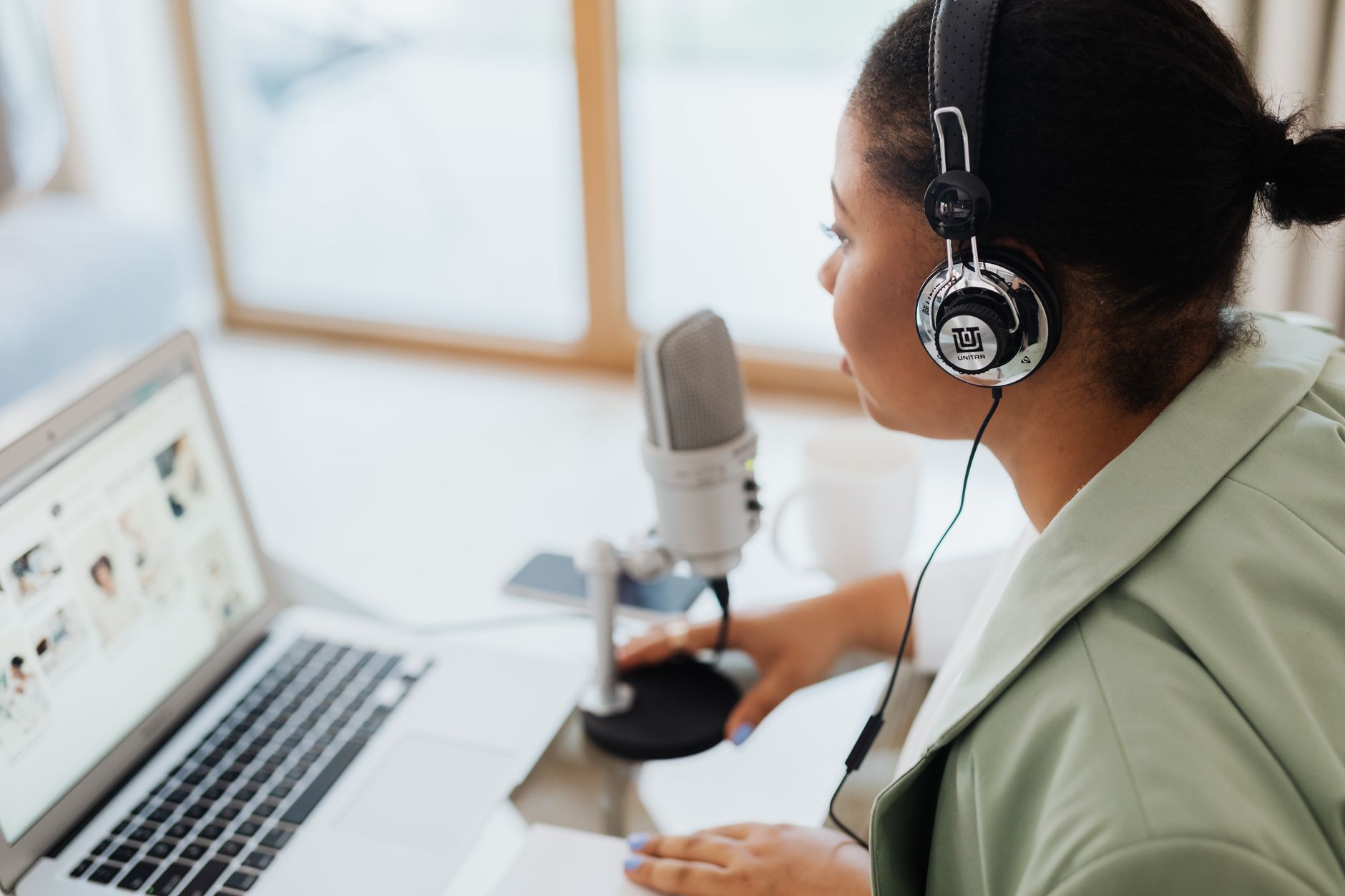
- Clean up background noise with Adobe Podcast or Auphonic
Bad audio kills a great interview. Adobe Podcast Enhance is a free browser tool that removes room echo, hum, and background noise from a single file. Upload a voice track, wait a minute, and the AI returns a much cleaner version. Auphonic is the stronger option for batch work because its free plan processes two hours of audio per month. It levels loudness, reduces noise, and even handles multiple speakers.
How to choose: pick Adobe Podcast Enhance for quick one-off cleanup. It needs no setup and works with almost any microphone. Pick Auphonic when you want consistent loudness for Apple Podcasts or Spotify and need automatic file splitting. Auphonic also integrates with YouTube and podcast hosts.
Workflow tip: run every remote interview through one of these tools before you start editing in Descript. Clean audio makes the transcript more accurate, which speeds up text-based cuts. But do not over-process. Too much noise reduction can produce a watery or muffled sound. Use the original clip as a reference and let your ears decide. Automating repetitive tasks helps here, but audio quality still needs a human check.
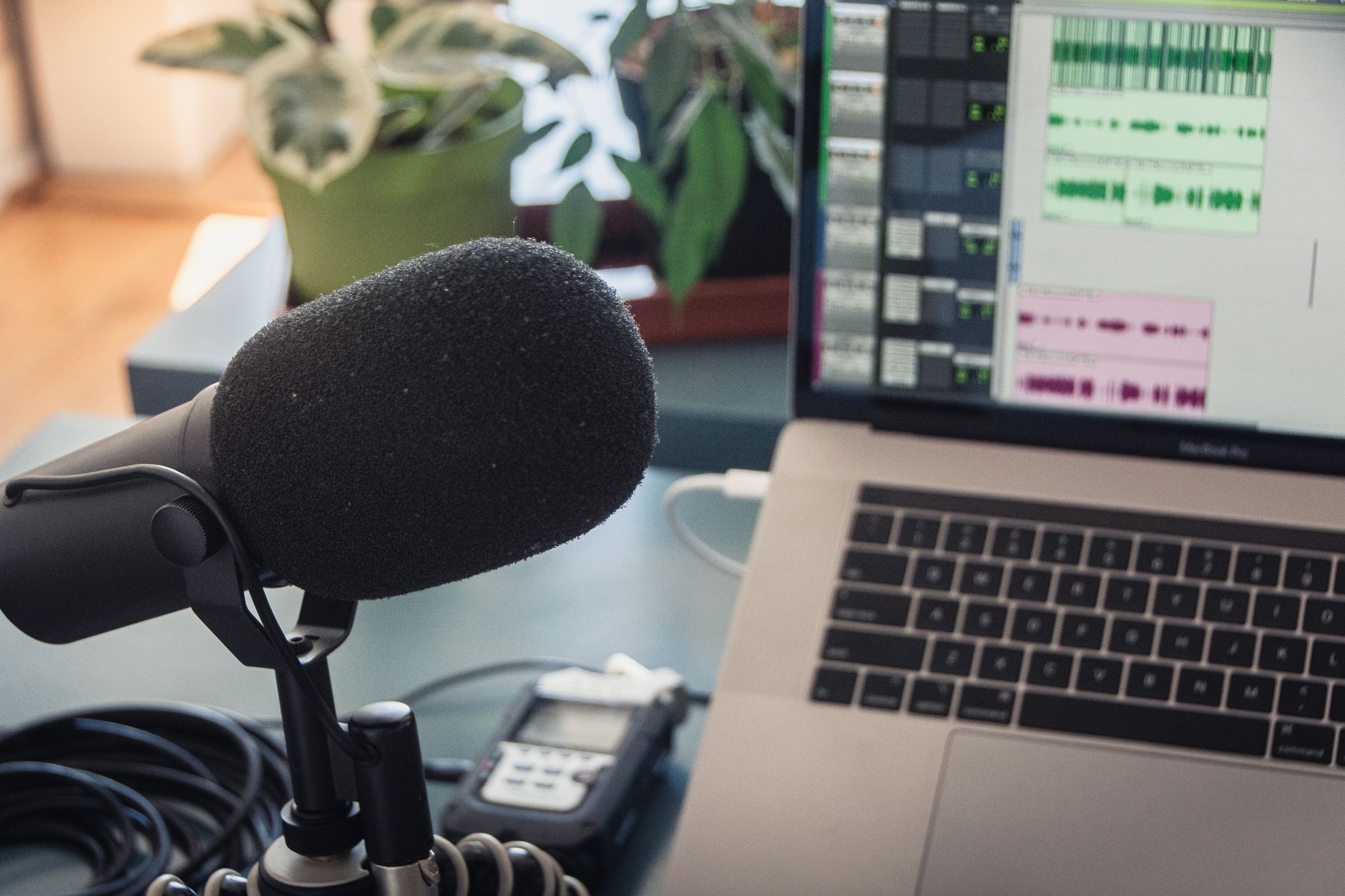
- Record remote interviews with Riverside for separate tracks
Remote podcast guests often record on bad Wi-Fi with laptop mics. Riverside records audio and video locally on each guest’s device, then uploads the files. The result is much higher quality than a Zoom call. The free plan includes two hours of separate audio and video tracks, and paid plans start around $15 per month.
Riverside now includes AI tools for transcripts, summaries, and clip creation inside the studio. After you record, you can generate a transcript in minutes and use it as source material for show notes. The key advantage is that each speaker gets a clean track, so you can edit cross-talk or background noise separately.
The common mistake is relying on the backup cloud recording when a guest’s local file fails. Always check that local uploads complete before ending the session. Another mistake is inviting too many guests with the free plan. Test the recording flow with one remote guest first, then add co-hosts. For marketing content derived from episodes, AI tools for marketers can carry the repurposing workload.
- Generate show notes, titles, and research with ChatGPT or Claude
After you have a transcript, let a large language model do the typing. ChatGPT and Claude can turn a messy transcript into show notes, timestamps, guest bios, and social media captions. Both tools handle long contexts, but Claude models often support larger prompt windows for entire episode transcripts. This matters because you can paste a full 60-minute transcript and ask for a structured outline without chunking.
Use the transcript from Descript or Riverside and paste it into either assistant. Ask for a summary in a specific style, five timestamps with one-sentence hooks, and three potential episode titles. Then ask follow-up questions to refine the tone. If you are torn between assistants, this ChatGPT vs Claude comparison breaks down pricing and context strengths. According to OpenAI, Whisper API transcription costs about $0.006 per minute, which makes large batch jobs predictable.
Workflow tip: create a reusable prompt that includes your show’s description, audience, and tone. Save it in your notes app. The biggest mistake is accepting the first draft as final. AI models can hallucinate timestamps or misquote guests. Always verify against the actual transcript before publishing show notes.
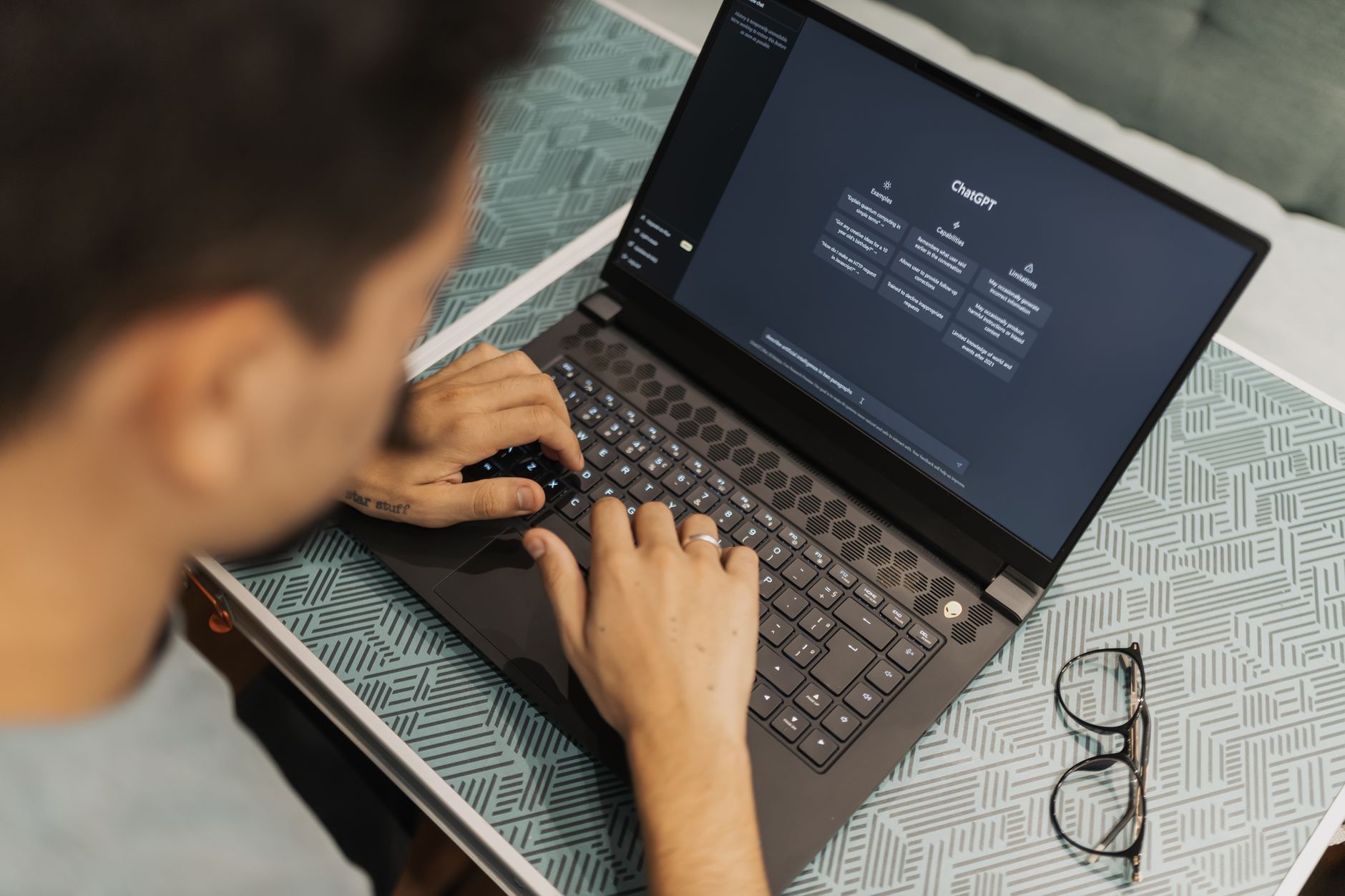
- Turn full episodes into short clips with OpusClip or Pictory
Long episodes do not spread on social media by themselves. OpusClip and Pictory scan your video podcast or audio waveform, identify engaging moments, and create vertical clips with captions. OpusClip is known for detecting viral hooks, while Pictory works well for repurposing webinars and longer interviews into branded snippets.
A real workflow looks like this: upload a video podcast file after editing. The tool returns a batch of clips ranked by predicted engagement. You select the best ones, tweak captions, and export in 9:16 format for TikTok, Shorts, and Reels. This is much faster than manually cutting a one-hour episode into six clips.
The common mistake is auto-posting clips without checking the context. A clip may sound compelling but misrepresent what the guest said. Review every clip’s opening line because that is what stops the scroll. If you need more advanced video work, AI video editing tools covers similar territory for full episodes, not just clips.
- Build an episode research base with Google’s NotebookLM
For interview prep and recurring show research, NotebookLM from Google lets you upload transcripts, PDFs, and notes, then ask questions across your sources. Unlike a general chatbot, it grounds answers in the material you provide. This is useful when you produce a series on one topic and want to cross-reference every past episode.
How podcasters use it: upload all past transcripts and guest research. Before a new episode, ask NotebookLM for themes the guest has covered, unresolved questions, or specific quotes. It generates citations to the source, so you can jump back to the exact moment. According to Google AI, the tool is part of Google’s broader push into grounded generative AI experiments.
The catch is that NotebookLM is not an editor or hosting platform. It is a research sidekick. Pair it with Descript for editing and ChatGPT or Claude for copywriting. Avoid uploading data that you cannot store in a third-party tool. For search-focused show notes that rank, AI SEO tools can fill the keyword gaps.
- Automate show notes and social assets with Castmagic
Castmagic is built specifically for podcasters and content repurposing. Upload an audio file or paste a transcript, and it generates show notes, summaries, quotes, tweets, LinkedIn posts, and video descriptions. The paid plans start around $23 per month, and it saves hours of manual writing per episode.
A standard workflow: after recording and editing, drop the file into Castmagic. In a few minutes you get a set of assets in your voice if you configure the custom prompts. Many podcasters connect Castmagic to Zapier or Make to send the outputs to Notion, Google Drive, or a CMS.
The red flag is that the output is only as good as your transcript. Run a clean transcript through Castmagic, not the raw automatic transcript from a noisy call. Also customize the tool’s templates before your first episode. Default outputs can feel generic. If you run a small business show, AI tools for small business offers more workflow ideas around this.
Red Flags & Warnings
- 🚨 Never upload raw confidential interviews to free AI tools without checking data retention terms.
- 🚨 Do not trust AI transcripts for names, legal terms, or medical language. Always proofread against the original audio.
- 🚨 Watch free-tier minute caps. Batch processing a long episode can hit limits quickly.
- 🚨 Turn off automatic renewals after starting free trials if you only want to test a tool.
- 🚨 Avoid auto-publishing AI-generated clips or show notes without a human review pass.
- 🚨 Check per-minute API costs before using Whisper or similar speech-to-text at scale.
Frequently Asked Questions
Can AI really edit a full podcast episode?
Yes, but it works differently. Transcription-based editors like Descript let you delete text from the transcript, and the audio updates. You still make final creative calls, but the cutting, filler removal, and syncing are much faster.
Which free AI tool is best for podcasters?
Start with Descript’s free 1 transcription hour per month or Auphonic’s free 2 hours of processed audio each month. Adobe Podcast Enhance is also free for cleanup. Use free tiers to test your workflow before paying.
Is it safe to upload podcast interviews to AI tools?
It depends on the vendor. Check the data retention policy and whether recordings are used for model training. For confidential client work, opt for paid business plans or tools with clear privacy terms. Avoid uploading sensitive material to free tiers by default.
How much do AI podcast tools cost?
Most start free, then move to $15 to $30 per month. Descript’s paid plans start around $16 per month, Riverside around $15, and Castmagic from about $23 per month. API pricing like Whisper is usage-based at about $0.006 per minute.
Do I need technical skills to use AI podcast tools?
No. The main tools use drag-and-drop editing, one-click audio cleanup, and text-based cuts. You only need deeper skills if you wire together API workflows or custom automations.
Can AI turn podcast episodes into short video clips automatically?
Yes. Tools like OpusClip, Pictory, and Descript’s clip feature identify engaging moments and reformat them for TikTok, YouTube Shorts, and Reels. You still review captions and choose the best takes.
What Should You Remember?
- Start with editing: Descript turns audio into editable text and saves hours.
- Clean audio first: Adobe Podcast and Auphonic remove noise before you publish.
- Record remotely: Riverside captures separate tracks with free 2-hour limits.
- Generate show notes: ChatGPT or Claude turn transcripts into outlines and headlines.
- Repurpose every episode: OpusClip and Castmagic create clips and social posts.
- Watch the limits: Free tiers cap monthly minutes, so check before batch processing.
- Review AI output: Transcripts and clips still need human fact-checking.
This article is for general information only and does not constitute professional advice. Product capabilities, pricing, and market figures change frequently. Always verify current details through vendor documentation and primary sources.
Some links on this page may be affiliate links, which means we may earn a commission if you click through and make a purchase — at no additional cost to you. Read our full disclosure.