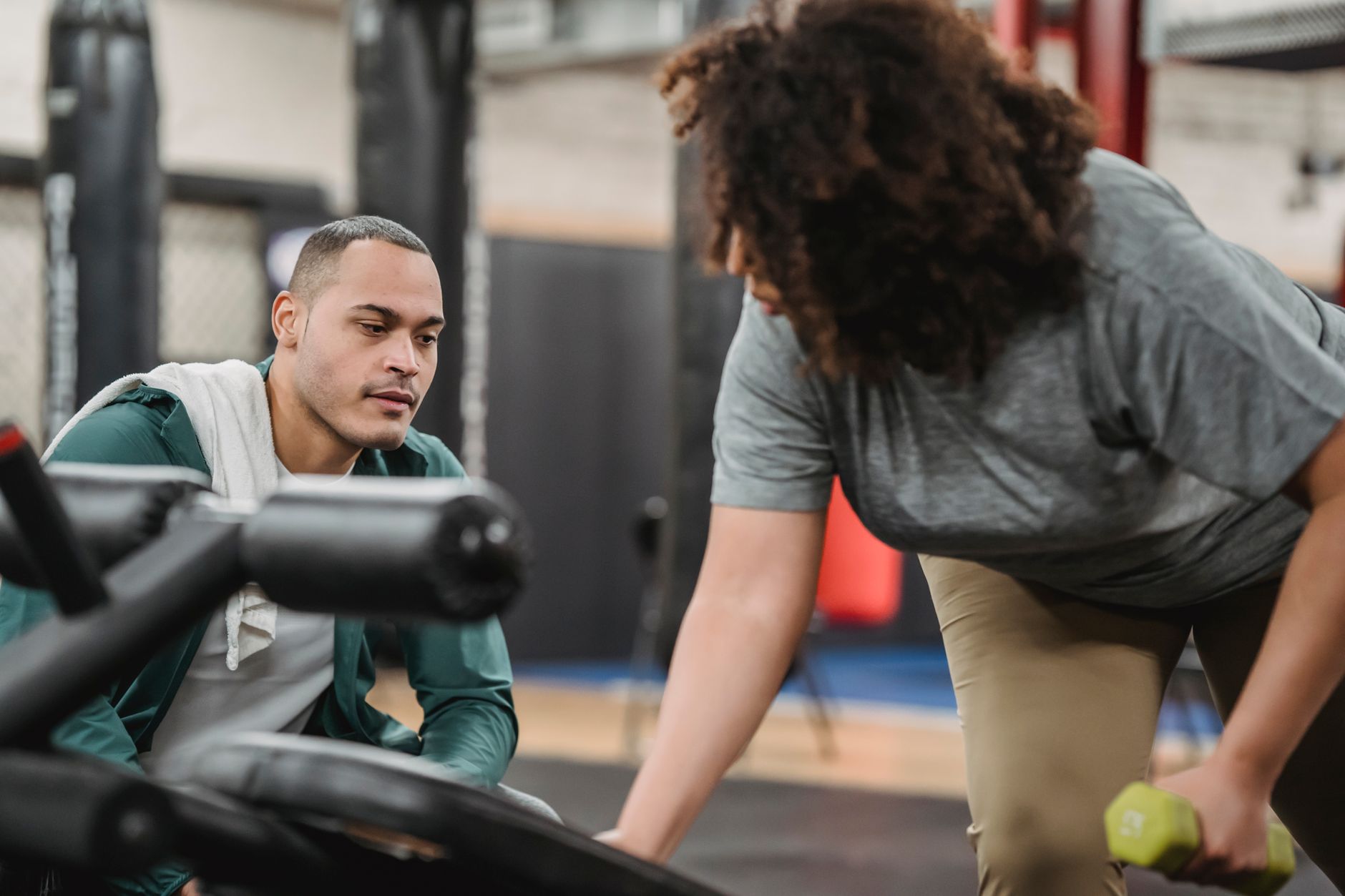
Personal training has always been about time management, program design, client communication, and marketing. In 2026, AI tools can handle the repetitive parts without replacing your coaching judgment. Many trainers already use general productivity tools to reduce admin work. If you are new to this space, our guide on best AI tools for productivity explains the basics you can apply today. The most realistic approach is to pick one or two tools, learn them well, and let them handle the busy work while you focus on clients. That is the core promise behind this list.
The current AI landscape is large enough to be confusing. ChatGPT, Claude, Gemini, Perplexity, and Zapier all offer useful free tiers. Paid plans typically start around $20 per month and unlock higher message limits, longer context windows, and better integrations. The key difference is not which model is abstractly best. It is which tool fits your actual workflow. A trainer who writes custom programs needs long context and document uploads. A trainer who spends hours on Instagram needs visual and copy tools. We compare the top models in ChatGPT vs Claude 2026 if you want a deep dive before choosing.
This guide treats each tool as a step in a smarter coaching workflow. You will see how to use AI for programming, video form checks, research, marketing, automation, and session notes. Every step includes specific prompts, common mistakes, and practical limits. We also flag where free tiers stop being enough. Use this as a pick-and-choose playbook. If you run a studio or operate as a solo coach, the automation section on how to use AI for business will add useful context.
What You’ll Need
- ChatGPT account
- Claude account
- Google Gemini account
- Perplexity account
- Canva account
- Zapier account
- Otter.ai account
How Do You Best AI Tools for Personal Trainers in 2026?
- Use ChatGPT for Programming and Client Communication
ChatGPT remains the most practical starting point for personal trainers. OpenAI’s documentation notes that ChatGPT Plus includes GPT-4o with a 128,000 token context window and costs $20 per month OpenAI. The free tier gives limited access to GPT-4o mini and works well for short prompts, but heavy daily use will hit message caps quickly. For a trainer managing 10 to 20 clients, the paid plan is usually worth it because you can paste longer intake forms and get more nuanced workout plans back.
The real value comes from building a repeatable client prompt. Instead of asking for a generic workout, include training age, injuries, equipment access, available days, and goal. For example: “Create a 4 week upper lower split for a 45 year old woman with knee pain who can train Monday, Wednesday, and Friday using dumbbells and bands.” The output should include warm ups, main lifts, reps, sets, rest, and a note on exercise substitutions. Always review the plan before sending it. AI can miss medical context and sometimes produces volumes that are too high for a specific client.
A common mistake is using the same generic prompt for every client and wondering why the output feels flat. Keep a note file with each client’s profile and paste the relevant sections into your prompts. You can also ask ChatGPT to write check-in messages in a tone that matches your brand. This step connects to the next one because ChatGPT is good for quick creative work, while Claude is better for very long client documents and program histories.

- Use Claude for Long Client Documents and Program Analysis
Claude by Anthropic stands out when you need to analyze a big stack of client information. The Pro plan costs $20 per month and supports a 200,000 token context window Anthropic. That means you can upload a new client intake form, an old training log, a physiotherapy report, and a current program in one conversation. Claude will cross-reference the documents and point out contradictions, like a client saying they have no shoulder pain but listing an old rotator cuff injury in the physio notes.
Use Claude Projects to keep a separate workspace for each client or cohort. Upload their goal sheet, injury history, and past programs. Then ask questions like “What exercise progressions have I used for this client’s lower body over the last three months?” or “Create a deload week plan based on the volume data in this training log.” The long context is the main reason to choose Claude for this step. ChatGPT can also upload files, but Claude’s larger context and project structure often produce more coherent long-form analysis. The direct comparison in ChatGPT vs Claude 2026 covers the tradeoffs in more depth.
The most common mistake is dumping files without telling Claude what kind of output you want. If you just ask “analyze this,” you will get a decent summary but not a program. Be specific: “Compare my current program for Client A with the attached physical therapy notes and suggest three modifications for hip pain during squats.” Another mistake is relying on Claude’s memory across sessions without saving important conclusions back to your own client file. Treat the AI output as a draft, not a final medical recommendation.

- Use Google Gemini for Video Form Checks and Visual Feedback
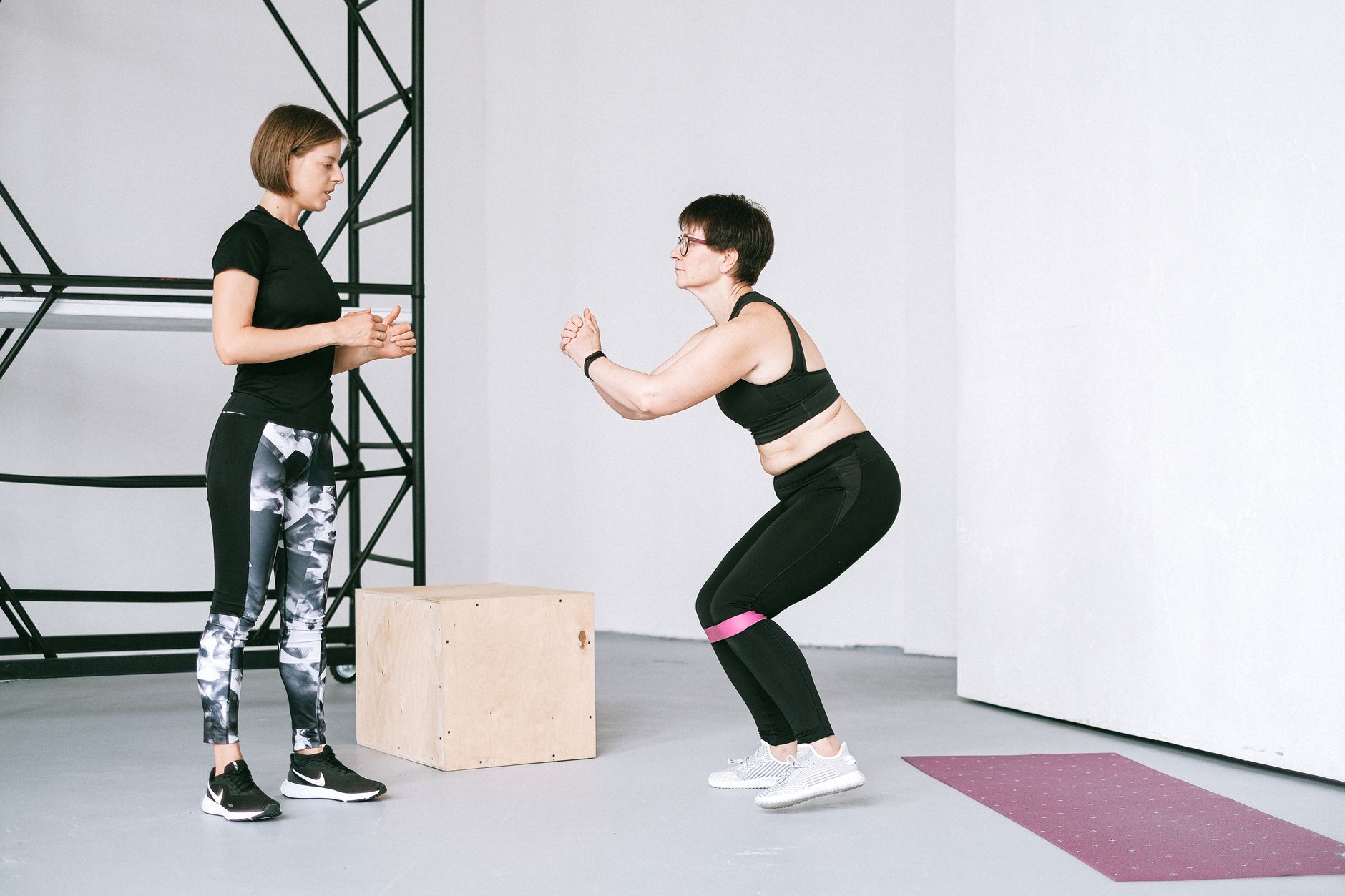
Google Gemini is the most useful general AI tool for trainers who coach technique remotely. The free tier includes access to Gemini 2.0 Flash, which can process images and short videos. Google AI Premium costs $19.99 per month and unlocks Gemini Advanced with a 1 million token context window, enough for long video transcripts and documents. Upload a 10 to 20 second video of a client squatting from the side and ask Gemini to describe bar path, depth, knee tracking, and lower back rounding. The model will not be perfect, but it catches obvious faults and gives you a structured starting point for feedback.
Before uploading any client video, get written consent. Anonymize the video by cropping the face if possible. Ask the client to wear plain clothing and film in a well lit space. Then use a specific prompt: “Watch this squat video. Identify three technical flaws, rank them by injury risk, and suggest one cue for each.” For trainers creating form-check content, the same visual analysis can help you script short Instagram videos. If you then edit those clips, our guide on best AI tools for video editing has practical editing options.
A common mistake is expecting Gemini to replace a trained eye. It struggles with low light, fast movements, and partial body visibility. Use it as a second opinion, not a final assessment. Also be careful about sharing client health data with any AI tool. Google’s consumer AI products may use anonymized data for training unless you opt out. Check the current data settings before uploading sensitive videos.
- Use Perplexity for Evidence-Based Programming Research
Perplexity is a research assistant that cites its sources. The free tier handles daily queries, while Perplexity Pro costs $20 per month and includes access to stronger models and file uploads. For trainers, the best use case is checking claims before you put them in a program. Ask questions like “What does the latest research say about training frequency for muscle growth in adults over 50?” Perplexity returns a summarized answer with numbered citations so you can verify the actual study.
This matters because fitness advice spreads quickly on social media, and much of it is based on weak evidence or exaggerated claims. Perplexity helps you separate real findings from noise. You can also ask it to summarize a PDF study you downloaded from PubMed or a journal. The cited output is a better starting point than asking a general chatbot that may invent references.
The biggest mistake is copying the answer without reading at least the abstract of the cited study. Perplexity can misrepresent sample size, population, or effect direction. Another mistake is relying on free tier outputs for very complex clinical questions about pain or injury. In those cases, use the tool to find papers, then review them yourself or share with a healthcare provider. Keep a log of the questions and citations you use so clients can see your programming is evidence informed.
- Use Canva Magic Studio for Client Materials and Marketing
Canva Magic Studio bundles AI writing, design, and image generation into one familiar interface. The free plan includes limited Magic Write uses and basic templates. Canva Pro costs about $120 per year and unlocks more AI generations, brand kits, and background removal. Personal trainers can use it to create polished workout PDFs, nutrition handouts, social media posts, and lead magnets. The design templates save hours compared with starting from a blank page.
The AI writing feature works well for short captions and client emails. Magic Design can turn a text prompt into a set of social graphics. For example, type “Instagram post about 5 common deadlift mistakes for beginners” and Canva will generate layout options with placeholders for your brand colors. If you need stronger visual assets, our article on best AI tools for image generation covers dedicated tools like Midjourney and DALL-E.
A common mistake is producing too many templated graphics that all look the same. Use a consistent brand kit and customize the generated text. Another issue is using AI images of unrealistic physiques in your marketing. That can hurt trust. Instead, generate simple exercise illustrations or use real client photos with permission. Keep the focus on clear exercise cues and practical value, not just polished graphics.
- Use Zapier for Client Workflow Automation
Zapier connects your apps so you can automate reminders, intake forms, scheduling, and follow ups. The free plan includes 100 tasks per month, which is enough to test a few simple automations. Paid plans start at $19.99 per month when billed annually and include multi-step Zaps, filters, and paths. Zapier supports over 6,000 apps, including Google Sheets, Gmail, Calendly, Notion, and many booking tools. For a trainer, a typical Zap sends a new client intake form response to a Google Sheet and then creates a task in your project manager.
Start with one high-friction task. For example, new clients often forget to fill out a pre-consultation questionnaire. You can create a Zap that watches for new bookings in Calendly and automatically emails the client a form link. When they submit the form, another Zap can add their details to a Google Sheet and send you a Slack notification. This removes the back and forth that eats up mornings. If you run a small studio, the same workflow principles appear in our best AI tools for small business guide.
The main mistake is building too many Zaps at once. Each step can fail silently if a field name changes or a test email goes to spam. Build one Zap, test it with your own data, and check it weekly. Also be careful with automations that send messages to clients automatically. A wrong merge field can create an awkward email. Keep the tone personal and always leave a clear way for clients to reply.
- Use Otter.ai for Session Notes and Client Meeting Summaries
Otter.ai transcribes spoken conversations in real time. The free plan includes 300 monthly transcription minutes, which covers a few client consultations. The Pro plan costs $16.99 per user per month billed monthly and adds more minutes, advanced search, and the ability to tag speakers. For trainers, the best use is recording intake calls, goal setting sessions, and periodic check-ins, with consent, so you can capture details that would otherwise get lost in shorthand notes.
After a session, Otter generates a summary with action items. You can ask it to highlight the client’s stated goals, barriers, and commitments. Paste that summary into your client management system or share it with the client as a recap. This works well alongside ChatGPT or Claude, which can then turn the transcript into a written program brief. The transcription is not perfect, especially with gym background noise, so review the action items before sending them.
The biggest mistake is recording without explicit consent. Some regions require two party consent for audio recording. Tell the client why you are recording and how the file will be stored. Do not upload transcripts with full names and health details to public AI tools. You can clean the transcript first by removing names, addresses, and medical specifics. Use the summary, not the raw audio, for your own program notes.
Red Flags & Warnings
- 🚨 Never upload client health data or videos to AI tools without written consent and data anonymization.
- 🚨 Do not use AI output as medical advice. Injuries and pain need review by a licensed healthcare provider.
- 🚨 Free tier message limits can interrupt your work mid-task. Test a tool before relying on it for client deadlines.
- 🚨 AI citations in Perplexity and other tools can point to studies that do not say what the summary claims. Read the source.
- 🚨 Automations can double-book clients or send the wrong message if you skip test runs. Test every Zap with your own contact info first.
- 🚨 Do not let AI replace your programming judgment. Use it as a second opinion, not a final prescription.
Frequently Asked Questions
Can AI actually write safe workout programs for personal trainers?
AI can draft safe and logical workout plans when you give it accurate client details, including injuries, equipment, and training age. You still need to review the output and adjust it based on your professional judgment and any medical guidance.
Which AI tool is best for a personal trainer with no tech background?
Start with ChatGPT because the prompt style is forgiving and the free tier is easy to test. Canva Magic Studio is also beginner friendly for marketing tasks. Add more tools only after you feel comfortable with one.
Are free versions enough for a part-time personal trainer?
Free versions can handle light use. ChatGPT free, Gemini free, and Otter free all include enough capacity for a few clients. If you manage more than ten clients or need file uploads, a paid plan around $20 per month is usually worthwhile.
How do I keep client data private when using AI tools?
Remove names and identifying details before uploading. Get written consent for video or audio recordings. Check each tool’s data retention policy and avoid pasting full medical reports into public chat models. Use business plans with privacy controls where available.
Can AI help me get more personal training clients?
Yes. AI can create social media content, write lead magnets, draft outreach messages, and automate follow-ups. The main limit is that AI generated marketing still needs your brand voice and real client results to convert.
What is the best way to prompt AI for a workout plan?
Include the client’s goal, training age, injury history, available days, equipment, and any exercises you want avoided. Ask for sets, reps, rest, and progression notes. Review the output and adjust for safety and enjoyment.
What Should You Remember?
- Start with ChatGPT: Build a repeatable client intake prompt that includes injuries, equipment, and training age before asking for a plan.
- Use Claude for long documents: Its 200K context window handles intake forms, physio reports, and old training logs in one conversation.
- Try Gemini for video: Upload short form-check clips only after getting written client consent and removing identifying details.
- Research with Perplexity: Ask for cited evidence on training questions, then read the source before using the claim.
- Automate one workflow first: Use Zapier’s free 100 tasks per month to test a reminder or intake system before scaling.
- Market with Canva Magic Studio: Create branded workout PDFs and social graphics without hiring a designer.
- Protect client data: Anonymize, get consent, and never treat AI output as a substitute for professional judgment.
This article is for general information only and does not constitute professional advice. Product capabilities, pricing, and market figures change frequently. Always verify current details through vendor documentation and primary sources.
Some links on this page may be affiliate links, which means we may earn a commission if you click through and make a purchase — at no additional cost to you. Read our full disclosure.