Blogging in 2026 is not just about writing well. You have to publish faster, match search intent, and stand out from a flood of generic AI content. A good AI assistant can help with all three, but only if you use it as a writing partner, not a replacement. This guide focuses on tools I have actually used for a personal blog and client work. If you also write books or scripts, check the best AI tools for writers in 2026 for a broader list.
Ranking on Google now requires more than keywords. Content structure, readability, internal links, and original insights all matter. That is why I pair a drafting tool with a dedicated SEO tool. SEO-focused writers should start with our SEO tools guide to understand the full landscape. The tools below include one SEO pick that made the biggest difference for my blog traffic.
There is a trap with AI writing tools. They can produce a 1,500 word post in seconds, but search engines and readers can often tell when the post lacks real expertise. The best workflow combines AI speed with human fact checking and voice editing. You will see that pattern repeated in every recommendation below. It keeps your blog from sounding like every other AI generated site.
I ranked these seven tools by daily usefulness, free tier value, and how well they support the full blogging workflow. Prices below were checked in 2026 and may change. For each tool, I explain what it does best, what it costs, and where it falls short.
How Do You Best AI Tools for Bloggers in 2026?
- Start with ChatGPT for fast drafting and idea generation
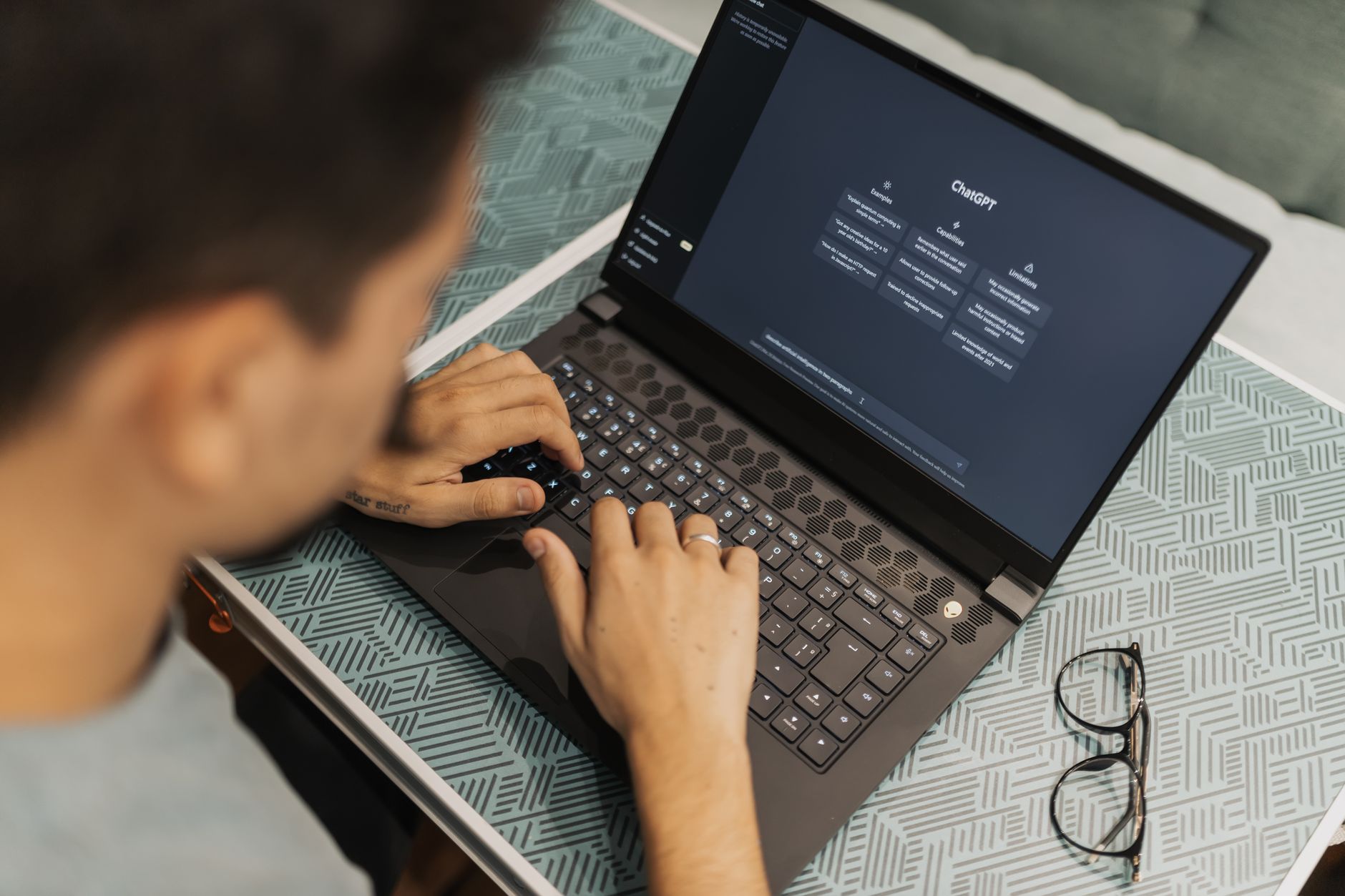
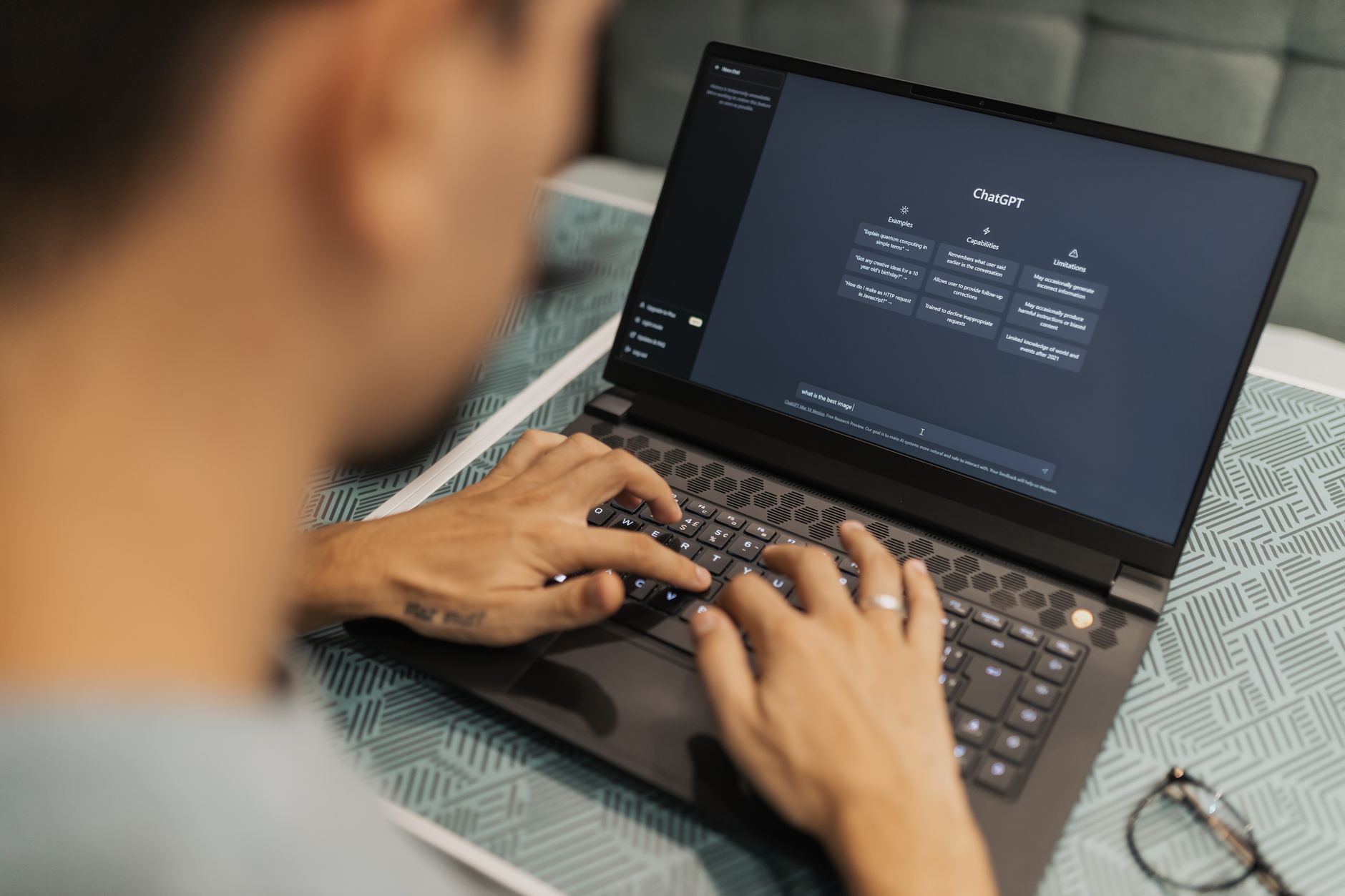
ChatGPT remains the default writing assistant for many bloggers in 2026. Its free plan includes access to GPT-4o mini and a limited number of GPT-4o messages, so you can test outlines, intros, and meta descriptions without paying. The context window is 128,000 tokens, enough to feed a long research doc or several past posts. You can find current limits on OpenAI’s pricing page.
I use ChatGPT for the messy first pass. You give it a working title, target keyword, and audience. It returns a title list, H2 outline, and a draft introduction in under a minute. That beats staring at a blank editor. Still, the output can feel generic if you stop there.
For $20 per month, ChatGPT Plus adds faster response times and more GPT-4o usage. It also includes GPT-4o mini for high-volume tasks. If you compare models, see ChatGPT vs Claude in 2026 before you choose. One warning: ChatGPT can invent statistics and quotes. Always check sources before you hit publish.

- Use Claude for long-form editing and natural tone
Claude is the tool I open when a post needs to sound like me, not like a chatbot. Anthropic’s Claude models handle long documents with a 200,000 token context window, which is large enough for a multi-chapter ebook or dozens of blog posts at once. That means you can paste your full archive and ask Claude to match your voice. Anthropic publishes usage limits for the free plan on their official site.
Claude’s free tier gives a limited number of messages per five-hour window. The Pro plan costs $20 per month and raises that limit for heavier editing days. I use Claude for three jobs: cutting fluff, rewriting paragraphs that sound too formal, and summarizing research into a clean outline.
Claude is especially good at long-form editing. It is not the fastest for short social captions, but for a 2,000 word post, Claude catches repetition and weak transitions that ChatGPT often misses. The catch is that Claude can still invent facts, so review every statistic.

- Build a repeatable brand voice with Jasper
Jasper is built for bloggers who publish a lot and need consistent brand voice across multiple writers. It starts at $39 per month for the Creator plan, which includes one brand voice and a limited number of AI words each month. There is no free forever plan, but you can get a seven day trial to test it.
Jasper stands out because of templates. You can start with a blog post, product review, or YouTube script template. Then you add brand voice settings, including tone, sentence style, and banned words. That reduces the need to paste the same instructions into every prompt.
I do not recommend Jasper if you are starting out. ChatGPT or Claude can do most of the same drafting for less money. But if you manage a blog with freelance writers, Jasper enforces a consistent voice. It also has a Chrome extension for quick rewrites inside WordPress. For marketing teams, see the best AI tools for marketers in 2026 for broader campaign tools.
- Optimize posts for search with Surfer SEO
Surfer SEO is not a writing tool in the traditional sense. It scores your draft against the top ranking pages for a target keyword. The Essential plan costs $89 per month and includes 30 content edits per month, which is enough for a serious blogger. That credit limit is the data point to remember before subscribing.
I use Surfer after I have drafted a post. I paste the draft into Surfer’s editor and it gives me a content score from 0 to 100. Then it suggests missing keywords, heading structure, and ideal word count. This moves posts from page two to page one more often than any grammar fix.
Surfer also has a WordPress and Google Docs integration, so you can edit without copying text everywhere. The main downside is cost. If you publish one post per month, you probably do not need Surfer. But if blogging is your business, it is the clearest link between AI and ranking.

- Polish grammar and readability with Grammarly
Grammarly is the final pass before publish. Its free plan catches basic grammar, spelling, and punctuation. The Premium plan costs about $12 per month when billed annually. Premium adds tone adjustments, clarity rewrites, and a plagiarism check, which helps if you work with guest writers.
I run every post through Grammarly after AI drafting and manual editing. The tone detector flags sentences that sound too robotic. That is useful because AI text often has a certain rhythm. Grammarly will suggest shorter alternatives, which improves readability on mobile.
You can use the browser extension in WordPress, Google Docs, and email. One warning: Grammarly is not an SEO tool. It will not tell you if your post matches search intent. Pair it with Surfer or another SEO check. For a full productivity stack, see the best AI tools for productivity in 2026.
- Create original blog images with Canva Magic Studio
Blog posts need images. Canva Magic Studio includes AI text-to-image generation, background remover, and magic resize. The Free plan gives limited Magic Media credits each month. Canva Pro costs $12.99 per month and adds more credits plus brand templates.
I use Canva for featured images and simple charts. I describe a photo scene, choose a style, and Canva generates four options. Then I add text overlays with the blog title. This is faster than hunting for stock photos and often more unique.
Canva’s AI image generator is not the most advanced option, but it is easier for non-designers. The key is to check the commercial license for generated images. If your blog has ads or sponsored posts, make sure your use falls within Canva’s terms.
- Speed up research with Perplexity AI
Perplexity AI is my research shortcut. It is a conversational search engine that answers questions with citations to real sources. The free plan gives limited Pro searches per day. Perplexity Pro costs $20 per month and includes deeper research and file uploads.
For blog research, Perplexity is safer than ChatGPT because it shows you where information came from. I use it to verify stats, find recent studies, and compile source lists for long posts. That cuts research time from two hours to about thirty minutes.
Perplexity does not write your post. It gives you a solid brief with links. Then you bring that brief into ChatGPT or Claude for drafting. This two-step workflow avoids the hallucination problem that plagues free writing tools. If you use AI across a small business, read how to use AI for business in 2026 for process ideas.
Red Flags & Warnings
- 🚨 Never publish AI written drafts without fact checking. AI models hallucinate sources and statistics.
- 🚨 Avoid letting ChatGPT rewrite your entire post. Search engines favor original, expert-driven content, not generic AI text.
- 🚨 Do not ignore your brand voice. Use voice samples and custom instructions, or your posts will sound like every other AI blog.
- 🚨 Check image licensing. AI generated art can still have unclear usage rights, especially for commercial blogs with ads.
- 🚨 Do not burn your Surfer SEO credits on low-traffic posts. Prioritize pages that already rank on page two.
- 🚨 Free tiers come with message caps. Track your usage so you do not get locked out mid deadline.
Frequently Asked Questions
Do I need to pay for AI blogging tools?
No. You can start with free ChatGPT and Claude. Free tiers have message limits and do not include advanced SEO features. Paid plans make sense once you publish multiple posts per week.
Can AI tools write full blog posts that rank?
They can draft posts, but ranking depends on originality, search intent, and backlinks. Human review and fact checking are still required. Use AI for structure and speed, not as a replacement for expertise.
Which AI tool is best for SEO optimization?
Surfer SEO is the most direct option for keyword and content scoring. Pair it with ChatGPT for drafting and Claude for editing. Free SEO tools like Google Search Console still matter.
How do I keep my voice when using AI?
Create a style guide and paste it into custom instructions for ChatGPT or Claude. Edit every draft with Grammarly and your own ear. Avoid accepting AI suggestions that feel off brand.
Are AI generated images okay for blog posts?
Yes, if you use tools like Canva Magic Studio and follow the tool’s commercial license. Keep alt text descriptive for accessibility and SEO. Some platforms require disclosure for synthetic media.
What is the best free AI tool for bloggers?
ChatGPT’s free tier is the most flexible starting point. Claude’s free plan is better for long documents. Grammarly Free covers basic grammar. Perplexity Free can help with research.
What Should You Remember?
- Start with two tools: ChatGPT for drafting and Claude for editing covers most blogging tasks.
- Check free tier limits: ChatGPT and Claude free plans have message caps and lower priority during peak times.
- Add SEO only when needed: Surfer SEO is worth it if you already have traffic and need content refinements.
- Protect your voice: Custom instructions and brand style guides prevent generic AI copy.
- Fact check everything: AI can invent sources, quotes, and statistics. Verify before you publish.
- Automate images safely: Canva Magic Studio handles visual content without separate subscriptions.
This article is for general information only and does not constitute professional advice. Product capabilities, pricing, and market figures change frequently. Always verify current details through vendor documentation and primary sources.
Some links on this page may be affiliate links, which means we may earn a commission if you click through and make a purchase — at no additional cost to you. Read our full disclosure.