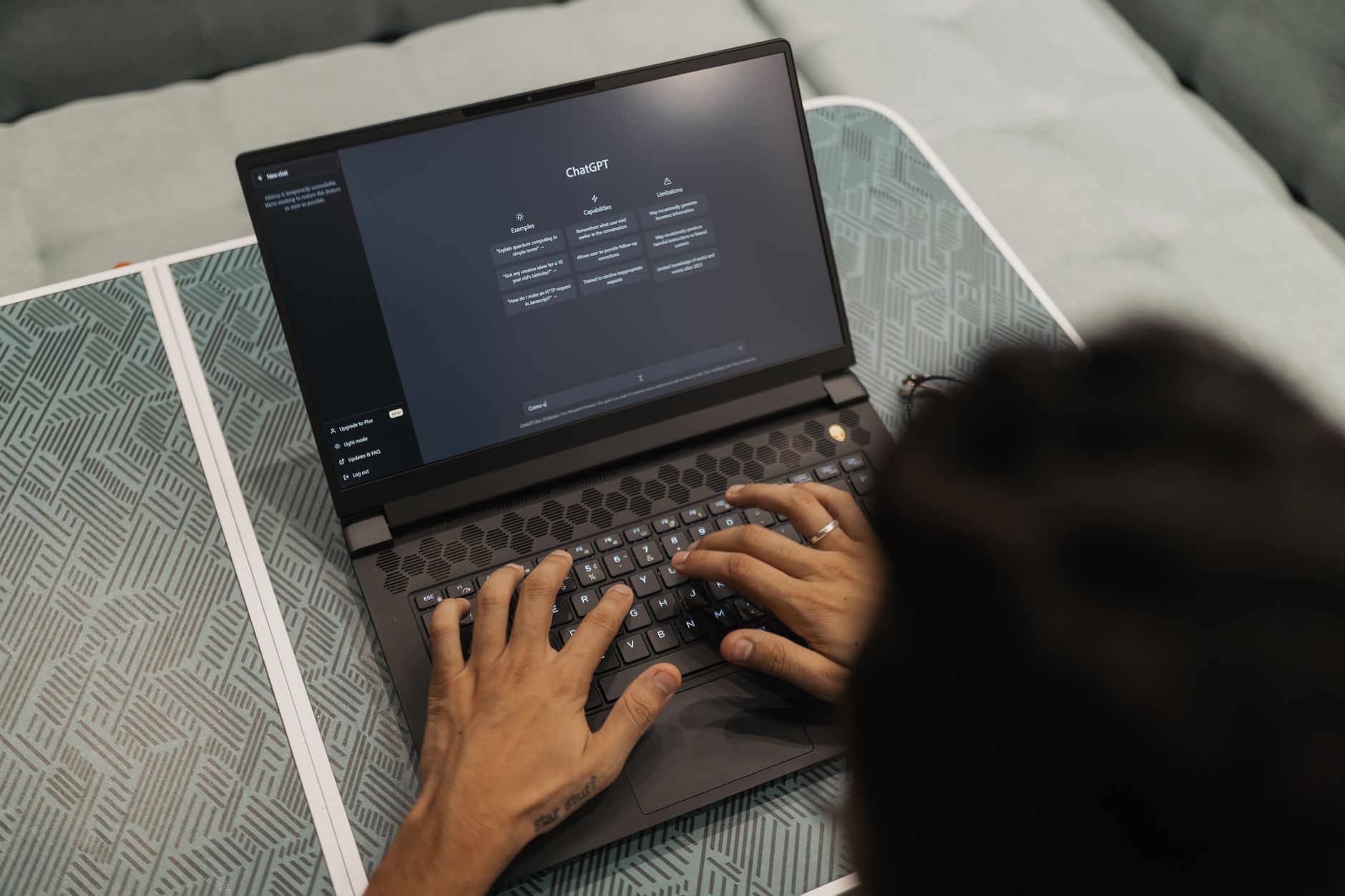
Social media marketing in 2026 looks nothing like the manual posting grind of a few years ago. AI now handles the repetitive parts of content creation, scheduling, and even performance analysis. Still, the tools only work when you build a clear workflow around them. We tested the leading AI tools for marketers to find what actually saves time. This guide covers the best AI social media marketing tools and the exact workflow you can copy. You do not need a huge budget or a large team to start. A small stack can deliver consistent, on-brand content.
According to Gartner, marketing leaders continue to shift budget toward AI-powered content operations. That shift does not mean robots should post without oversight. The best teams use AI for first drafts, image variations, and data summaries. Then a human approves the final message. This balance matters because social platforms reward authenticity and timely responses. If you automate everything, you lose the nuance that builds community. That said, AI output is only as good as the review process.
The workflow below moves from planning to publishing to reporting. Each step names a tool that fits a specific job. You will also see links to related guides on copywriting, image generation, and automation. The key is not buying every tool. Pick one assistant, one visual tool, one scheduler, and one automation layer. Start small. Expand only when the weekly review shows a real gap.
By 2026, many platforms have built AI features directly into their dashboards. Buffer, Hootsuite, Canva, and Later all ship with AI assistants. Still, a standalone assistant like ChatGPT or Claude gives you more control over prompts and voice. The workflow in this article combines both. You will learn where to spend money and where free plans are enough.
What You’ll Need
- ChatGPT or Claude account
- Canva Pro or free account
- Buffer or Hootsuite account
- n8n account or self-hosted instance
- Google Sheets or Notion for content calendar
How Do You Best AI Social Media Marketing Tools and Workflow for 2026?
- Audit your current social workflow and pick one primary AI assistant
Start by listing every social task you repeat each week. This includes writing captions, resizing images, scheduling posts, and pulling metrics. Note how many hours each task takes. Most small teams spend 8 to 12 hours a week on manual content operations. That audit tells you where AI will have the highest return. Do not start with automation for the sake of it. Start with the task that drains the most time.
Next, choose a primary AI assistant. ChatGPT and Claude are the two strongest options for social copy. ChatGPT Plus costs $20 per month and includes a 128,000 token context window. Claude Pro also costs $20 per month and is often better at matching a specific brand voice. If you only need occasional help, the free tiers are enough. Compare these two in our ChatGPT vs Claude guide.
Set up a shared prompt library in Notion or Google Docs. Include your brand voice, audience notes, and example posts. Paste this context into every new chat. This step prevents the assistant from drifting into generic marketing speak. It also makes your output more consistent across team members. If you skip this part, you will spend longer editing than writing.
Finally, connect your assistant to one scheduler later. Do not connect every tool on day one. Start with one account and one content type. For example, post three LinkedIn updates in week one. Review the results. Then expand to Instagram or X. The audit and assistant setup take about an hour. They save far more time downstream.
- Generate a weekly content pillar and platform-specific copy
A content pillar is one core idea that you can repurpose across channels. Ask your AI assistant to turn a customer question, product update, or data point into five posts. For example, you might say: ‘Create a LinkedIn post, an Instagram caption, and a short X thread about our new feature for small teams.’ Use a tool like ChatGPT’s GPT-4o or Claude’s latest model. OpenAI publishes regular ChatGPT guidance on prompt patterns, but you can also experiment yourself.
Then request platform-specific edits. LinkedIn posts should be 150 to 250 words with line breaks. Instagram captions should be under 125 words and include a call to action. X posts should be sharp and under 280 characters. Ask the assistant to rewrite the pillar for each format rather than copy and paste. This approach keeps the message consistent but fits the platform.
Use a swipe file of your top performing posts. Paste two or three examples into the chat before asking for new copy. The AI will match sentence length, tone, and structure more closely. If you have access to best AI tools for writers, read that guide for more prompt ideas. Always read the output aloud before approving. AI can produce phrases that look fine on screen but sound odd.
Watch for clichés like ‘unlock’ and ’level up’. These words signal generic AI output. Ask the assistant to avoid them. You can also set a rule in your prompt library: ‘No em dashes, no buzzwords, no more than 18 words per sentence.’ This keeps your content readable and human. One specific data point: Claude’s 200,000 token context window lets you include a long content history. That helps if you want the assistant to learn from past posts.
- Create on-brand visuals with Canva Magic Studio or Midjourney
Visuals still stop the scroll. Canva Magic Studio is the fastest way to create branded social graphics without a designer. Canva Pro costs about $15 per user per month and includes background removal, brand kits, and AI image generation. You can type a prompt, pick a brand color, and get a usable graphic in seconds. This works well for quote cards, event announcements, and simple product highlights.
For more creative or photorealistic images, use Midjourney. Its version 7 model produces images that are hard to tell from photography. That said, Midjourney does not have a free tier. Plans start at $10 per month for limited generations. You can learn more in our best AI tools for image generation guide. The catch is that you must then bring those images into Canva or Figma to add text and logos.
Do not ignore DALL-E 3 inside ChatGPT. It is included in ChatGPT Plus and works well when you need an image and a caption in the same workflow. The image quality is solid, but brand text rendering remains unreliable. For most social posts, Canva Magic Studio is the safer choice. For standalone hero images, Midjourney or DALL-E can deliver more visual impact.
Always check the license before using an AI image in ads. OpenAI and Midjourney allow commercial use under most paid plans, but rules change. Keep a backup folder of approved image prompts. Reuse them for recurring series. That saves generation credits and keeps your visuals consistent. Also include alt text or a text overlay for accessibility.

- Schedule and optimize posts with Buffer or Hootsuite AI
Once your copy and visuals are ready, move them into a scheduler. Buffer’s free plan lets you connect three channels and schedule ten posts per channel. That is enough to test the workflow with a small brand. Buffer’s AI assistant can suggest posting times and rewrite captions for each platform. Hootsuite’s OwlyWriter does a similar job, but its paid plans start at $99 per month. Most small teams should start with Buffer and upgrade only if they need deep analytics.
Scheduling tools also help you keep a consistent cadence. Fill your queue every Monday for the week ahead. Use the AI assistant to generate alternate captions for A/B tests. For example, schedule two versions of the same post on different days. Check which one gets more saves or clicks. That data feeds your next prompt library update.
Connect only the platforms you actively use. If your audience is on LinkedIn and Instagram, ignore X and TikTok at first. More channels mean more content variants and more review time. The goal is consistency, not volume. Our best AI tools for productivity guide covers how to reduce busywork across all tools.
A common mistake is scheduling posts without checking platform previews. Links render differently on LinkedIn and X. Check your queue on mobile before the posts go live. If a card image is cropped, fix it in Canva first. The scheduler is the last line of defense. Once a post is live, you cannot undo a bad crop.
- Automate repurposing and cross-posting with n8n
n8n is the automation glue for your social stack. The self-hosted community version is free, and the cloud version has a free tier with limited workflow runs. n8n includes integrations for Google Sheets, RSS feeds, OpenAI, Slack, and Buffer. You can build a workflow that watches a Google Sheet for approved copy, then sends it to Buffer or generates an image. This removes the manual copy-paste step.
Start with one simple automation. For example, when a new row is added to a content calendar, n8n can turn the approved post into platform-specific versions using the OpenAI node. Then it can post a preview link to a Slack review channel. Once you approve, the workflow moves the post to the scheduler. This keeps a human in the loop without requiring you to touch every tool.
n8n also helps with repurposing. A long LinkedIn post can become an X thread and an Instagram caption automatically. You set the rules in a JSON node or use a code node. The tool works well if you have any technical comfort. If not, Zapier is a friendlier paid alternative. Still, n8n offers more flexibility for social teams that want custom workflows. Our best AI tools for developers guide covers similar automation platforms.
Be careful with API rate limits. Buffer and OpenAI both restrict the number of calls per minute. Test a new n8n workflow with one or two posts before enabling a full batch. If a workflow fails, check the execution log in n8n. Most errors come from missing fields or expired tokens. Keep your API keys in n8n credentials, never in plain text.
- Set up AI-powered social listening and engagement alerts
Social media is not just broadcasting. You also need to respond to comments, mentions, and direct messages. AI can help you monitor these signals without sitting on your phone all day. Tools like Brand24, Mention, and Sprout Social offer listening features. Some include AI sentiment analysis that flags negative mentions or urgent questions. You can route those alerts to Slack or email.
For small teams, Google Alerts and X lists may be enough at first. The key is to know what people say about your brand. Set up a weekly digest with positive and negative sentiment. Use an AI assistant to summarize the top five comments and suggest replies. Do not auto-post those replies. A human should review anything that touches a customer.
Customer service is a separate discipline. If you want to learn more, read our best AI tools for customer service guide. For social, the best rule is to set alerts for mentions of your product name, founder name, and top competitor. Low volume alerts are easy to manage. High volume is a signal to add a community management tool.
Create a response playbook with canned answers for common questions. Paste the playbook into your AI assistant to generate tone-appropriate responses. Then adjust before sending. This saves time while protecting the relationship. Never send an AI reply that contains an apology or a legal statement. Those need human attention.
- Review analytics and create a weekly report using AI
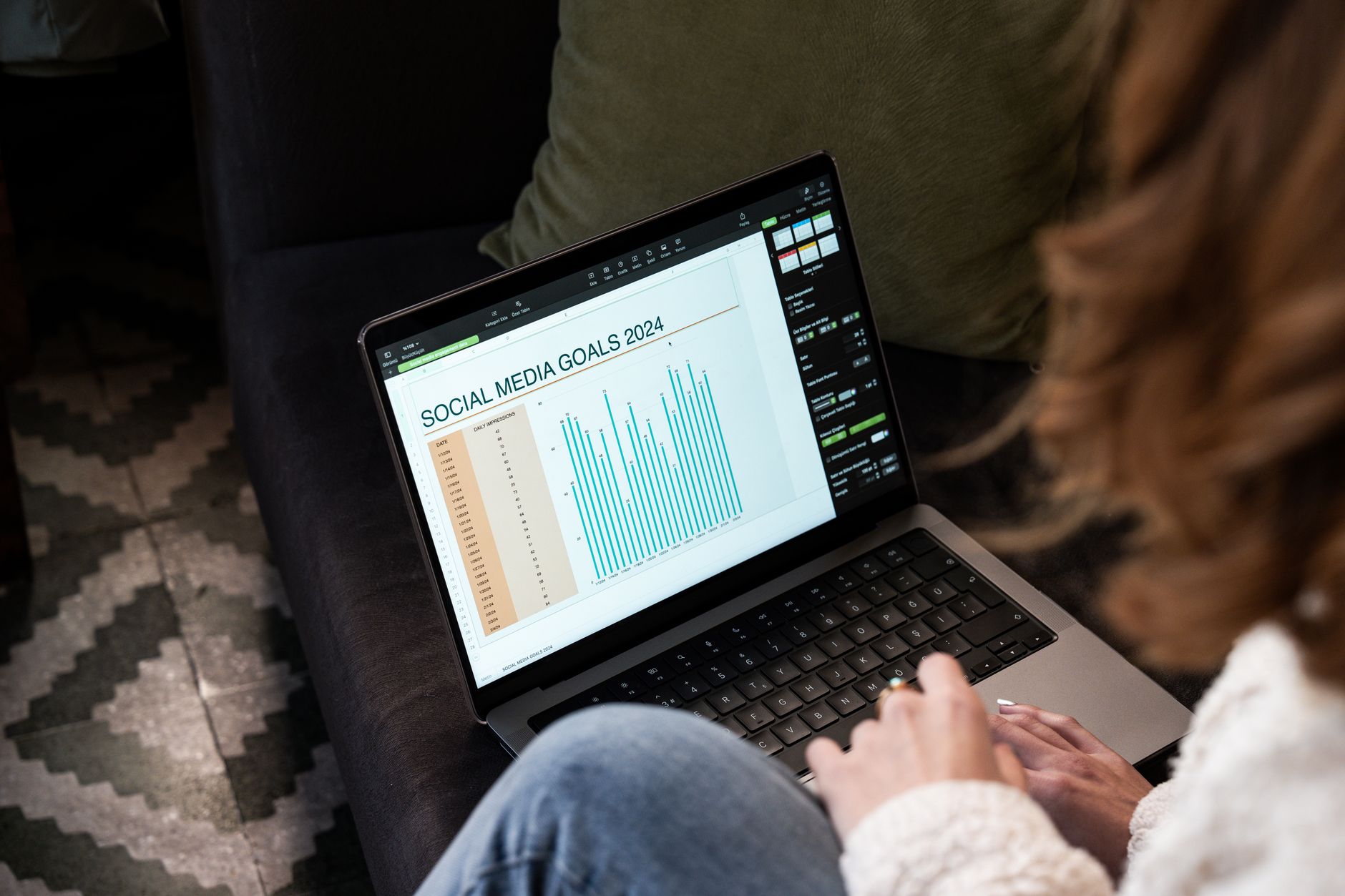
Analytics tell you whether your workflow is working. Connect your scheduler and platform insights to a spreadsheet or a tool like Metricool. Track saves, shares, comments, clicks, and follower growth. Do not chase every metric. Pick two or three that tie to your business goal. For example, a B2B brand might track LinkedIn profile visits and lead form clicks.
Use AI to turn raw data into a readable summary. Export your weekly numbers as a CSV, then upload it to ChatGPT or Claude. Ask for a five-bullet summary of what changed and one recommended action. The model can spot patterns that are easy to miss in a table. This is where best AI tools for data analysis techniques come in handy.
McKinsey’s research on generative AI suggests that marketing is one of the functions with the highest potential for time savings. That does not mean every task disappears. It means you can shift from manual reporting to higher-level decisions. Make the report a recurring Monday task. Review it before you write the next content pillar.
The report should also flag underperforming posts. Feed those back into your prompt library. If a certain format underperforms, ask your assistant to avoid it. Over four to six weeks, you will build a feedback loop that improves output. The loop matters more than any single tool.
- Refine your prompt library and guard against AI slop
AI slop is the generic, overly polished content that audiences learn to ignore. It happens when you use the same default prompts as everyone else. To avoid it, build a prompt library that includes your audience’s specific pain points, your product’s tradeoffs, and real customer quotes. Add these before asking for any new post.
Review your prompt library every month. Remove phrases that led to poor engagement. Add new examples from your top posts. If you use ChatGPT or Claude, save custom instructions so the model remembers your voice across chats. That one step saves more editing time than any other. Our how to use AI for business guide covers this in depth.
Also set firm rules. No fabricated statistics. No claims about competitors. No pretending to be a customer. Ask the AI to flag any sentence that needs fact checking. If your post includes a number, verify it in your source data. This is especially important in regulated industries. AI assistants are confident but not always correct.
Finally, keep a human approval step for every public post. Even when the workflow is automated, the final send should require a real person. The tools in this guide work best when they speed up preparation, not replace judgment. Start with the stack you have. Add one new tool per week only if the audit shows a clear need.
Red Flags & Warnings
- 🚨 Never publish AI-generated posts without human review. Check brand voice, facts, and platform previews before anything goes live.
- 🚨 Do not let AI auto-respond to customer complaints. Set alerts and require human approval for sensitive replies.
- 🚨 Watch platform API limits when using n8n or Buffer. Test automations with one or two posts before scaling up.
- 🚨 Do not connect every social account at once. Start with two channels and expand only after one stable week.
- 🚨 Check image license terms before using AI visuals in paid ads. OpenAI and Midjourney rules vary by plan and region.
- 🚨 Never paste private customer data or campaign metrics into public AI tools. Use team workspaces or API connections.
Frequently Asked Questions
What is the best AI social media marketing workflow for a small team?
Start with one content pillar per week. Generate platform-specific copy with ChatGPT or Claude, create visuals in Canva Magic Studio, schedule with Buffer, and automate repurposing with n8n. Review everything before publishing. Track two or three metrics weekly.
Can AI fully replace a social media manager in 2026?
No. AI handles drafting, repurposing, and basic reporting well. Still, humans must approve brand voice, handle complaints, and make strategic decisions. Teams that remove human review usually see engagement drop.
Which AI tool is best for writing social media captions?
ChatGPT and Claude are both strong. Claude often matches a specific brand voice more easily. ChatGPT has a cheaper entry point and integrates well with other tools. Test both with your real posts before choosing.
How do I keep AI-generated posts on brand?
Build a prompt library with your audience notes, voice examples, and banned phrases. Paste it into every chat. Review the output against your top performing posts. Update the library monthly.
What is the cost of an AI social media stack?
A starter stack costs about $35 per month. That includes Canva Pro at $15, Buffer free, and ChatGPT Plus at $20. Midjourney adds $10 if you need custom images. n8n cloud starts free for limited runs.
Are AI-generated images safe to use for social ads?
Usually yes under paid plans from OpenAI and Midjourney, but check the current license. Avoid images that imitate real people or copyrighted styles. Keep a folder of approved prompts for reuse.
What Should You Remember?
- Start with one assistant: Pick ChatGPT or Claude, learn its voice, and build a prompt library before adding more tools.
- Use a content pillar: Generate one core idea each week, then repurpose it across LinkedIn, Instagram, and X.
- Review every output: AI drafts, humans edit. No public post should skip human approval.
- Automate the middle: Use n8n to move approved copy to Buffer or Slack for review without copy-pasting.
- Track weekly metrics: Export data to ChatGPT or Claude and ask for one recommended action, not just a summary.
- Protect your data: Use team workspaces and private API connections. Never paste customer data into public tools.
This article is for general information only and does not constitute professional advice. Product capabilities, pricing, and market figures change frequently. Always verify current details through vendor documentation and primary sources.