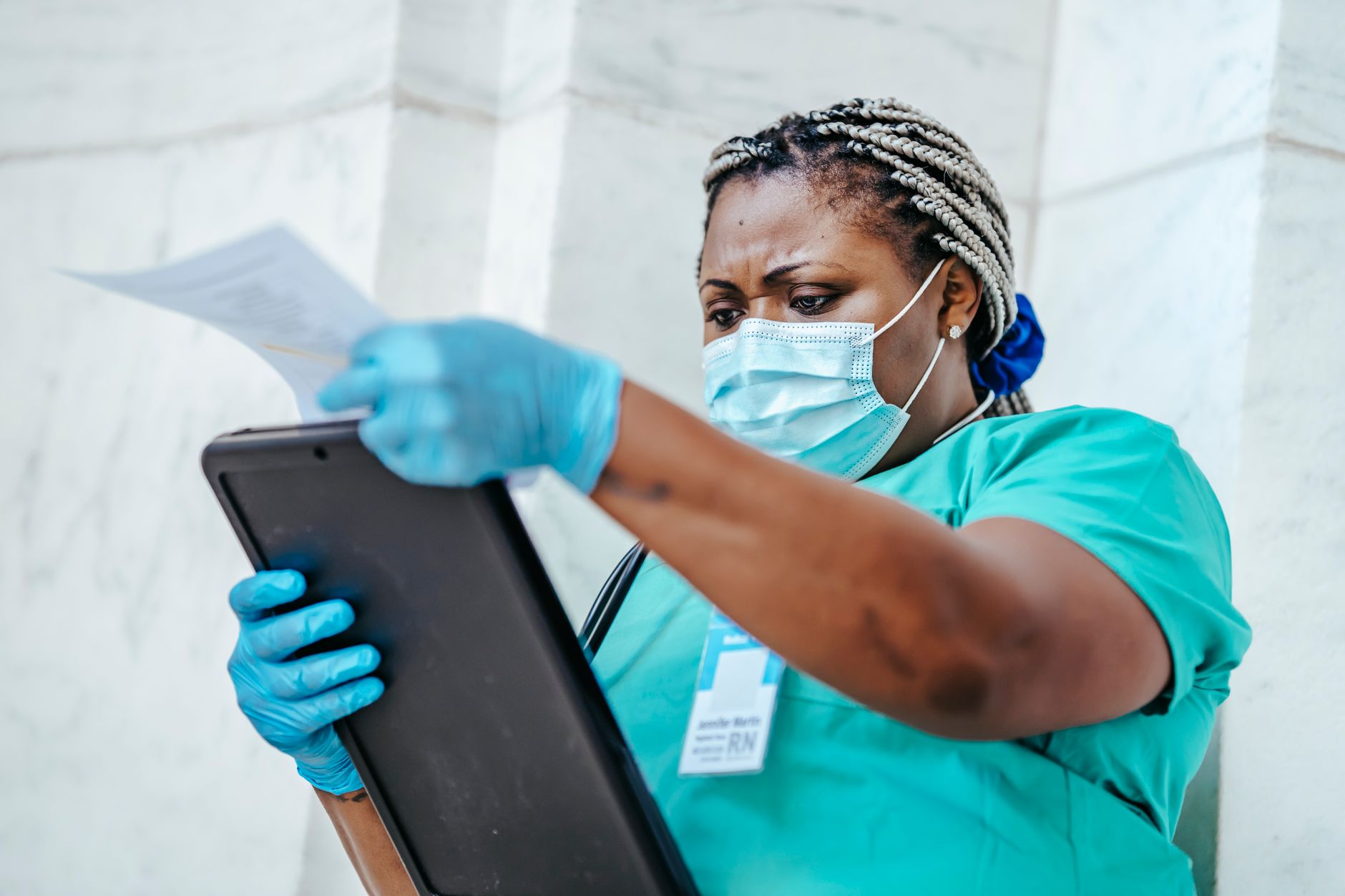
Nurses spend a huge portion of every shift documenting, coordinating schedules, and preparing patient education. AI tools are not about to replace clinical judgment, but they can shrink the time you spend on repetitive writing and administrative back-and-forth. The challenge is that most general AI tools were not designed for healthcare. They still need strict de-identification before you use them. This guide ranks the best AI tools for nurses in 2026 across documentation, scheduling, and patient care.
Many nurses already use general productivity tools to manage shift checklists, unit council notes, and study materials. You can adapt tools covered in best AI tools for productivity 2026 to your own workflow. But healthcare adds a privacy layer that a normal note app does not. You cannot paste a name, MRN, birth date, or phone number into a free consumer chatbot. The most useful tools for nurses are the ones that handle structured writing, long context, and scheduling without forcing you to expose patient data.
The biggest shift in 2026 is that nurses now use AI assistants the way other professionals use them, as first drafts and admin support. That said, the stakes are higher. A hallucinated lab value or a misheard drug name can reach a chart and cause real harm. The tools below are ranked by practical usefulness, not hype. For each pick, I explain what it does well, where it falls short, and how to use it without crossing privacy lines.
We also looked at how nurses repurpose tools from writing and small business guides. For example, best AI tools for writers 2026 offers prompt patterns for tone and structure that translate directly to nursing note drafts. The seven steps that follow are both recommendations and a workflow. Work through them in order to build a safer, faster AI setup for your shifts.
What You’ll Need
- Computer or smartphone with internet access
- De-identified patient note templates
- Employer AI use policy
How Do You Best AI Tools for Nurses?
- Use ChatGPT for Fast Nursing Note and SBAR Drafts
ChatGPT is the fastest starting point for turning messy shift notes into clean SBAR, SOAP, or narrative summaries. You can ask it to convert a list of de-identified patient cues into a short handoff paragraph or to tighten a long nursing note. The free plan includes limited access to GPT-4o, usually around 16 messages every three hours on the basic tier, according to OpenAI. That is enough for a few note drafts per shift, but not for heavy charting or back-to-back patient summaries.
The real value is template work. You might paste a set of clinical facts and ask it to turn those de-identified cues into an SBAR handoff with no invented details. The tool handles grammar, order, and clarity. If you need help writing better prompts, the same techniques appear in best AI tools for writers 2026, where structured prompts and tone instructions matter. Keep a reusable prompt in a note app so you do not have to retype it each shift.
Still, ChatGPT is not a medical device. It can invent a missing vital sign or write a plausible-sounding but wrong intervention. Always read every line before it enters a handoff or chart. Use it as a first draft and a language cleaner, not an autonomous note writer. For long complex cases, Claude is often the better pick.

- Use Claude for Long Case Summaries and Care Plans
Claude is my pick when a patient has a long history, multiple medications, or a complex ICU stay. Anthropic’s Claude models support a 200,000-token context window, which holds roughly 150,000 words of text, according to Anthropic. That means you can paste a long de-identified case summary and ask for a 300-word update or a prioritized nursing care plan without losing earlier details.
You still need to strip patient identifiers. Use a consistent template: age range, sex, chief complaint, relevant history, current orders, lines or tubes, and recent changes. Claude tends to write more careful, structured summaries than ChatGPT, but it can still produce a polished-sounding error. Ask it to list all assumptions and missing information before you trust the draft.
For teams, Claude’s Projects feature lets you save nursing report templates and reuse them each shift. You can store a standing prompt that asks for SBAR, risk flags, and a patient education plan. This reduces typing and keeps your handoff format consistent. Check Anthropic’s documentation for current context limits and plan pricing before choosing the free or paid tier.
- Use Microsoft Copilot for Scheduling, Email, and Meeting Prep
Nurses often spend more time coordinating than charting. Microsoft Copilot can draft emails to preceptors, managers, and scheduling coordinators. It also summarizes Teams threads and meeting notes. The paid Microsoft 365 Copilot add-on is priced around $30 per user per month, while the free Copilot chat covers basic Windows and web tasks. Check Microsoft’s pricing page for current details. That said, free-tier Copilot still handles quick drafts and calendar questions.
The best use case is shift swap requests. Paste your available dates and ask Copilot to write a polite message to your unit scheduler. It can also summarize a long email chain about policy changes or staffing updates. If your hospital already uses Microsoft 365, Copilot fits into Outlook and Teams without extra software. That makes it easier for nurses who live in email and calendar apps.
Red flag: Copilot can access your work documents and email if permissions are broad. Do not use it to search for patient data unless your organization has explicitly approved it for that purpose. The same caution applies to any general AI assistant connected to your work account. For business admin tasks, many of the same principles appear in how to use AI for business 2026.

- Use Google Gemini for Patient Education and Shift Handoff Summaries
Gemini is strong at turning clinical jargon into plain language. Nurses can ask it to rewrite a post-op instruction sheet at a fifth-grade reading level or to explain a new medication in Spanish. Google’s Gemini free tier gives limited access to Gemini 1.5 Flash, and the Google One AI Premium plan usually costs around $19.99 per month. Confirm current limits with Google before you depend on it.
Another practical use is generating a shift handoff outline. You feed Gemini a set of de-identified patient updates and ask for a structured bullet list. It can then produce a print-friendly report you can carry. The catch is that Gemini will sometimes over-simplify dangerous instructions. Always have a nurse or pharmacist review any patient-facing text before handing it out.
Gemini also works well for studying or NCLEX-style review. You can ask it to generate three practice questions about heart failure management and explain each answer. If you are a nursing student or preceptor, this overlaps with tools covered in best AI tools for students 2026. It does not replace preceptor judgment, but it saves time building teaching materials.
- Use Notion AI or n8n for Custom Nursing Workflows
Once you know the basics, you can build a small workflow that combines note templates, to-do lists, and shift reminders. Notion AI helps nurses maintain a personal knowledge base for common protocols, while n8n automates tasks like sending a daily shift-prep checklist to your phone. This is not a clinical charting system, but it works well for personal organization and unit councils.
A simple n8n flow can pull your work schedule from a calendar file and email you a reminder two hours before a shift. Notion AI can summarize meeting minutes from a unit practice council or generate a study guide from your orientation binder. These tools reduce the mental load outside patient care, which is why many nurses also use similar setups from best AI tools for small business 2026.
The main limitation is setup time. Building a custom workflow takes a few hours, and not everyone wants to fiddle with automations. Start with a simple Notion template, then add n8n only if you already use another automation tool. Never connect these workflows to an Epic or Cerner account. They are not built for protected health information and should stay on the administrative side of nursing.
- Use a Voice AI Scribe for Hands-Free Documentation
Ambient AI scribes like Suki, Abridge, and Nabla are becoming more common in clinics because they listen to a patient encounter and draft a note. These tools are different from general chatbots because many are built for healthcare and may offer HIPAA business associate agreements. If your employer provides one, use that first. General voice-to-text tools like Otter.ai are useful for staff meetings, not patient rooms.
A voice scribe can save you 30 to 60 minutes of typing per shift, but only if it is installed and approved. The note still needs review. You must listen to the recording or read the transcript against your own recall. Scribes can mishear drug names, especially similar-sounding meds like hydralazine and hydroxyzine.
Do not bring a personal phone with a non-approved AI scribe into a patient room. That creates a serious privacy risk. If you want to improve meeting notes before a unit meeting, a tool like Otter can transcribe and summarize, but it is not protected health information safe for clinical use. For general productivity setups, review a dedicated productivity guide, but keep patient audio out of it.

- Build a Guardrail Checklist for Any AI Tool You Use
This final step matters more than the tool choice. Before you use any AI for nursing work, write or save a short checklist: Did I remove patient names, MRNs, dates of birth, phone numbers, and exact facility identifiers? Did I verify every clinical fact against the chart? Would I be comfortable explaining this note to my manager? If the answer to any question is no, stop.
The same checklist should cover approved tools. If your hospital has an AI governance policy, follow it. Some facilities only allow Copilot with business associate agreements, while others ban all external chatbots. The safest approach is to keep AI drafts on the administrative side and use hospital-approved ambient scribes for patient encounters.
A good habit is to run AI text through a second pass. Ask the tool to list every assumption and missing data point. Then add those back manually. If you want a deeper comparison of general assistants, see ChatGPT vs Claude 2026 where we test note-like tasks. That will help you choose a primary assistant without risking real patient data.
Red Flags & Warnings
- 🚨 Never paste real patient identifiers into a general AI tool. Names, MRNs, dates of birth, and phone numbers can create a HIPAA breach even if you delete the output later.
- 🚨 Do not rely on AI for medication dosages or allergy checks. A model can hallucinate a lookalike drug or a plausible but wrong dose. Always verify against the chart and a pharmacist.
- 🚨 Check whether the tool offers a HIPAA business associate agreement. If it does not, treat it as non-compliant for patient data, no matter how helpful it seems.
- 🚨 Avoid connecting AI to your work calendar or email without permission. Microsoft Copilot and similar assistants can read your inbox and files, which may expose patient information to an unapproved system.
- 🚨 Ambient scribes still make mistakes. Review every note before signing. Misheard words like hydralazine and hydroxyzine are common and dangerous.
- 🚨 Do not use free consumer voice apps in patient rooms. Recordings may live on a vendor server, and you may not know who can access them.
Frequently Asked Questions
Is it legal for nurses to use ChatGPT for charting?
It depends. General ChatGPT is not HIPAA-compliant as a standard consumer product. Use it only with de-identified notes and employer approval. Some enterprise versions offer HIPAA protections. Never put real protected health information into a free consumer chat.
Which AI tool is best for shift handoffs?
Claude is strong for long shift handoffs because it can handle a 200,000-token context window. ChatGPT works for short SBAR drafts. Use a de-identified template and verify every line against the chart.
Can AI write patient education handouts?
Yes. Google Gemini and ChatGPT can rewrite instructions at a lower reading level or translate them. Still, have a clinician review the final text for accuracy and tone before giving it to a patient.
Do ambient AI scribes require patient consent?
This varies by state and facility. Many require patient consent or at least notification before recording. Follow your employer’s policy and local laws. Do not record on a personal device.
What is the biggest mistake nurses make with AI tools?
Pasting real patient identifiers into a general-purpose chatbot is the most serious mistake. Another common issue is trusting a polished AI draft without checking it against the chart.
Are AI scheduling tools safe for nurse rosters?
Yes for administrative rosters that do not include patient data. Avoid connecting them to clinical systems unless your hospital has approved the integration. Microsoft Copilot and similar tools can summarize schedules and draft emails safely if no protected health information is present.
What Should You Remember?
- Strip identifiers first: Remove names, MRNs, dates of birth, and phone numbers before using any general AI tool.
- Use Claude for long notes: A 200,000-token context window handles complex case summaries better than free ChatGPT.
- Verify every draft: AI can hallucinate meds, labs, and allergies. Always check against the chart.
- Keep scheduling AI administrative: Copilot and similar assistants are fine for shift swap emails but not patient data.
- Prefer employer-approved scribes: Ambient AI scribes with a HIPAA BAA save time, but they still need clinician review.
- Build a guardrail checklist: If a draft would be hard to explain to a manager, do not use it.
This article is for general information only and does not constitute professional advice. Product capabilities, pricing, and market figures change frequently. Always verify current details through vendor documentation and primary sources.
Some links on this page may be affiliate links, which means we may earn a commission if you click through and make a purchase — at no additional cost to you. Read our full disclosure.