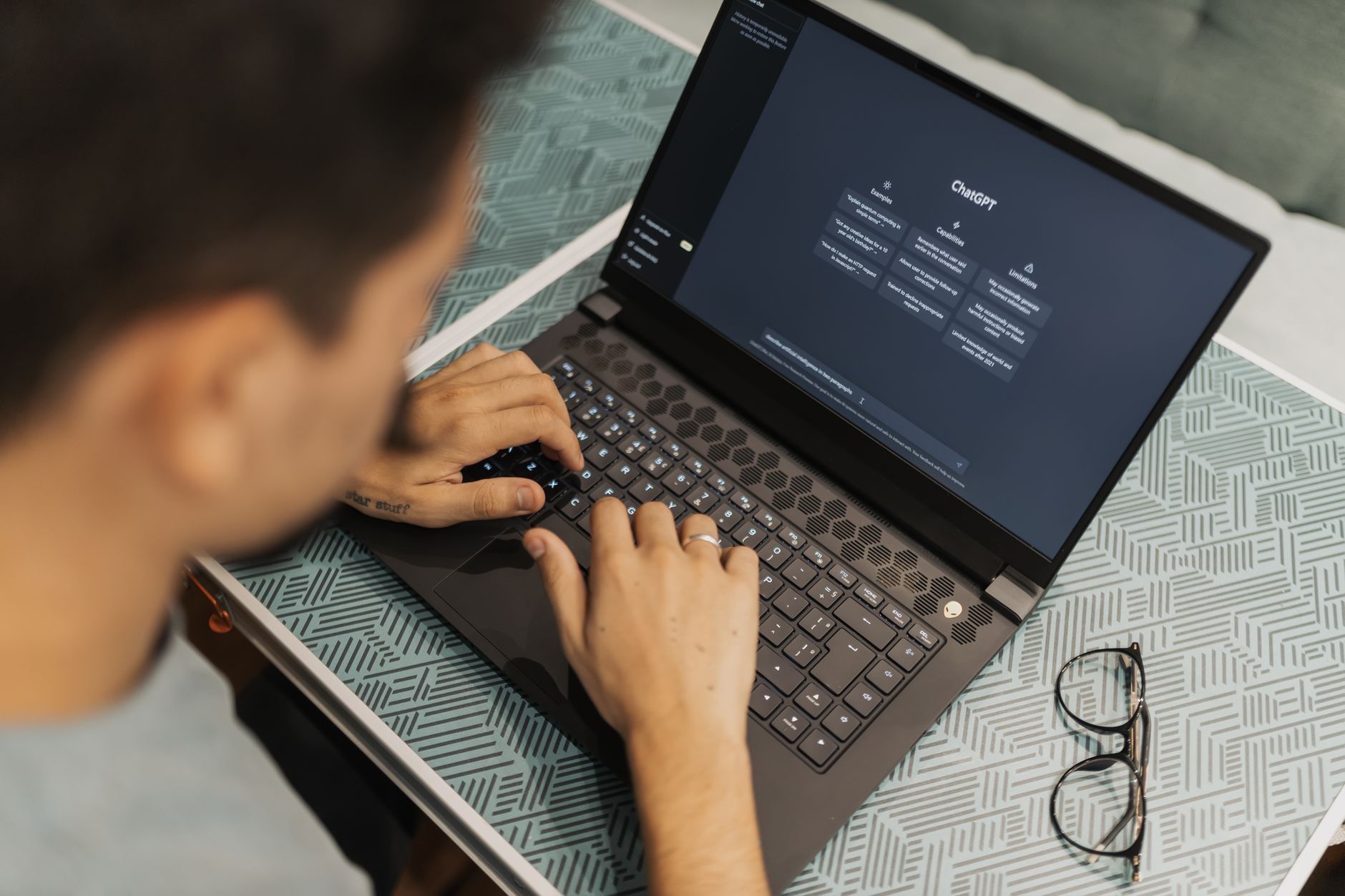
Running a restaurant in 2026 means doing the work of three people before lunch. Owners juggle inventory, staff schedules, menu updates, vendor calls, and customer complaints. AI tools have finally reached the point where they can handle a meaningful slice of that workload. You do not need a technical background or a big budget. Many of the best tools have free tiers that cover the basics, and paid plans cost less than a case of wine. This guide focuses on practical ways to use AI in a real restaurant, not theoretical fluff. See our broader look at AI tools for small business if you want a wider view.
The restaurant industry has always been slow to adopt new software, but 2026 is different. Labor costs keep rising, and customer expectations for fast, personal service keep climbing. AI can draft a social post in thirty seconds, summarize a 100-page vendor contract in a minute, or turn a rambling staff meeting into a searchable transcript. The key is picking tools that match your specific pain points. You do not need seven subscriptions. Two or three focused tools can remove five to ten hours of busywork per week from your plate.
We tested the most popular AI tools for restaurants in early 2026. The list below ranks them by practical value for an independent owner or small chain. Some tools are general purpose, like ChatGPT and Claude. Others are built for specific tasks, like POS forecasting or meeting notes. Each recommendation includes pricing, free tier limits, and a real use case from a restaurant setting. We also included warnings so you do not waste money or expose customer data. For a deeper dive on automation, read how to use AI for business.
One more thing before we start. AI tools change fast. Prices, features, and free tier limits shift every quarter. The data points in this guide were current as of January 2026. Always check the vendor’s official documentation before you commit. With that caveat, here are the best AI tools for restaurant owners in 2026.
How Do You Best AI Tools for Restaurant Owners in 2026?
- ChatGPT for Menu Engineering and Customer Messaging
ChatGPT is the most flexible AI tool for writing menu descriptions, weekly specials, and social posts. It can rewrite a dry list of ingredients into appetizing copy in seconds. The free tier includes GPT-4o mini with enough capacity for a few menu updates per day. For heavy use, ChatGPT Plus costs $20 per month and removes most limits. See ChatGPT vs Claude 2026 for a direct comparison.
Restaurant owners can also use ChatGPT for customer-facing email and SMS templates. You can prompt it to write a polite waitlist update, a reservation confirmation, or a holiday promotion. Keep your brand voice by feeding it two or three examples of your existing posts. This saves hours every week compared to writing from scratch.
According to OpenAI, you can fine-tune ChatGPT with custom instructions for a specific restaurant. For example, set it to always mention your dietary options and location. That makes every output consistent with your operation. The catch is that free-tier users may hit message caps during busy seasons. Plan to upgrade before a major campaign.

- Claude for Long-Form Analysis and Vendor Negotiations
Claude from Anthropic excels at reading long documents like vendor contracts, health inspection reports, and customer review logs. Its 200K token context window lets you upload a 100-page PDF and ask specific questions about termination clauses or pricing terms. That is a huge advantage over scrolling through documents manually.
Use Claude to prepare for lease renewals or food supplier negotiations. Paste the current contract and ask for a summary of risk points and a list of negotiation levers. It can also draft a counterproposal email in a professional tone. According to Anthropic, Claude Pro costs $20 per month and includes higher usage limits than the free tier.
For restaurant owners who manage multiple locations, Claude can compare sales reports side by side. Upload weekly P&L statements from three stores and ask which location has the best labor cost ratio. This kind of analysis used to require a bookkeeper. Now it takes five minutes. See our guide to AI tools for small business for more examples.
- Gemini for Google Workspace and Local SEO
If your restaurant already uses Google Workspace for email, calendar, and Drive, Gemini is the natural AI add-on. It lives inside Gmail, Docs, and Sheets, so you can generate a weekly schedule or respond to a booking request without switching apps. Google offers a free tier with limited AI features, and Gemini Business costs about $20 per user per month.
Gemini shines for local SEO. You can ask it to draft a Google Business Profile post, respond to a customer review, or create a description of your patio seating. Since it pulls from Google’s own search data, its suggestions often align with what local diners actually search for. Compare it with ChatGPT in our ChatGPT vs Gemini 2026 article.
One underused trick is using Gemini in Google Sheets to track inventory. You can type a natural language request like “highlight any ingredient below 10 units and suggest a reorder amount.” The AI writes the formula or runs a quick analysis. This works best with a consistent spreadsheet layout. Google AI documentation at ai.google lists more capabilities.

- Otter.ai for Meeting Transcription and Front-of-House Notes
Otter.ai records and transcribes meetings in real time. That is perfect for pre-shift briefings, manager huddles, or calls with your accountant. Instead of taking notes, you can focus on the conversation and get a searchable transcript afterward. The free plan includes 300 transcription minutes per month, which covers a few short meetings each week.
Many restaurant owners use Otter to capture verbal feedback from servers about what customers are saying. You can record a quick voice memo after service and ask Otter to summarize the top complaints. That turns hallway chatter into actionable data. Otter Pro costs $16.99 per month and adds more minutes plus integration with Zoom.
For teams with high turnover, Otter’s transcripts can become training documents. New hires can search past meetings for answers about closing procedures or allergy protocols. This reduces the number of times you have to repeat yourself. Check our productivity AI tools for more ways to save time.
- n8n for Operational Automation
n8n is an open-source automation platform that connects your restaurant’s apps. You can build a workflow that takes a new order from your POS, logs it to a Google Sheet, and sends a Slack message to the kitchen. No coding is required. The self-hosted community edition is free forever, and n8n Cloud starts at $24 per month for more runs.
Automation reduces the number of manual tasks that eat your day. For example, when a delivery order comes in through DoorDash, n8n can automatically update your inventory spreadsheet and email the shift lead. With over 400 integrations, it supports most restaurant software stacks. The learning curve is a bit steeper than ChatGPT, but the payoff is higher for repetitive work.
Start small. Pick one manual process that happens every day, like copying online orders into your POS. Build that workflow first, run it for a week, then add another. You do not need to become an automation expert overnight. A single well-designed workflow can save thirty minutes every single day.
- Toast or Square AI for POS and Kitchen Display
Toast and Square both embed AI into their point-of-sale systems in 2026. Toast’s AI can forecast daily covers based on weather and local events, then suggest prep quantities. Square offers an AI assistant that drafts customer receipts and loyalty offers. Toast hardware starts around $0 with a software subscription, while Square’s free POS is a popular entry point.
For a full-service restaurant, Toast’s kitchen display system uses AI to time coursing and flag items that are about to run late. This reduces food waste and improves table turn times. The AI learns from your ticket history, so the first month is a training period. Expect suggestions to improve after 30 days.
Square is better for quick-service and cafes that need simplicity. Its AI can recommend menu price changes based on ingredient costs and competitor data. Both platforms handle payments, so you are not bolting AI onto an old system. See our customer service AI tools to understand how POS AI affects guest experience.
- Canva Magic Write for Menu Design and Promotions
Canva’s AI writing assistant, Magic Write, helps you create on-brand marketing materials. You can generate a social post, a flyer for a live music night, or a new menu insert in minutes. Canva Pro costs $12.99 per month and includes Magic Write plus access to millions of templates.
Many restaurant owners underestimate the cost of design. A freelance designer might charge $100 for a simple menu update. With Canva, you can change a price or special every day without extra cost. Magic Write also suggests text for Instagram captions that match your visual style. Pair it with AI image generation tools for custom food photos.
Still, AI-generated text can be generic. Always add one or two specific details, like your neighborhood or a signature ingredient. That keeps your promotions from sounding like every other restaurant. The free Canva plan includes limited Magic Write uses, so test it before paying.
Red Flags & Warnings
- 🚨 Never paste full customer payment or personal data into a general AI chatbot. These tools may store prompts for training unless you opt out. Use business plans with data processing agreements.
- 🚨 Do not rely on AI-generated menu descriptions for allergen or nutrition claims. Always have a certified professional review legal and health-related text before printing.
- 🚨 AI pricing suggestions can miss local context like a competitor’s happy hour or a street festival. Validate every recommendation against your own sales data.
- 🚨 Free tiers have hard usage limits. ChatGPT free may stop working mid campaign. Upgrade before a big menu launch or holiday push to avoid interruptions.
- 🚨 Automation workflows can run away if you connect too many triggers. Start with a single, well-tested workflow and monitor logs weekly.
- 🚨 Some AI tools charge per user per month. If you give access to five managers on a $20 plan, that is $100 per month. Calculate total cost before rolling out.
Frequently Asked Questions
Which AI tool is best for a small restaurant with no budget?
Start with ChatGPT’s free tier for menu writing and social posts. Otter.ai’s free plan gives 300 transcription minutes monthly. Google’s Gemini offers a limited free tier inside Google Workspace. These three cover most early needs without spending money.
Can AI write my entire menu?
AI can draft menu descriptions, but it should not decide your actual offerings. Use AI to phrase and format, but rely on your chef and cost data for dish selection. Human review is essential for allergens and dietary claims.
How do I keep customer data safe when using AI?
Choose tools that offer business or enterprise plans with data processing agreements. Avoid pasting full credit card numbers or personal identifiers into free chatbots. Check whether the vendor uses your data for training and opt out if possible.
Which AI tool integrates best with Google Workspace?
Gemini from Google AI is the most integrated. It works directly in Gmail, Docs, Sheets, and Calendar. If you already pay for Google Workspace, adding Gemini is simpler than switching to a separate tool.
How much should a restaurant budget for AI tools in 2026?
Expect to spend $20 to $50 per month per user for one or two core tools like ChatGPT Plus and Canva Pro. If you add a POS AI from Toast or Square, that cost is often bundled with your existing software subscription. Free tiers can keep initial spend at zero.
Will AI replace my front-of-house staff?
No. AI handles repetitive writing, note-taking, and data entry. Servers and hosts still provide hospitality and human connection. AI reduces back-office hours, which can let you schedule more floor coverage during peak times.
What Should You Remember?
- Start with free tiers to test ChatGPT, Otter.ai, and Gemini before paying for anything.
- Use Claude for long documents like contracts and P&L reports because its 200K context window handles large files.
- Connect your POS to automation with n8n or built-in tools from Toast or Square to cut manual data entry.
- Always review AI-generated text for allergens, pricing, and local context before it reaches customers.
- Budget $20 to $50 per user monthly for the sweet spot of features versus cost.
- Separate customer data from AI chatbots or use business plans with data processing agreements.
This article is for general information only and does not constitute professional advice. Product capabilities, pricing, and market figures change frequently. Always verify current details through vendor documentation and primary sources.
Some links on this page may be affiliate links, which means we may earn a commission if you click through and make a purchase — at no additional cost to you. Read our full disclosure.