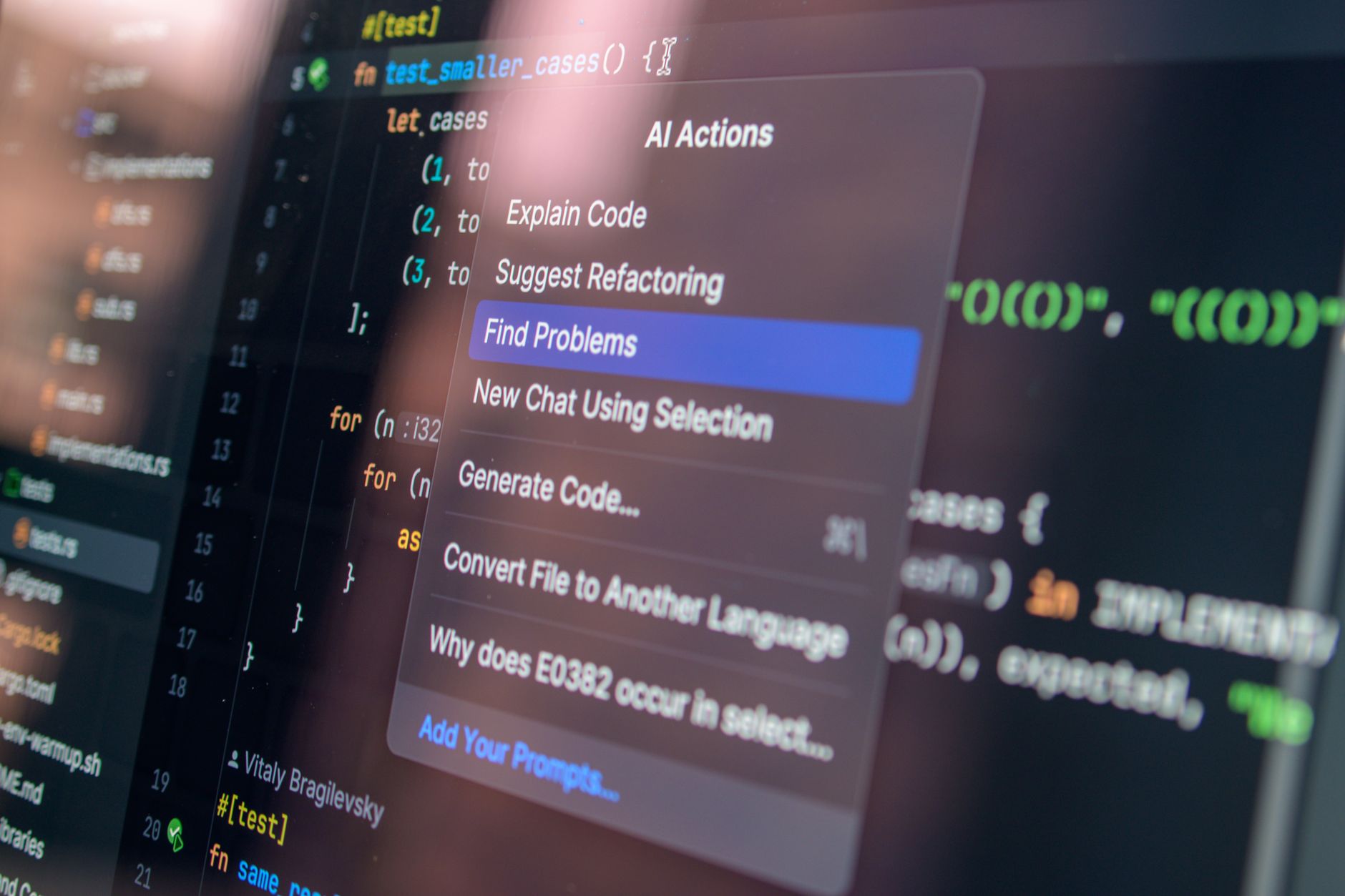
Students in 2026 no longer ask whether to use AI. They ask how to use it without wrecking their learning or getting flagged. The best approach is to treat AI as a study partner that explains, quizzes, and organizes. This guide covers the tools, workflows, and boundaries that actually work for school. If you are just looking for a quick list, see our best AI tools for students. But if you want a full system, keep reading for a full semester system.
Adoption has moved fast. Stanford HAI’s AI Index shows that a majority of high school and college students now use generative AI at least weekly for schoolwork. That is not a trend. It is the new baseline. The tools have also improved. Claude and Gemini now offer context windows large enough to hold entire textbooks. ChatGPT has better reasoning and web access. This means you can do deeper work than simple copy-paste answers. Check Stanford HAI for the latest data on student AI use.
Still, more capability means more decisions. Which chatbot should you use for math? Which one is better for essay feedback? Do you need a paid plan? In this guide, I will walk through those choices as if you were setting up a study system for a full semester. I have used these tools for real coursework, not just demos. You can also compare the two most popular assistants in our ChatGPT vs Claude guide.
One warning before we start. AI is not a substitute for doing the work. If you let it write your paper, you miss the practice your grade is supposed to measure. If you use it to explain a concept, quiz you, and help you revise, it becomes a legitimate learning accelerator. Your teachers are not naive. They can spot an AI-generated paragraph that has no connection to class discussion. This guide is built around the second path: using AI to fill gaps, not to create a fake person.
What You’ll Need
- ChatGPT free or Plus account
- Claude free or Pro account
- Google Gemini account
- Note-taking app like Notion or Google Docs
- Library database access
How Do You Best AI Tools for School?
- Set up your AI study stack with the right free tiers
Start with three accounts: ChatGPT, Claude, and Gemini. All have free tiers, and each is better at different tasks. ChatGPT from OpenAI is strong for general explanations and web browsing. Claude from Anthropic is excellent for long document review and careful reasoning. Gemini from Google works well with Google Workspace and can handle huge context windows. Do not pay for anything on day one. Free tiers are enough for most weekly study work. If you need a head-to-head, read ChatGPT vs Gemini.
The free tier limits matter. ChatGPT free includes access to GPT-4o mini with a cap on messages every few hours. Claude free lets you use a limited number of Sonnet messages, usually enough for a study session. Gemini free gives you access to a model with up to a 1 million token context window, although the free version may throttle usage at peak times. That huge context window means you can upload several chapters of notes and ask questions across all of them at once.
If you hit a paywall, consider what you actually need. ChatGPT Plus costs $20 per month and adds more GPT-4o messages and advanced data analysis. Claude Pro also costs $20 per month and increases your message limit. Google One AI Premium, which unlocks Gemini Advanced, costs $19.99 per month. Most students do not need all three paid plans. Pick one only after you know which tool you use most. For more on choosing between paid assistants, see ChatGPT vs Claude.
A smart setup is to use ChatGPT for quick lookups and STEM explanations, Claude for reviewing long PDFs or drafts, and Gemini when you need to connect to Google Docs or Slides. You can also run these tools side by side to compare answers. That extra minute often catches mistakes. Just remember to keep your login credentials safe and avoid saving sensitive personal data in chat history.
- Turn lecture recordings and slides into study notes
Many classes now record lectures or post slide decks. AI can turn those files into notes, but do not just paste a transcript and call it done. Start by uploading the transcript or slide text to Claude or ChatGPT. Ask for a structured summary: key terms, examples, and questions you still need answered. This is where Claude’s larger context window helps, because a single lecture transcript can be 10,000 words or more. The goal is not to skip class. It is to capture what you might have missed.
A better workflow is to record your own brief audio summary after class. Speak for two minutes about what confused you. Then ask the AI to transcribe and organize that into a study list. This keeps your own voice in the material. It also forces you to process the lecture instead of outsourcing it. Pair this with a tool like Notion or Google Docs, which many students already use. Our best AI tools for productivity guide has more ways to automate note systems.
One trap is asking AI to summarize a 500-page textbook chapter by chapter. That can work, but the model may skip small details that matter for your professor’s exam. Instead, use AI to outline each chapter, then read the original text with the outline as a map. Ask specific questions like ‘What are the three main causes of the French Revolution according to this chapter?’ rather than ‘Summarize this chapter.’ Specific questions produce answers you can check.
Some students use transcription tools like Otter.ai and then feed the transcript to ChatGPT for a study guide. That works if your school allows recording. Always check the instructor’s policy first. If recording is not allowed, use the posted slides and your own handwritten notes. You can photograph your notebook pages and upload them to an AI model for a typed summary. Just make sure the handwriting is clear.

- Build a research assistant for papers and projects
Research is one of the best uses of AI in school because it reduces search time. Instead of opening twenty tabs, ask the AI to map a topic and suggest angles. For example, ‘What are the major debates around renewable energy policy in the US?’ Then ask for a list of credible sources. Be careful. AI can invent papers and authors. Always verify each source in your library database or Google Scholar before citing it.
ChatGPT with web browsing can pull current information, but it may not access paywalled academic journals. Claude can read PDFs you upload, but it does not browse the web by default. Gemini can search Google and summarize results, but it may mix opinion with fact. The best workflow is to use AI for brainstorming and search terms, then use your school’s library database for the actual articles. If you are working with data, our best AI tools for data analysis guide shows how to clean and chart datasets with AI.
A practical research prompt looks like this: ‘I am writing an 8-page paper on the economic effects of remote work. Suggest five specific research questions and identify what types of data I would need to answer each.’ The AI gives you a framework. You then find real studies to support your argument. Keep a running note of every source the AI mentions, even if you discard most of them. That note becomes your citation list later.
Do not rely on AI for a complete annotated bibliography. It can summarize a source if you paste the abstract, but it may miss the nuance. Use AI to format citations in APA or MLA, then double-check each entry against the Purdue OWL guide or your school’s writing center. One missed comma in a citation can cost points. The same rule applies to any quote you pull from an AI summary. Go back to the original PDF and confirm the exact wording.
- Draft and revise essays without letting AI write for you
The line between help and cheating is thin with essay writing. A safe rule is that AI can react to your writing, but it should not produce the first draft. Write a messy outline or a rough paragraph in your own words first. Then ask ChatGPT or Claude to poke holes in it. ‘What is the weakest claim here?’ ‘What counterargument am I missing?’ That kind of feedback improves your thinking without replacing it.
When you are stuck, ask the AI to suggest three possible thesis statements based on your outline. Pick one, rewrite it in your own voice, and then use the AI as a revision partner. For more on writing tools, see our best AI tools for writers. The key is that you stay the author. If you paste an AI paragraph into your paper, you have crossed into academic dishonesty at most schools.
Claude is particularly good at long-document revision. You can paste a draft and ask for feedback on structure, coherence, and evidence. It will give you a list of suggestions. Do not apply them all. Some will flatten your voice. Instead, read each suggestion and decide if it fits your argument. ChatGPT is better at quick grammar fixes and sentence rewrites. Use both only if you have time to compare.
For a revision workflow, try this. Write a draft by hand or in a distraction-free editor. Then paste it into the AI with this prompt: ‘Point out three places where my argument needs more evidence. Do not rewrite the sentences. Just flag them.’ After you fix those spots, upload the revised draft and ask for grammar and clarity issues. This two-step process keeps the thinking on your side.
- Generate flashcards and practice quizzes from your notes
Flashcards are one of the easiest wins with AI. Copy your class notes into ChatGPT or Claude and ask for twenty flashcards in a question-answer format. Then import them into Anki or Quizlet. This saves hours of typing. The catch is that the AI may generate cards that are too broad or too trivial. Review them before studying. Delete any card that does not test recall, not recognition.
A better prompt includes the level of detail you need. For example, ‘Create fifteen medical-surgical nursing flashcards from these notes. Each card should include a patient case, a lab value, and a nursing intervention.’ The more specific you are, the more useful the output. You can also ask for multiple choice questions with explanations for each wrong answer. That turns passive review into active retrieval.
Some students use AI to generate a weekly quiz based on the week’s lectures. That is a smart way to test yourself before an exam. After you answer the quiz, paste your answers back into the AI and ask it to grade them. Tell it to explain why each answer is right or wrong. This is much faster than waiting for a study group. If you want more student-specific tools, check our best AI tools for students.
Do not rely on AI-generated questions alone. Your professor’s exam will follow the syllabus and emphasis from class. Use AI quizzes as a supplement, not a replacement for past exams or problem sets. If your professor provides practice questions, do those first. Then use AI to make new versions of the same concepts. The goal is to see the material from another angle.

- Work through math and science problems step by step
AI is not a calculator, but it can be a great math tutor if you use it right. Paste a problem into ChatGPT or Claude and ask for a step-by-step solution with the reasoning behind each step. Do not just copy the final answer. That will not help on the exam. Instead, cover the solution and try to solve it yourself first. Then compare steps. ChatGPT’s Advanced Data Analysis feature, available in the paid tier, can even run Python code to verify answers.
For chemistry, physics, and engineering, ask the AI to explain the units and assumptions. If you do not understand why a step uses a certain formula, ask a follow-up. The best part is that the model never gets tired of explaining. Here is a good prompt: ‘Explain the following physics problem like I am a first-year student. Show every equation and define each variable.’ Then check the answer against your textbook.
Be careful with complex calculations. AI models sometimes make arithmetic errors, especially with multi-step problems. Always plug the final answer back into the original equation or use a separate calculator. For data-heavy courses, our best AI tools for data analysis article covers tools that handle spreadsheets and statistics better than a general chatbot.
Graphing is another area where AI helps. Describe a function and ask for a qualitative sketch or key points like intercepts and asymptotes. For the actual graph, use Desmos or GeoGebra. AI can explain why a graph looks the way it does, but it cannot always render a precise plot. The same applies to molecular structures and circuit diagrams. Use AI for explanation, specialized software for the visual.

- Organize your schedule and study group with AI
AI can also act as a project manager for your semester. Feed it your syllabus, deadlines, and exam dates. Ask for a weekly study plan that accounts for your other commitments. ChatGPT and Claude can both do this, but Gemini integrates with Google Calendar, which is handy if you live in Google Workspace. The output is only as good as the input, so list your actual obligations first.
For group projects, use an AI workspace to keep everyone on the same page. You can ask the AI to summarize meeting notes, assign action items, and draft agendas. Tools like Notion AI or even a shared Google Doc with ChatGPT open in another tab work well. Our best AI tools for productivity guide has more on team workflows. The key is to make one person responsible for feeding the AI, so the group does not have five different versions.
Time management is where many students fail. AI can help you estimate how long an assignment will take based on its complexity. Break a term paper into steps: research, outline, draft, revise, cite. Ask the AI to suggest a timeline with deadlines before the real deadline. Then put those deadlines in your calendar. The plan will change, but having a plan reduces late-night panic.
Do not let AI run your entire schedule without human review. It does not know about hidden workload from clubs, jobs, or family. Use its plan as a starting point. Adjust the tasks that do not fit. The goal is to spend less mental energy on logistics, not to hand over your life to a chatbot.
Red Flags & Warnings
- 🚨 Never paste personal information like your student ID, address, or health records into a public AI chat. These tools store conversations and may use them for training.
- 🚨 Do not trust an AI-generated citation. Models can hallucinate articles, authors, and page numbers. Always verify the source exists in your library database.
- 🚨 Check your school’s academic integrity policy before using AI on any assignment. What counts as cheating varies widely between departments and even professors.
- 🚨 Free tiers have message caps. During finals week, you might hit the limit at the worst time. Keep a paid plan or a second free tool as backup.
- 🚨 AI detectors are unreliable and can produce false positives. Do not use them as your only defense. Prioritize original work and good citation practices.
- 🚨 Be careful with AI summaries of long texts. They can miss subtle points and misstate the author’s argument. Read the original for anything you plan to cite.
Frequently Asked Questions
Is using AI for school cheating?
It depends on how you use it. Using AI to explain a concept, generate flashcards, or check grammar is usually fine. Having AI write an entire essay or solve a problem set and submitting it as your own is academic dishonesty. Check your school’s policy.
Which free AI tool is best for students?
ChatGPT, Claude, and Gemini all have free tiers that work for school. ChatGPT is strong for general help. Claude handles long documents well. Gemini integrates with Google Workspace. Try all three and keep the one that fits your classes.
Can professors detect AI-written essays?
There is no perfect detector, but professors often notice sudden changes in your writing style, vague arguments, or fabricated sources. The safest approach is to write your own draft and use AI only for feedback and revision.
How do I cite AI in an academic paper?
Most style guides now have rules for citing AI tools. APA, MLA, and Chicago all include formats for ChatGPT and similar models. You generally list the tool, version, date, and access URL. Check the latest edition of your required style guide.
What is the best AI for math homework?
ChatGPT with Advanced Data Analysis is strong for step-by-step math and running code. Claude also explains reasoning well. For graphing, pair the AI with Desmos or GeoGebra. Always verify the final answer yourself.
How much do AI tools cost for students?
Most AI chatbots have free tiers. ChatGPT Plus and Claude Pro cost about $20 per month each. Google One AI Premium, which includes Gemini Advanced, costs $19.99 per month. Many students never need a paid plan.
What Should You Remember?
- Start with free tiers of ChatGPT, Claude, and Gemini before paying for any student AI tool.
- Use AI as a tutor to explain steps and quiz you, not to write your essays or solve problems for credit.
- Verify every source an AI suggests, because hallucinated citations are common.
- Protect your academic integrity by checking your school’s policy and citing AI when required.
- Build a layered workflow that includes note-taking, flashcards, research, and revision.
- Do not rely on one tool during finals week; free tier limits can strike at the worst time.
This article is for general information only and does not constitute professional advice. Product capabilities, pricing, and market figures change frequently. Always verify current details through vendor documentation and primary sources.
Some links on this page may be affiliate links, which means we may earn a commission if you click through and make a purchase — at no additional cost to you. Read our full disclosure.